HAProxy : Refer to the Statistics (Web) |
Configure HAProxy to see HAProxy's Statistics on the web. | |
| [1] | In addition to previous basic setting, Configure HAProxy. |
[root@dlp ~]# vi /etc/haproxy/haproxy.cfg # add into [backend] section backend backend_servers # enable statistics reports stats enable # auth info for statistics site stats auth admin:adminpassword # hide version of HAProxy stats hide-version # display HAProxy hostname stats show-node # refresh time stats refresh 60s # statistics reports URI stats uri /haproxy?stats systemctl restart haproxy |
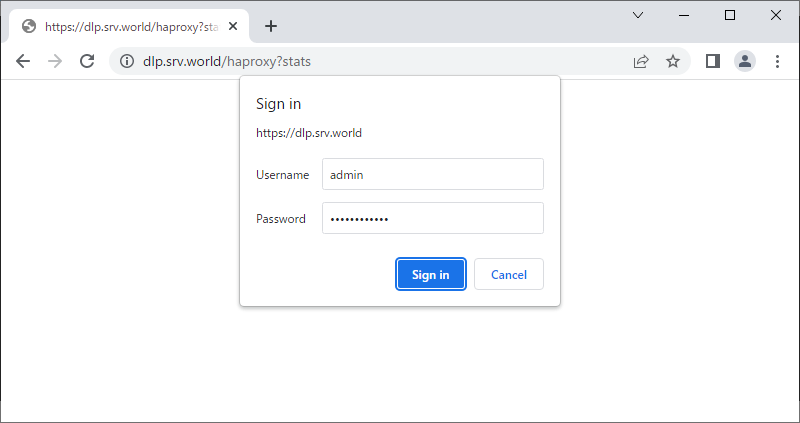
| [2] | Access to the frontend HAProxy server from a Client Host with HTTP/HTTPS, then authentication is required like follows, input the user and password you set in configuration. |
 |
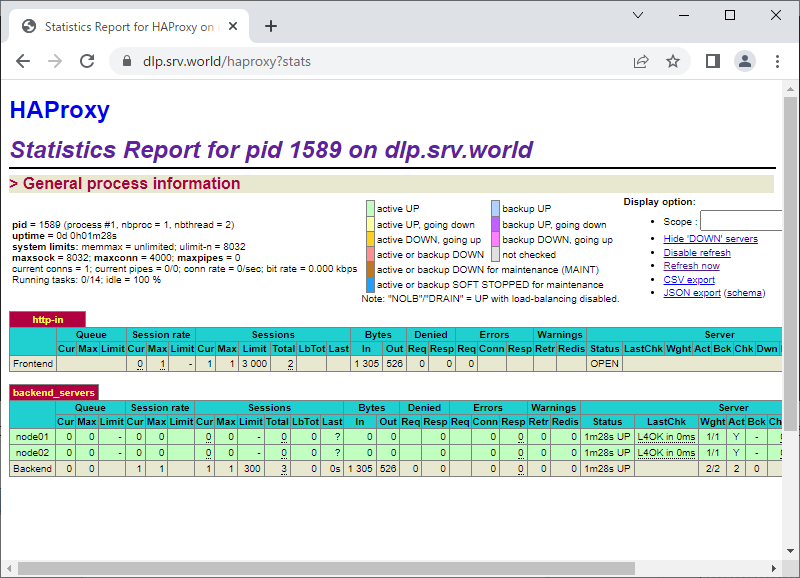
| [3] | If authentication successfully passed, it's possible to see HAProxy Statistics Reports. |
 |

No comments:
Post a Comment