Prometheus : Enable authentication and HTTPS |
Enable basic authentication and HTTPS for Prometheus endpoint. | |
| [1] | Get SSL Certificate, or Create self-signed Certificate. It uses self signed Certificate on this example. |
| [2] | Configure Prometheus. |
[root@dlp ~]# dnf -y install httpd-tools # generate password with bcrypt hash # set any username you like [root@dlp ~]# htpasswd -nB admin New password: Re-type new password: admin:$2y$05$LKuSwM2V.u/3.9CsByLeBuNUp4IeiB5oSUl4UcdXSQOcXlyPTqtDO [root@dlp ~]# cp /etc/pki/tls/certs/{server.crt,server.key} /etc/prometheus/ [root@dlp ~]# chown prometheus. /etc/prometheus/{server.crt,server.key} [root@dlp ~]# vi /etc/prometheus/web.yml # create new # specify your certificate tls_server_config: cert_file: server.crt key_file: server.key # specify username and password generated above basic_auth_users: admin: $2y$05$LKuSwM2V.u/3.9CsByLeBuNUp4IeiB5oSUl4UcdXSQOcXlyPTqtDO [root@dlp ~]# vi /etc/default/prometheus # add like follows PROMETHEUS_OPTS='--config.file=/etc/prometheus/prometheus.yml --storage.tsdb.path=/var/lib/prometheus/data --web.console.libraries=/usr/share/prometheus/console_libraries --web.console.templates=/usr/share/prometheus/consoles --web.config.file=/etc/prometheus/web.yml' [root@dlp ~]# vi /etc/prometheus/prometheus.yml .....
.....
scrape_configs:
# The job name is added as a label `job=<job_name>` to any timeseries scraped from this config.
- job_name: "prometheus"
# metrics_path defaults to '/metrics'
# scheme defaults to 'http'.
# add settings for certificate and authentication
scheme: https
tls_config:
cert_file: /etc/prometheus/server.crt
key_file: /etc/prometheus/server.key
# if using self-signed certificate, set [true]
insecure_skip_verify: true
basic_auth:
username: 'admin'
password: 'password'
static_configs:
# if using valid certificate, set the same hostname in certificate
- targets: ["localhost:9090"]
[root@dlp ~]# systemctl restart prometheus |
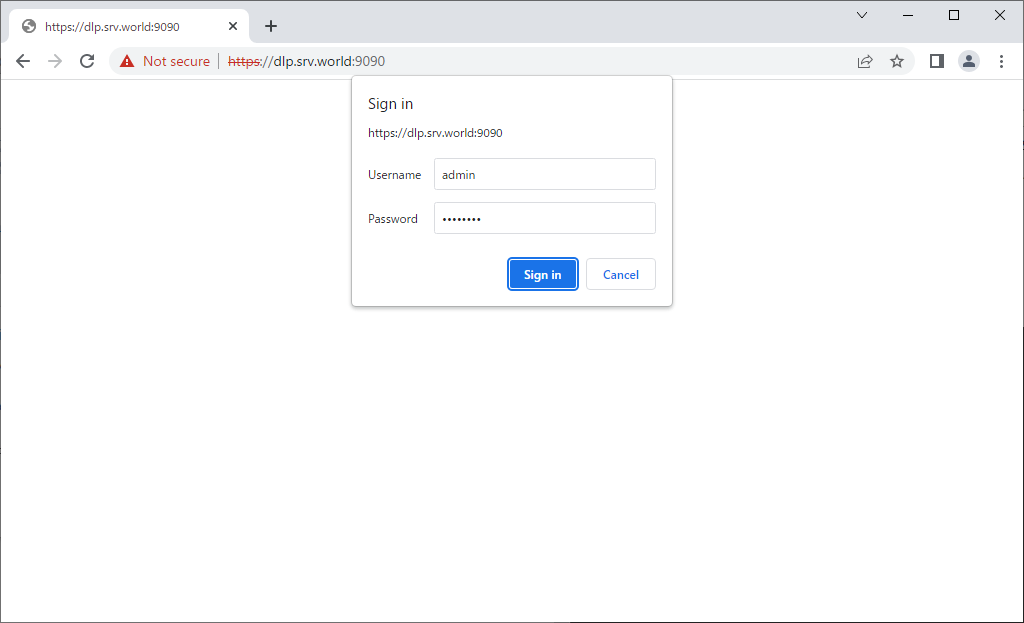
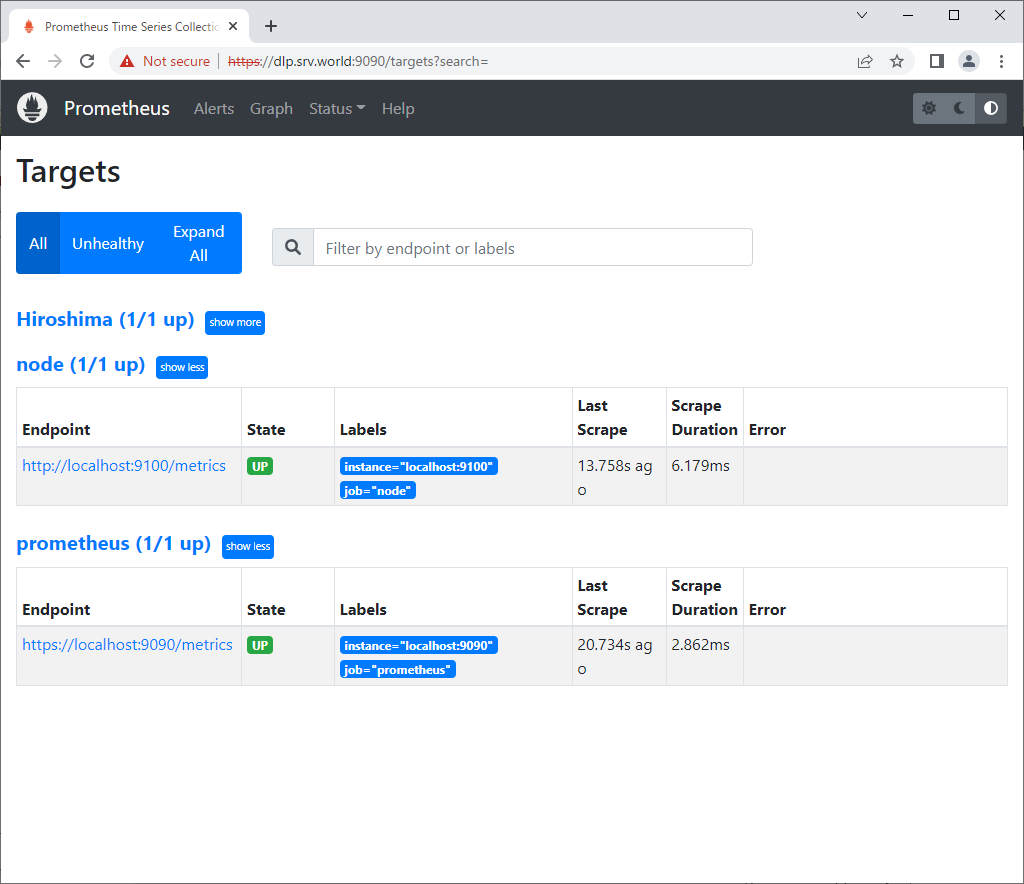
| [3] | Access to Prometheus endpoint via HTTPS, then that's OK if you can successfully authenticate with the username and password you set. |
 |
 |

No comments:
Post a Comment