Open WebUI : Install |
Install Open WebUI which allows you to run LLM on Web UI. Open WebUI can be easily installed with pip3, however in this example, we will start it in a container. | |
| [1] | |
| [2] | |
| [3] | Pull and start the Open WebUI container image. |
| [root@dlp ~]# podman pull ghcr.io/open-webui/open-webui:main [root@dlp ~]# podman images REPOSITORY TAG IMAGE ID CREATED SIZE ghcr.io/open-webui/open-webui main a48d0a909833 3 hours ago 3.58 GB [root@dlp ~]# [root@dlp ~]# podman run -d -p 3000:8080 --add-host=host.containers.internal:host-gateway -v open-webui:/app/backend/data --name open-webui --restart always ghcr.io/open-webui/open-webui:main podman ps CONTAINER ID IMAGE COMMAND CREATED STATUS PORTS NAMES efc2886a7f58 ghcr.io/open-webui/open-webui:main bash start.sh 6 seconds ago Up 6 seconds 0.0.0.0:3000->8080/tcp open-webui |
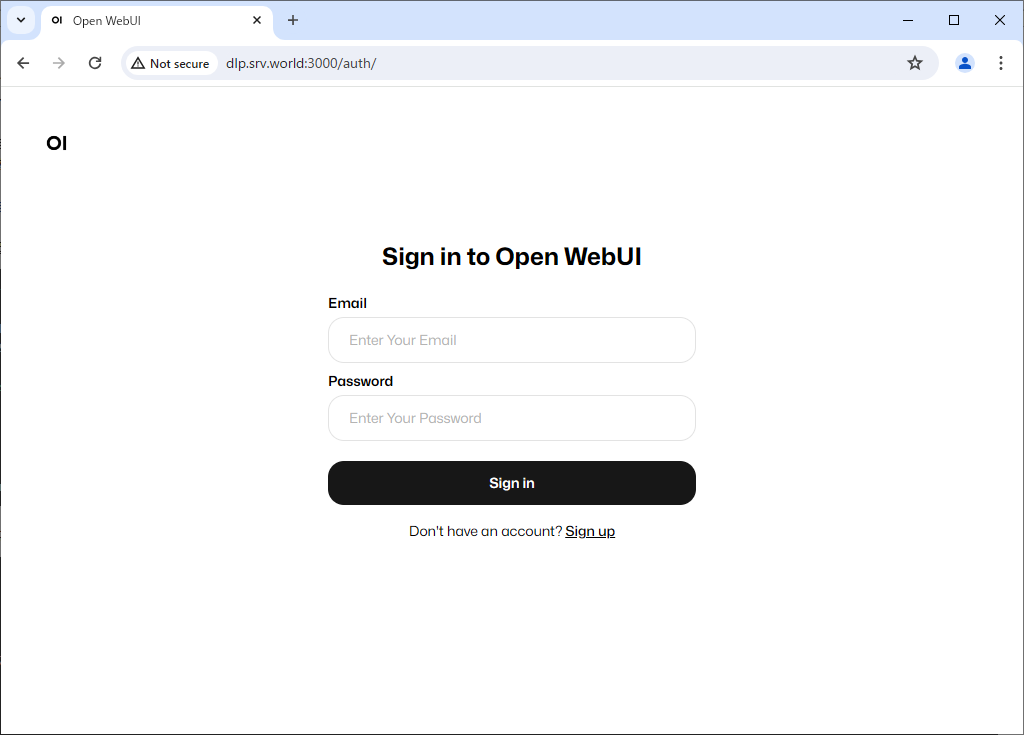
| [4] | Start any web browser on client computer and access to Open WebUI. When you access the application, the following screen will appear. For initial accessing to the application, click [Sign up] to register as a user. |
 |
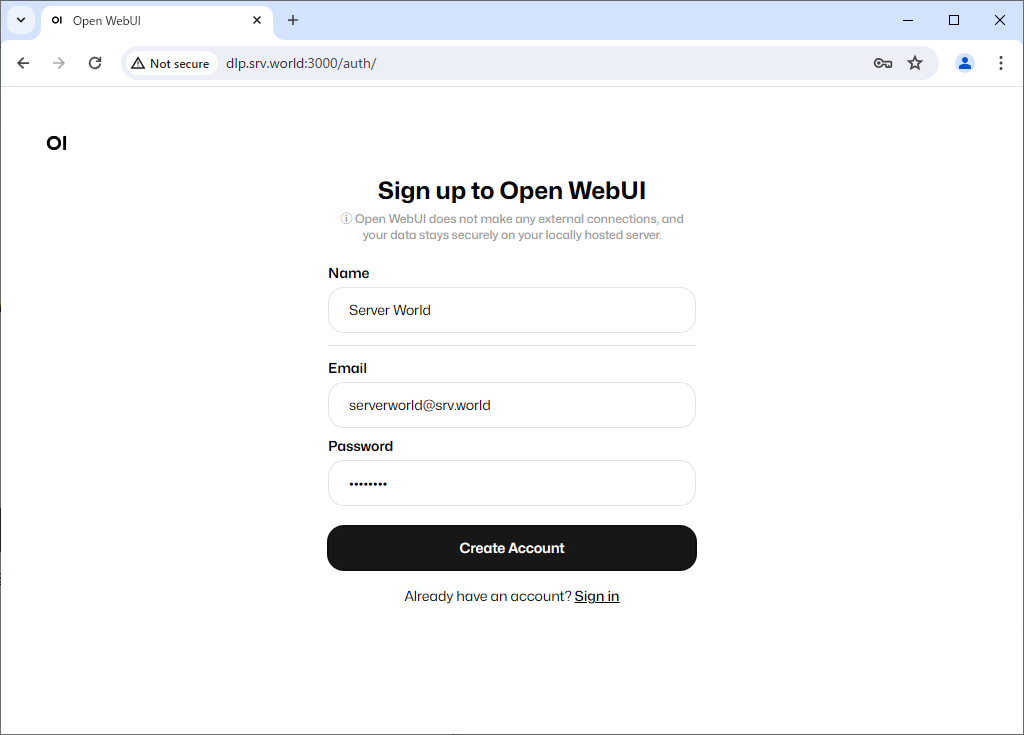
| [5] | Enter the required information and click [Create Account]. The first user to register will automatically become an administrator account. |
 |
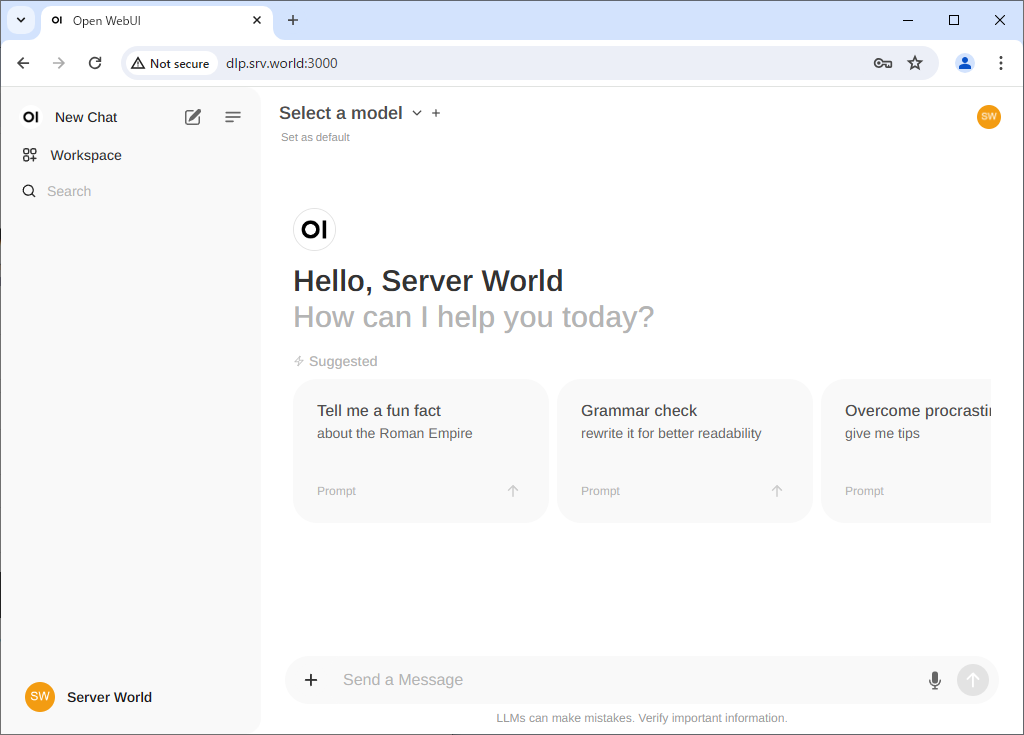
| [6] | Once your account is created, the Open WebUI default page will be displayed. |
 |
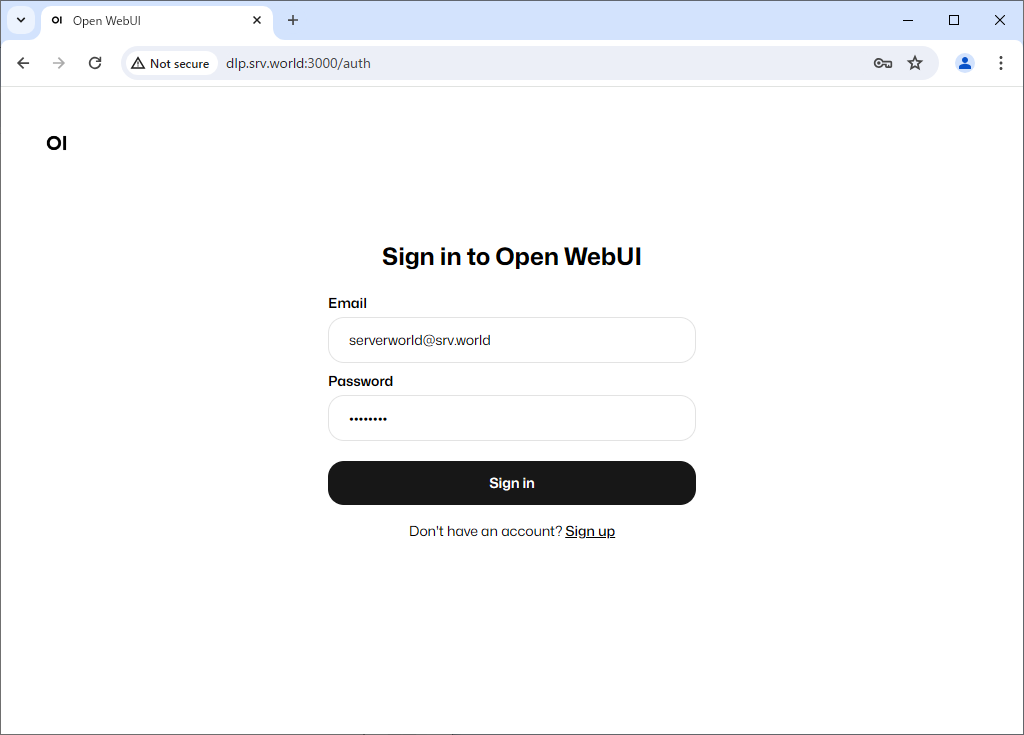
| [7] | Next time, you can log in with your registered email address and password. |
 |
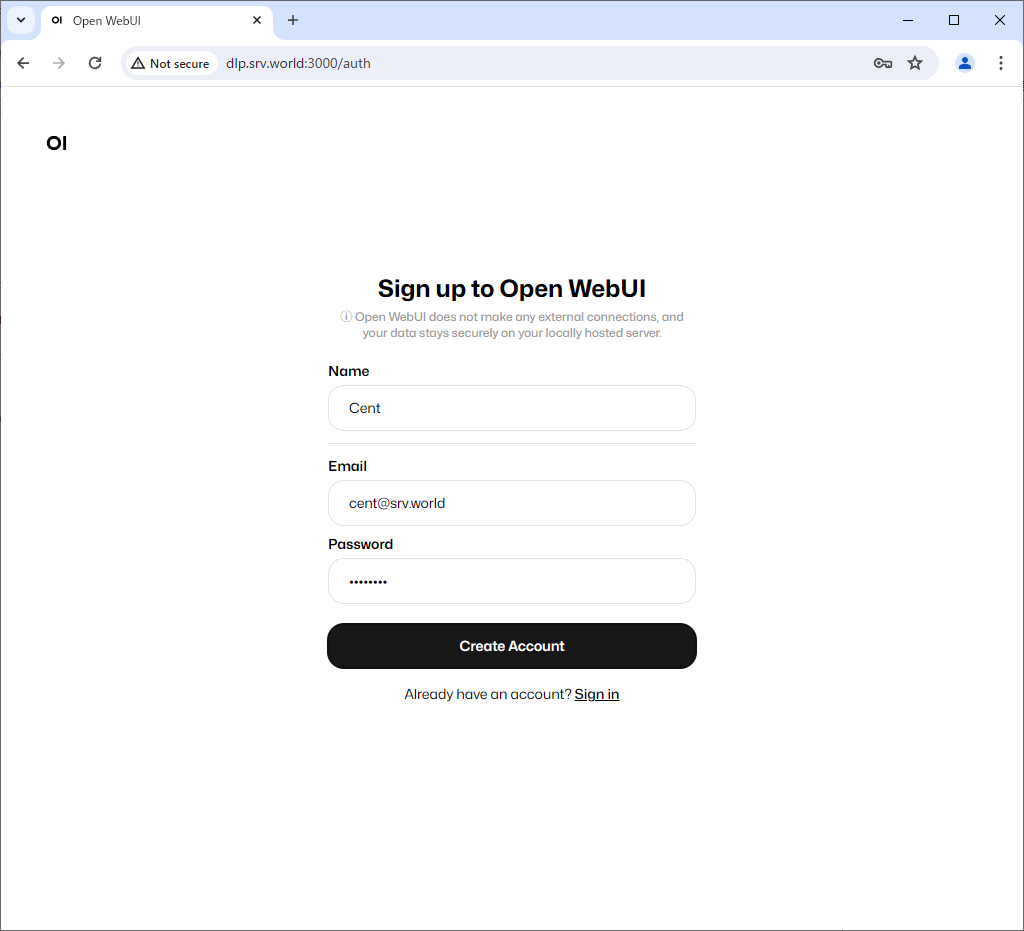
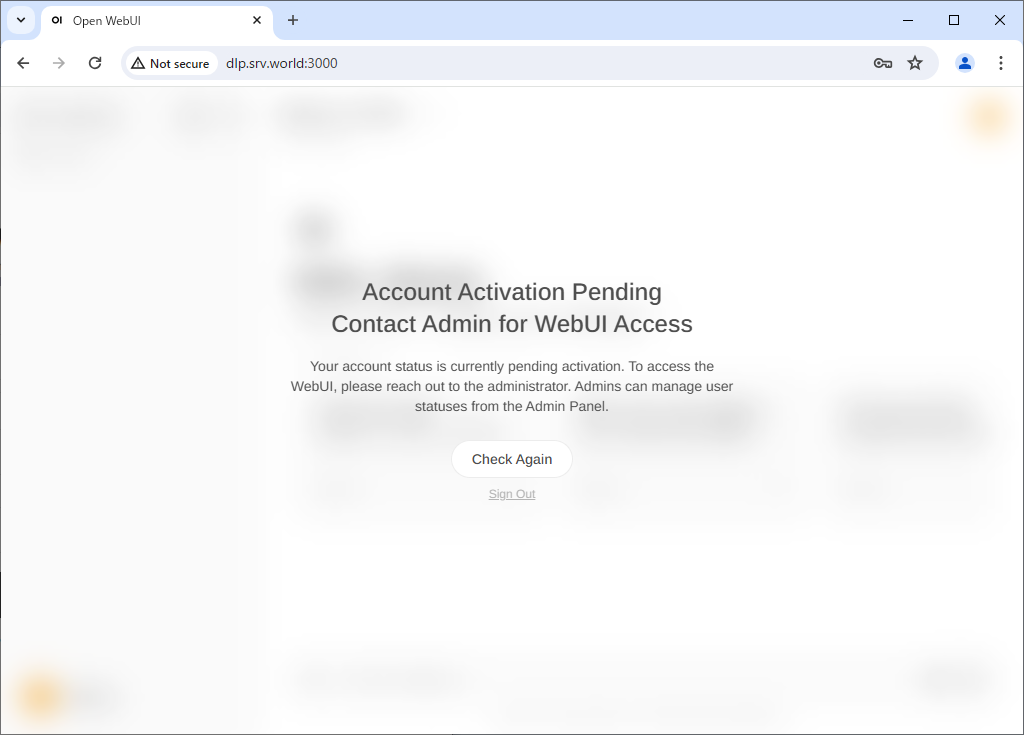
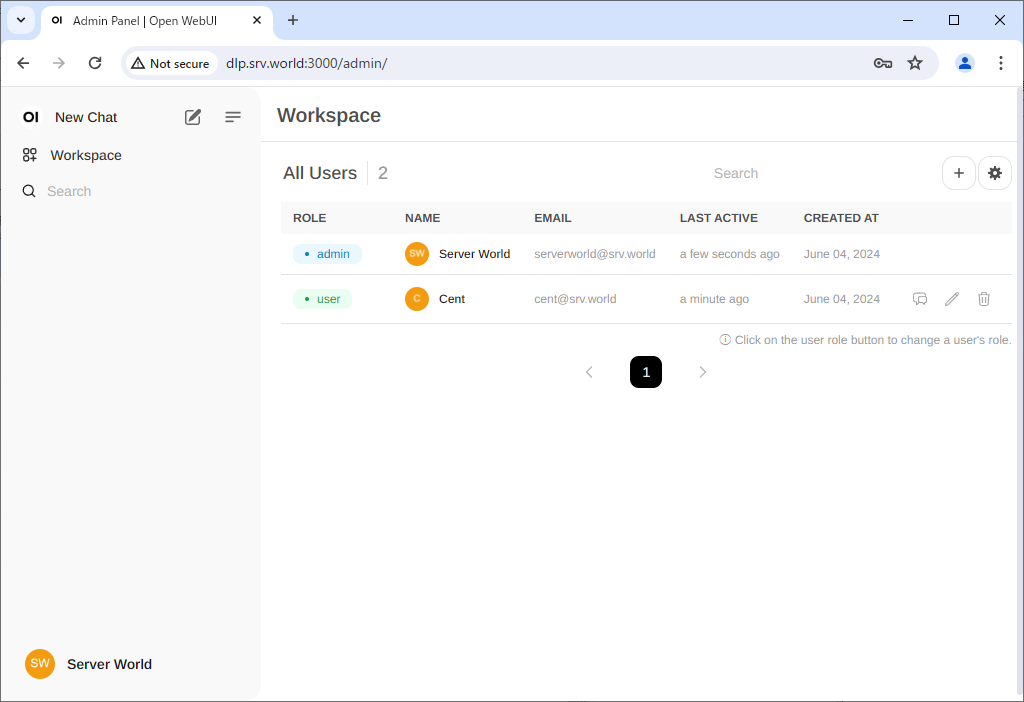
| [8] | For second and subsequent users, when you register by clicking [Sign up], the account will be in Pending status and must be approved by an administrator account. |
 |
 |
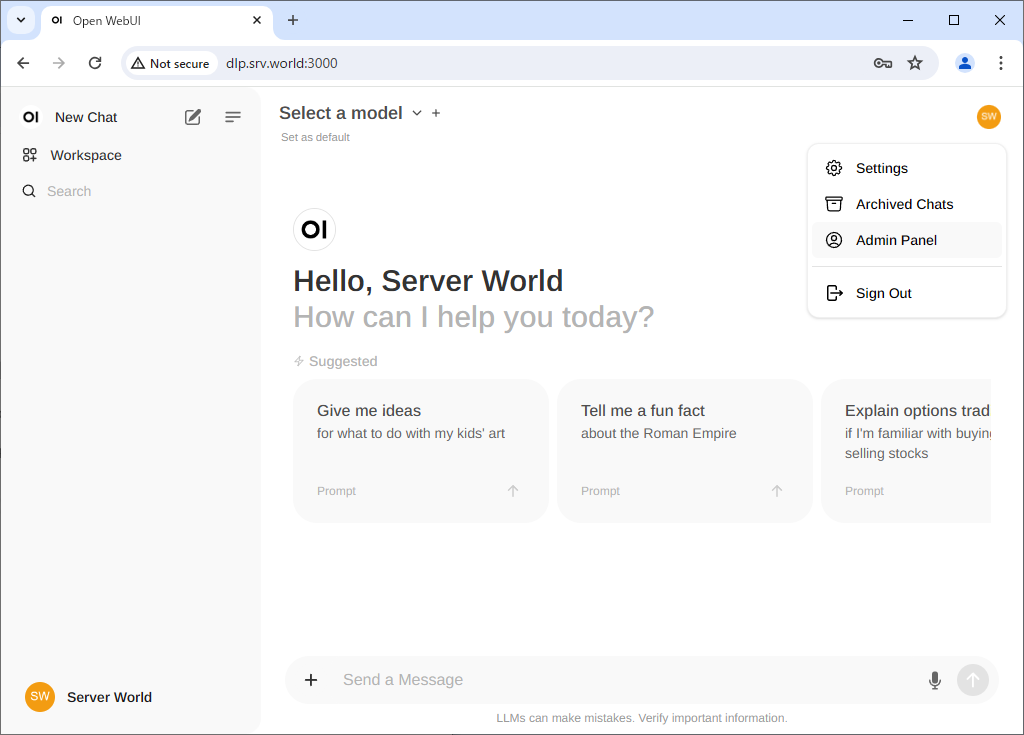
| [9] | To approve a new user, log in with your administrator account and click Admin Panel from the menu in the top right. |
 |
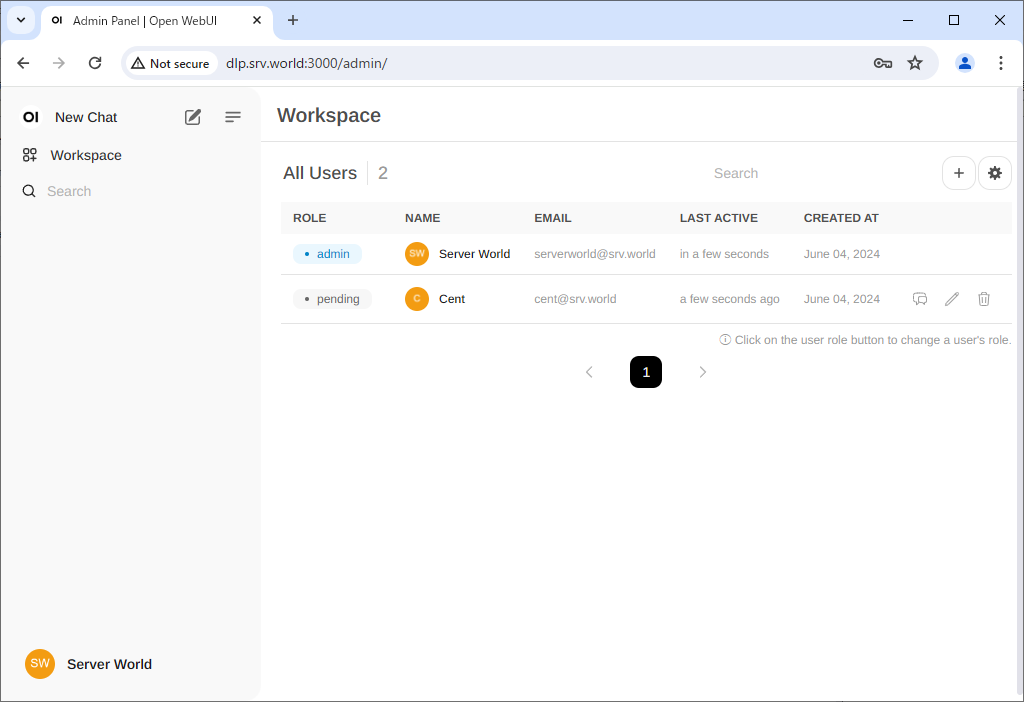
| [10] | If you click [pending] on a user in [Pending] status, that user will be approved. If you click [user] again, that user can be promoted to [Admin]. |
 |
 |
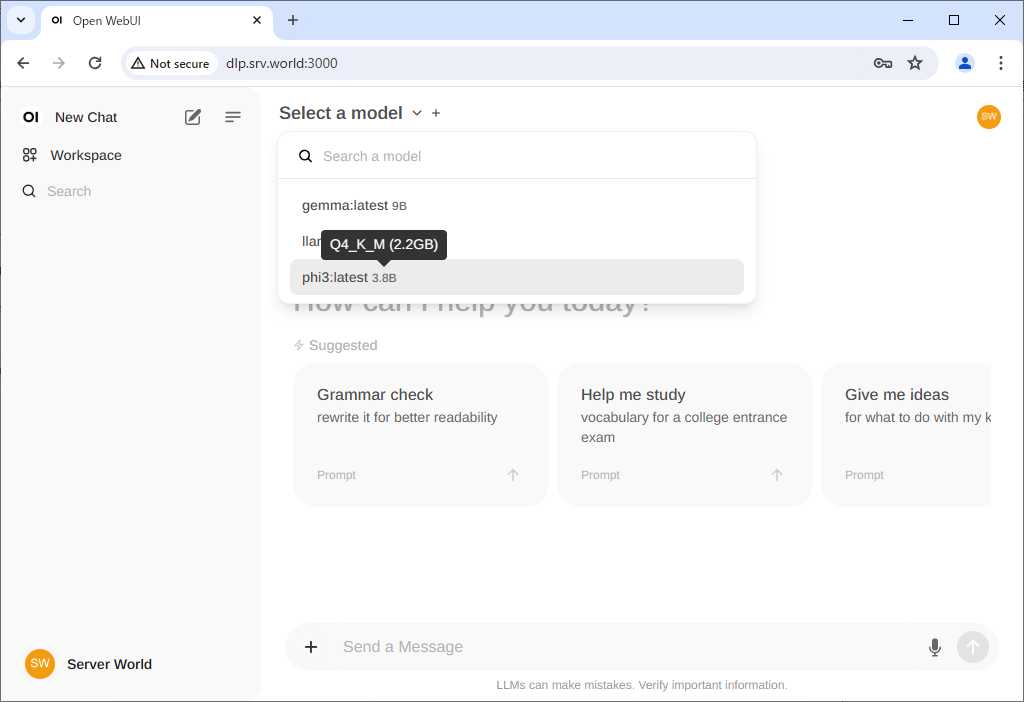
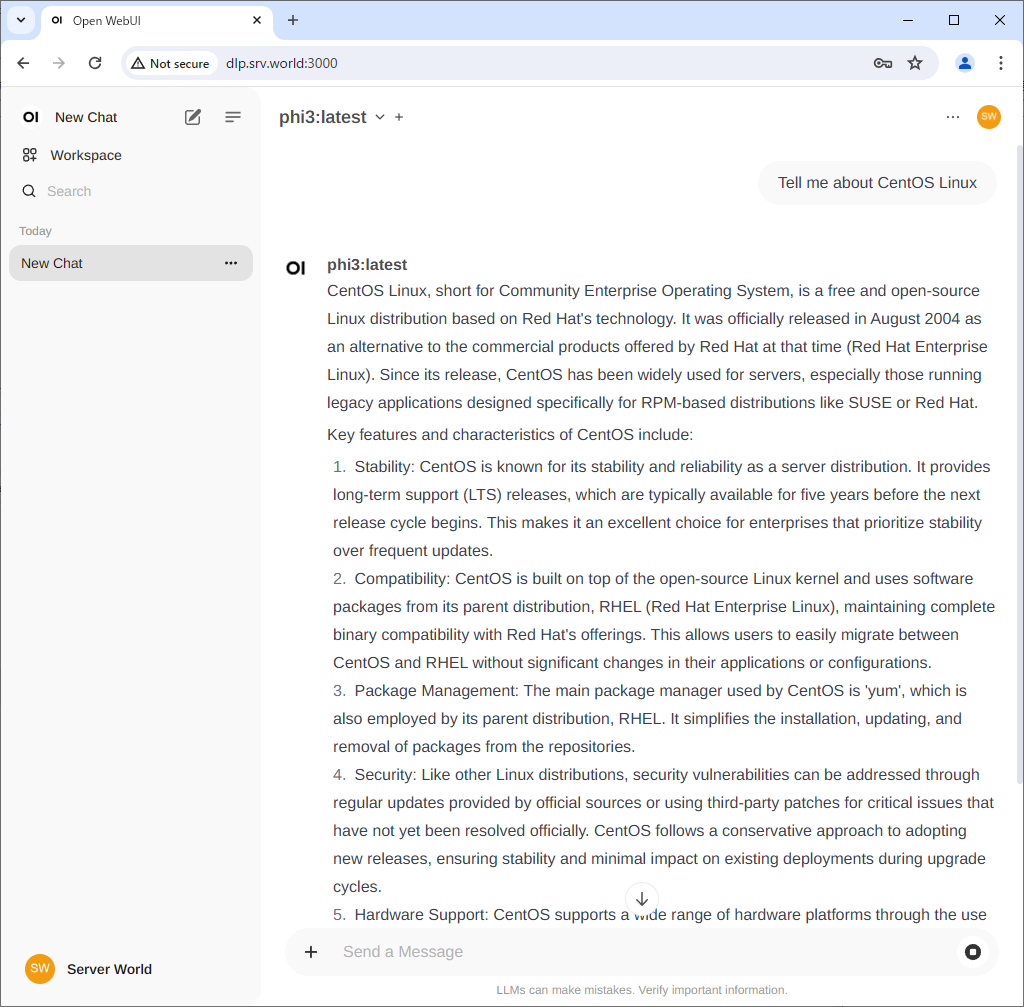
| [11] | To use Chat, select the model you have loaded into Ollama from the menu at the top, enter a message in the box below, and you will receive a reply. |
 |
 |

No comments:
Post a Comment