Jenkins : Install |
Install CD (Continuous Delivery) System, Jenkins. | |
| [1] | |
| [2] | Install and start Jenkins. |
# get Jenkins official repository [root@dlp ~]# curl https://pkg.jenkins.io/redhat-stable/jenkins.repo > /etc/yum.repos.d/jenkins.repo # get GPG key and install Jenkins [root@dlp ~]# rpm --import https://pkg.jenkins.io/redhat-stable/jenkins.io.key [root@dlp ~]# dnf -y install jenkins [root@dlp ~]# vi /etc/sysconfig/jenkins # line 67 : add IP address Jenkins listens # * listen all with [0.0.0.0] JENKINS_LISTEN_ADDRESS=" 10.0.0.30 "systemctl enable --now jenkins |
| [3] | If Firewalld is running, allow service ports. |
| [root@dlp ~]# firewall-cmd --add-port=8080/tcp success [root@dlp ~]# firewall-cmd --runtime-to-permanent success |
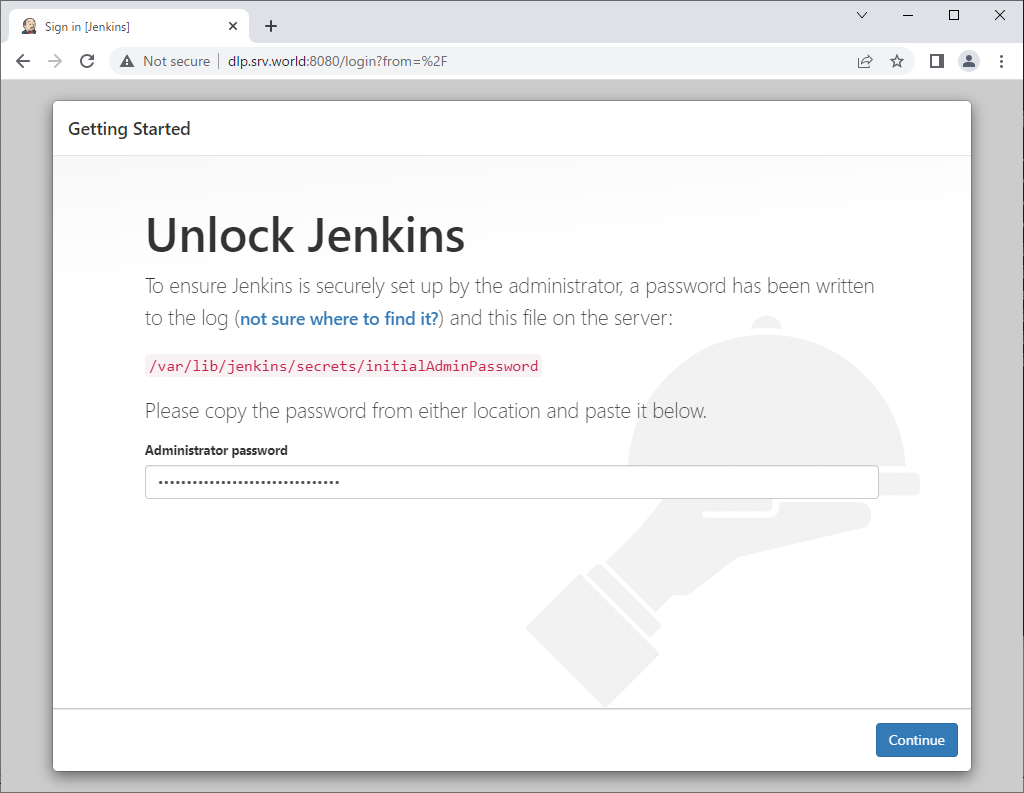
| [4] | Access to [https://(server's hostname or IP address):8080/] with Web browser from localhost or any Client Host, then, initial admin password is required to enter initial setup. Make sure initial admin password that is saved in [/var/lib/jenkins/secrets/initialAdminPassword] and input it to enter setup. |
 |
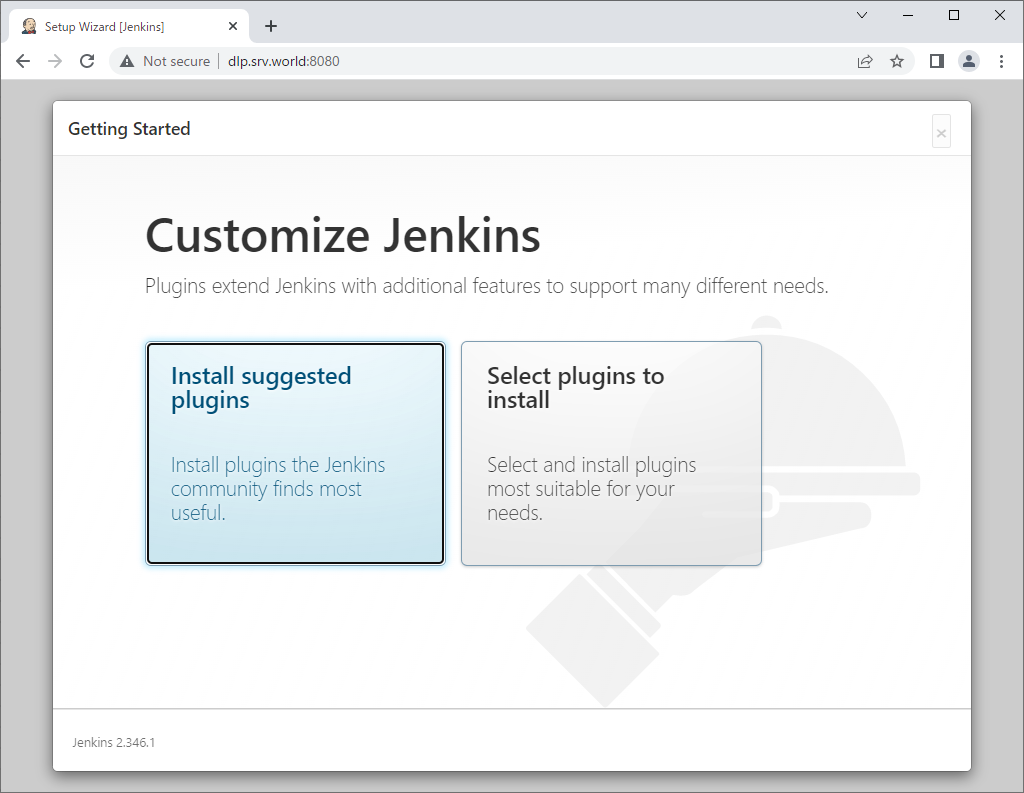
| [5] | This is the Jenkins initial setup. Select to install suggested plugins or to install from your own selected plugins. (proceed with [suggested plugins] on this example) |
 |
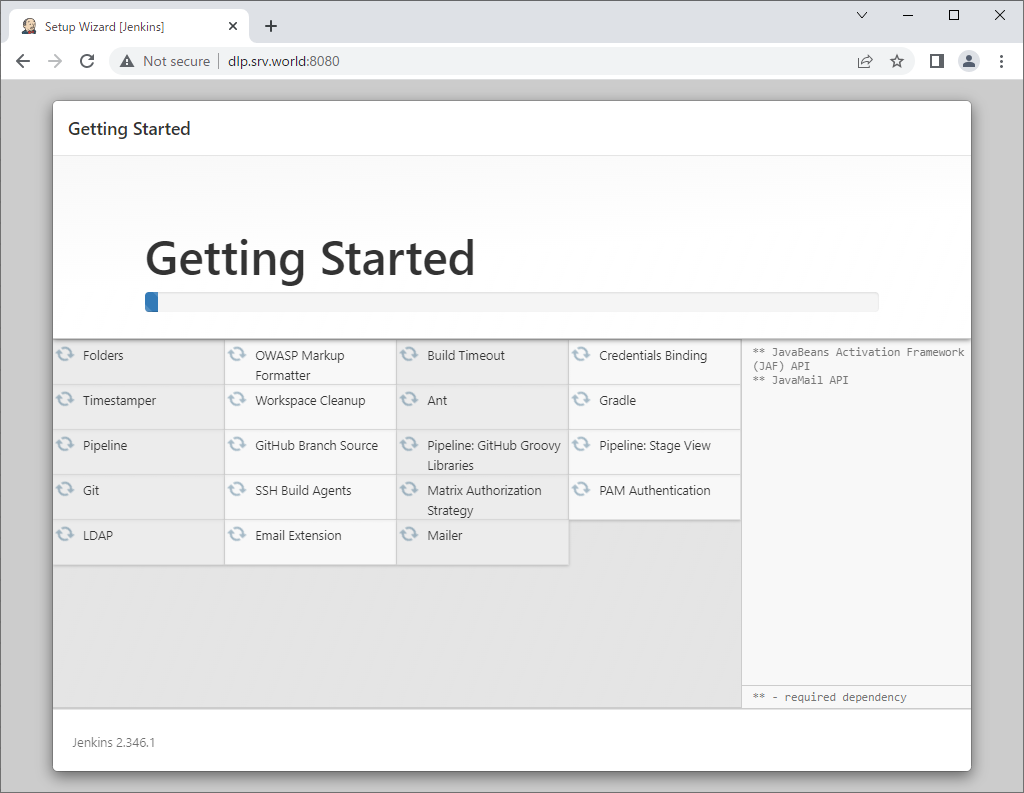
| [6] | The initial setup tasks run. |
 |
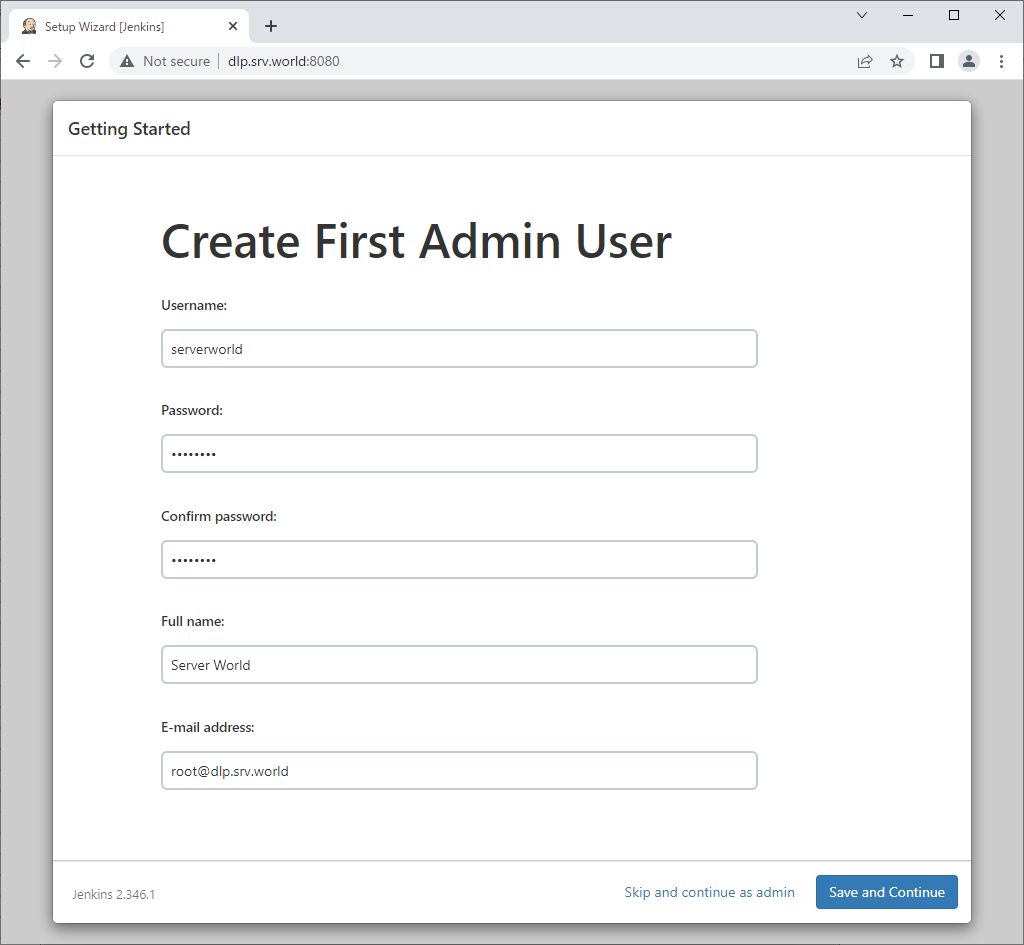
| [7] | Setting administrative user and password is required. Set any username and password you like. |
 |
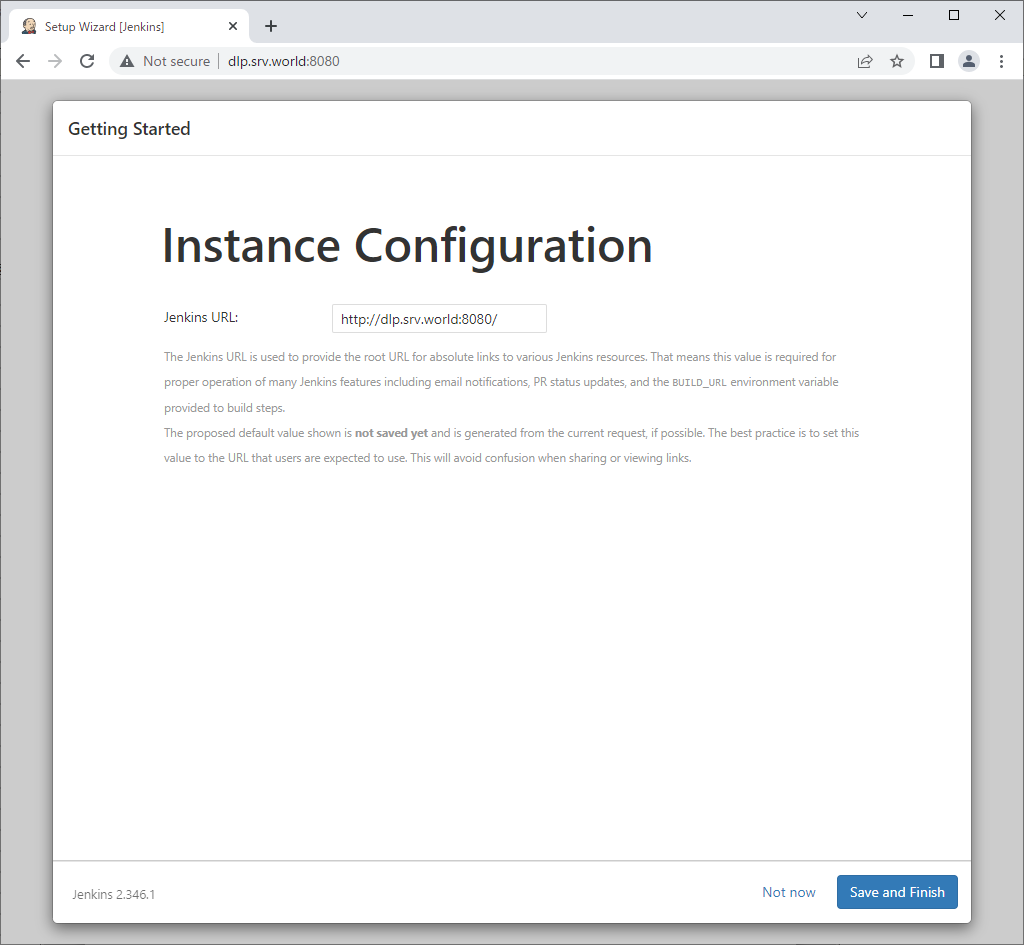
| [8] | If you'd like to change Jenkins URL, change it on here. (proceed with default on this example) |
 |
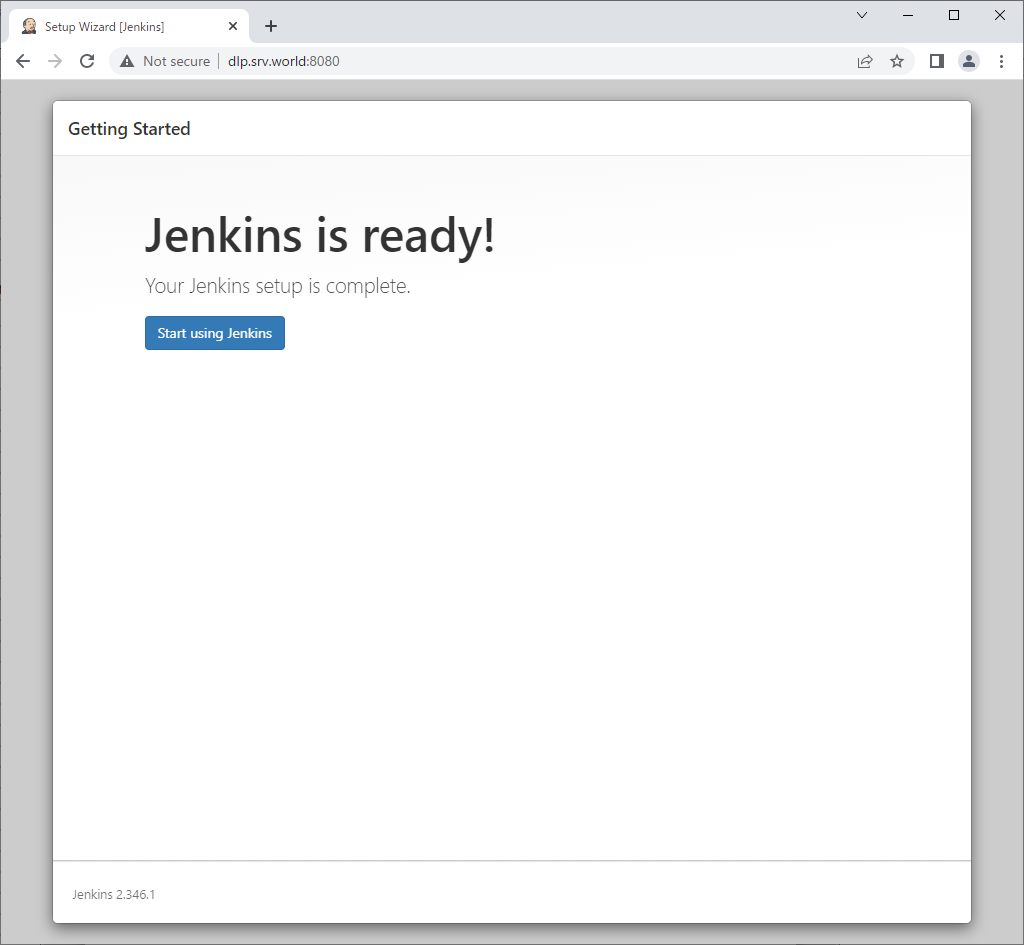
| [9] | Initial setup finished. Click [Start using Jenkins] button to move Jenkins index page. |
 |
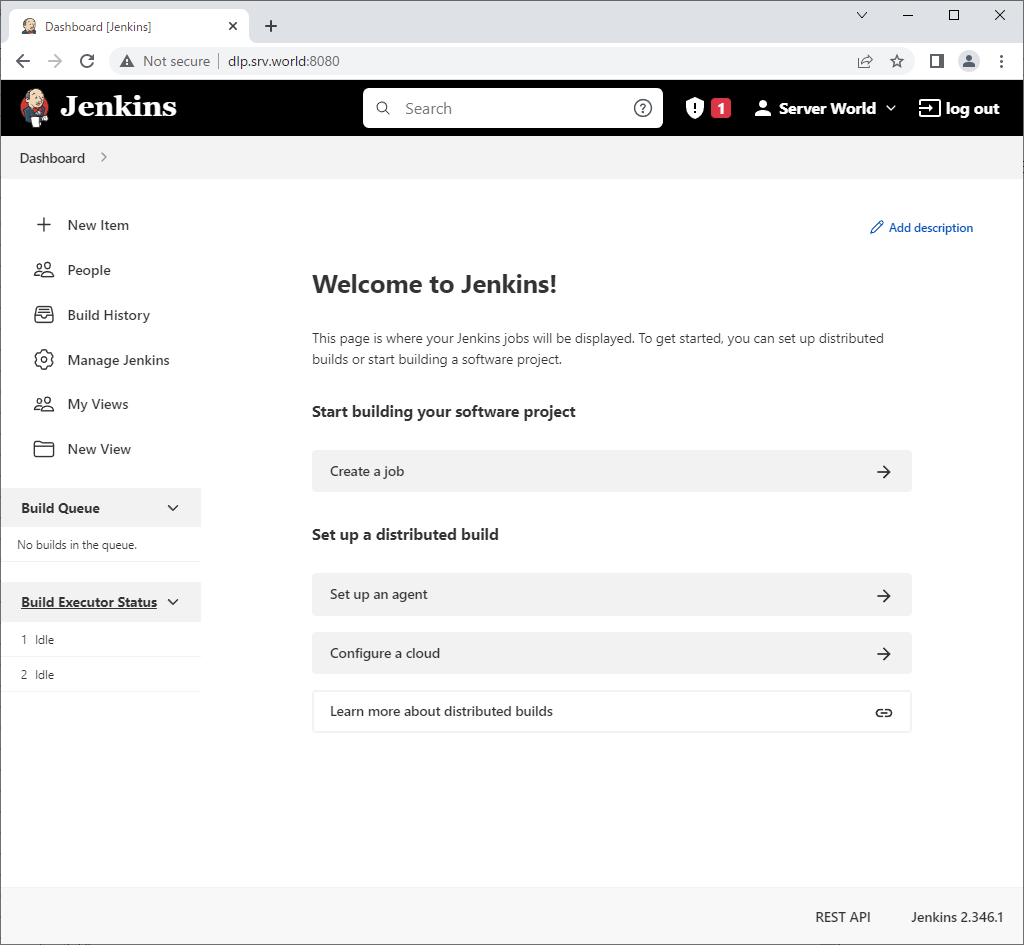
| [10] | This is the Jenkins index page. |
 |
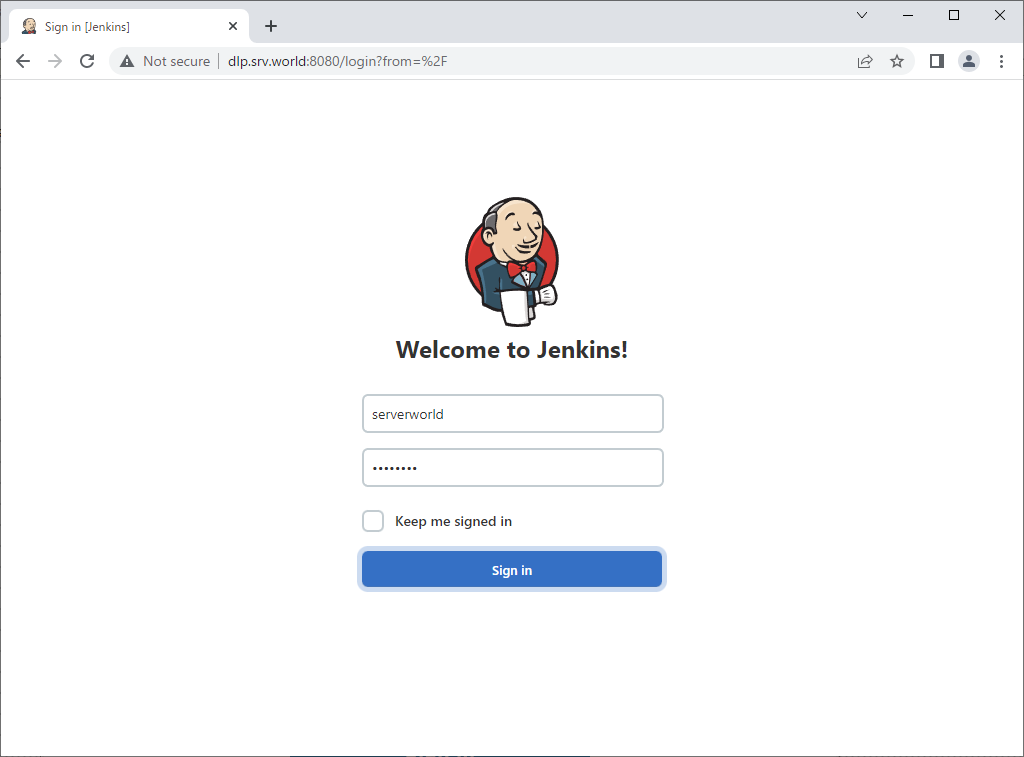
| [11] | For next access to Jenkins, Login form is shown like follows, it's possible to authenticate with users you added in Jenkins. |
 |

No comments:
Post a Comment