Nagios 4 : Install |
Install Nagios 4 which is an enterprise open source monitoring system. | |
| [1] | |
| [2] | Configure SSL/TLS setting for Apache httpd, refer to here. (not required but recommended) |
| [3] | |
| [4] | Install Nagios Server. Also Install basic plugins to monitor Nagios Server itself. |
# install from EPEL [root@dlp ~]# dnf --enablerepo=epel -y install nagios nagios-plugins-{ping,disk,users,procs,load,swap,ssh,http} |
| [5] | Configure Nagios. |
[root@dlp ~]# vi /etc/httpd/conf.d/nagios.conf # line 16-17 : change access permission if you need ( also change line 47-48 ) # Require all granted#Require host 127.0.0.1 Require ip 127.0.0.1 10.0.0.0/24 # add nagios admin user [root@dlp ~]# htpasswd /etc/nagios/passwd nagiosadmin New password: # set any password Re-type new password: Adding password for user nagiosadmin systemctl enable --now nagios [root@dlp ~]# systemctl restart httpd |
| [6] | If SELinux is enabled, change policy. |
# install from EPEL [root@dlp ~]# dnf --enablerepo=epel -y install nagios-selinux [root@dlp ~]# vi nagios-php.te # create new module nagios-php 1.0;
require {
type httpd_t;
type nagios_spool_t;
type ping_exec_t;
type nagios_unconfined_plugin_t;
class file { execute execute_no_trans map getattr open read };
class process setcap;
class icmp_socket { create getopt setopt };
class udp_socket { connect create getattr };
}
#============= nagios_unconfined_plugin_t ==============
allow nagios_unconfined_plugin_t ping_exec_t:file { execute execute_no_trans open read };
allow nagios_unconfined_plugin_t ping_exec_t:file map;
allow nagios_unconfined_plugin_t self:icmp_socket { create getopt setopt };
allow nagios_unconfined_plugin_t self:process setcap;
allow nagios_unconfined_plugin_t self:udp_socket { connect create getattr };
#============= httpd_t ==============
allow httpd_t nagios_spool_t:file { getattr open read };
checkmodule -m -M -o nagios-php.mod nagios-php.te [root@dlp ~]# semodule_package --outfile nagios-php.pp --module nagios-php.mod [root@dlp ~]# semodule -i nagios-php.pp |
| [7] | If Firewalld is running, allow HTTP service. |
| [root@dlp ~]# firewall-cmd --add-service={http,https} success [root@dlp ~]# firewall-cmd --runtime-to-permanent success |
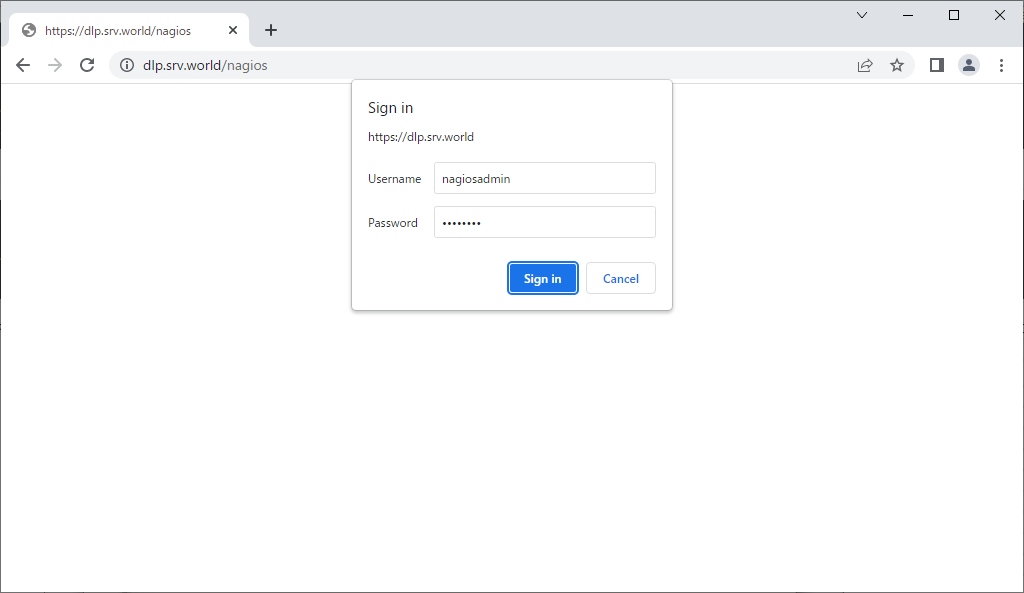
| [8] | Access to [http://(Nagios server's hostname or IP address)/nagios/] from a client which is in the network allowed by Nagios server and authenticate to login with the Nagios administration user [nagiosadmin] you added. |
 |
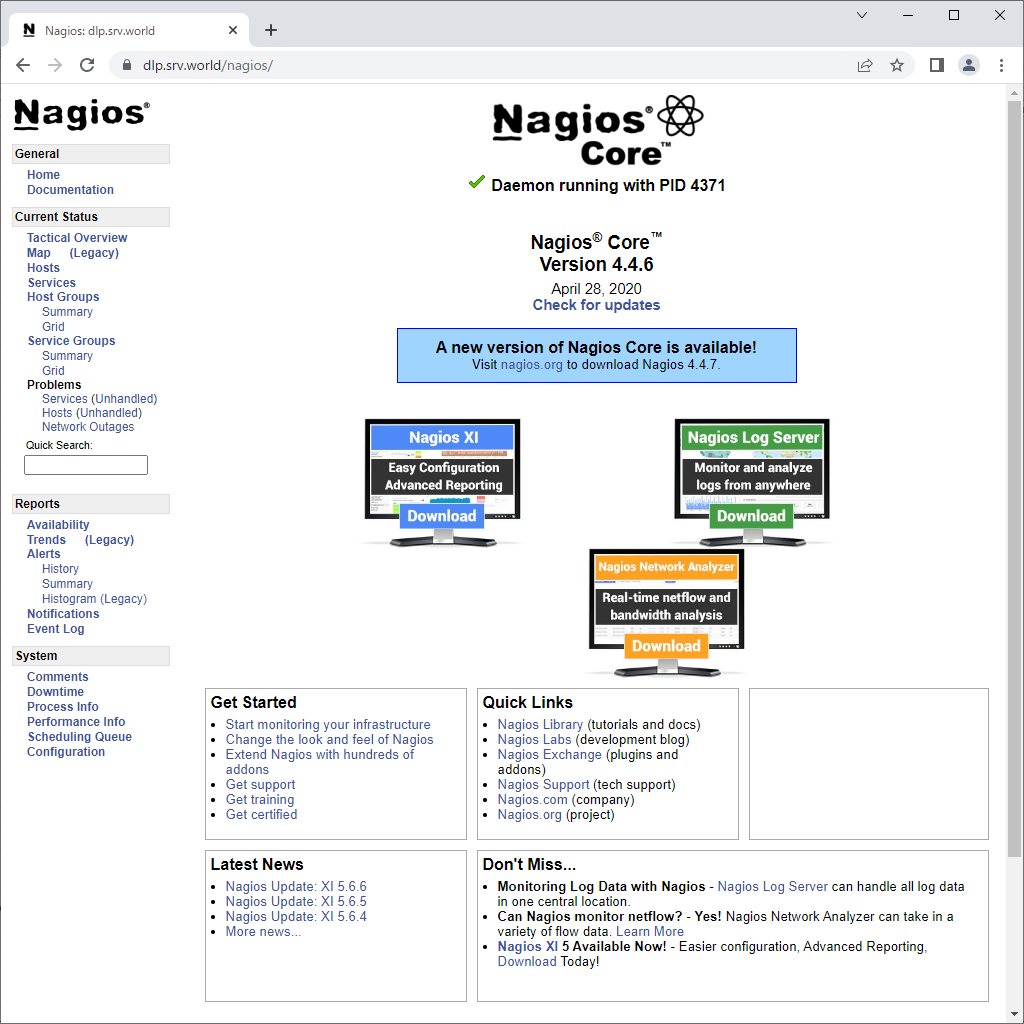
| [9] | After successing authentication, Nagios admin site is displayed. |
 |
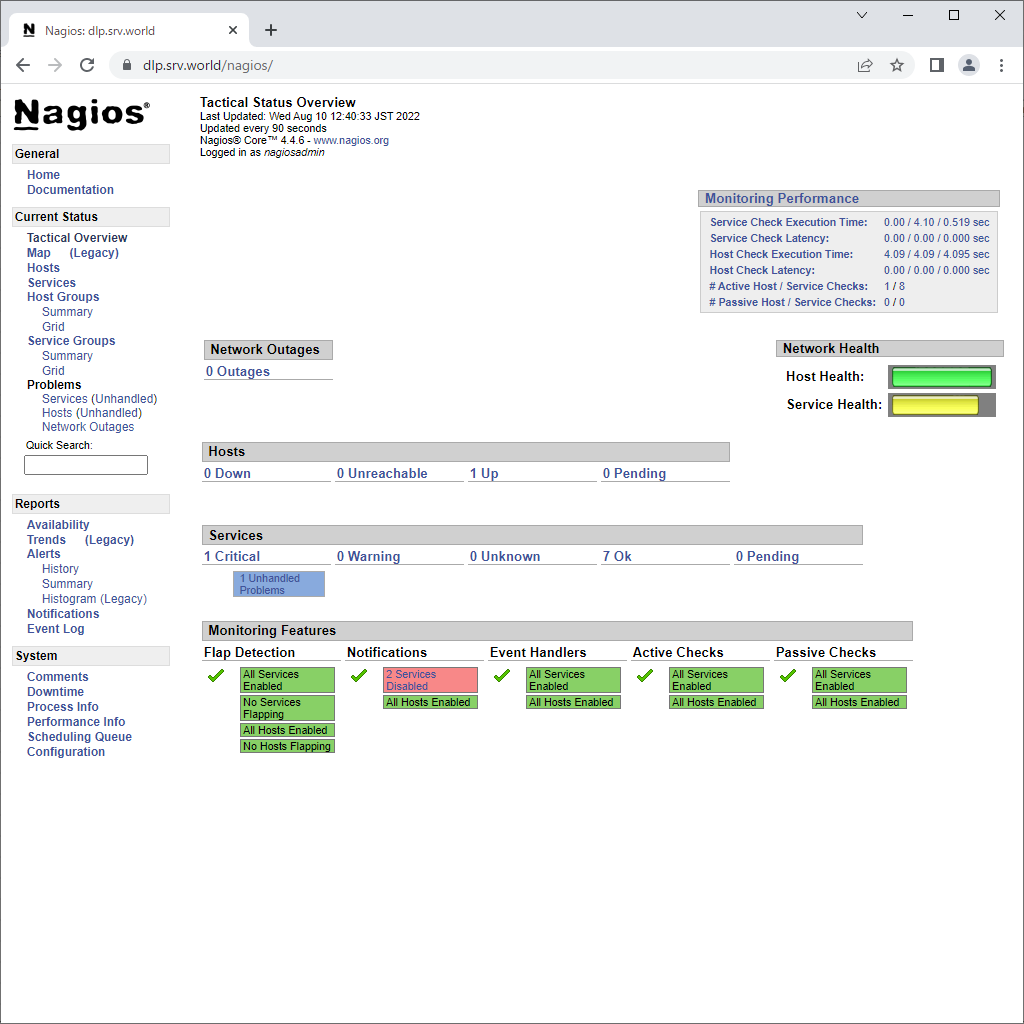
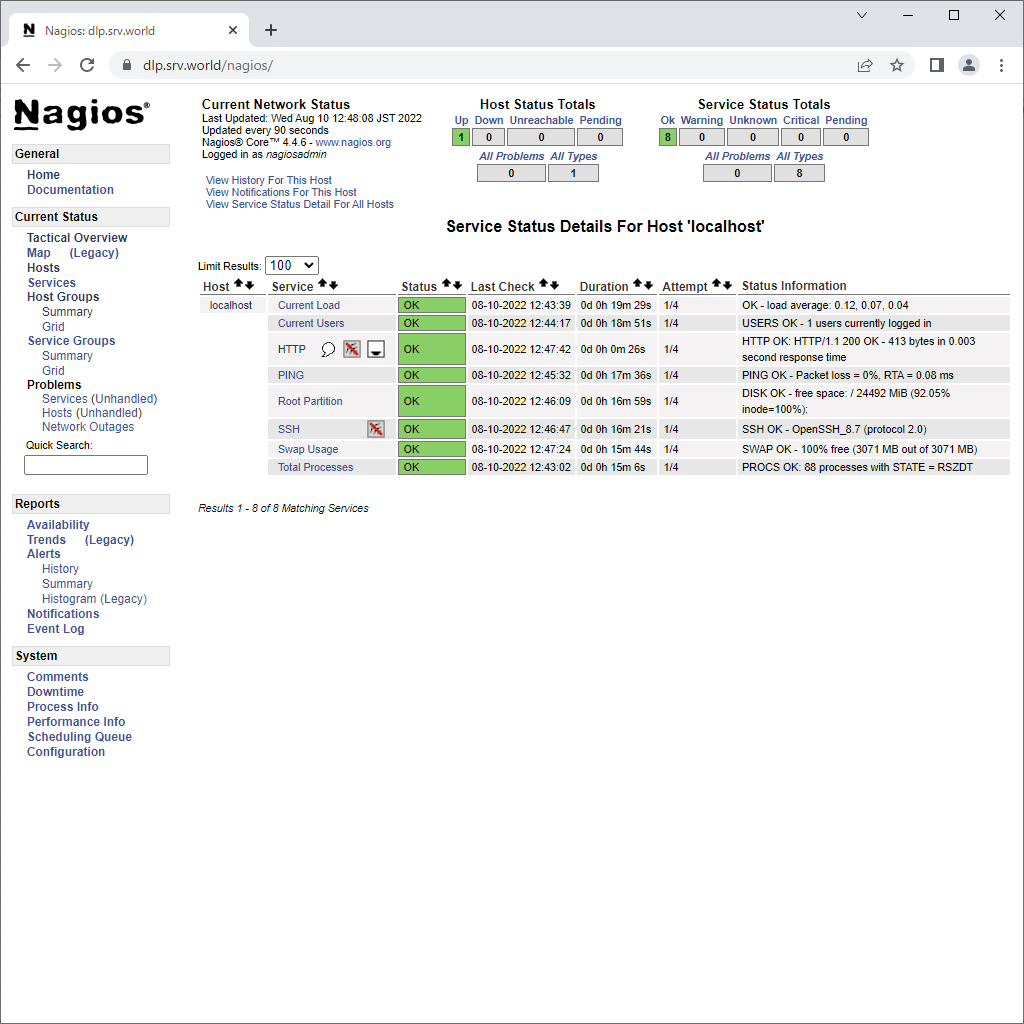
| [10] | It's possible to see system status to click [Tactical Overview] and so on. |
 |
 |

No comments:
Post a Comment