Nagios 4 : Notification Setting |
This is the Email Notification Settings section. It is enabled on some items by default but if you change it, configure like follows. | |
| [1] | |
| [2] | Set notification recipients. And aldo Nagios sends notifications with [mail] command, so install it. |
[root@dlp ~]# dnf -y install s-nail [root@dlp ~]# vi /etc/nagios/objects/contacts.cfg # line 32 : set recipient email address root@localhost systemctl restart nagios |
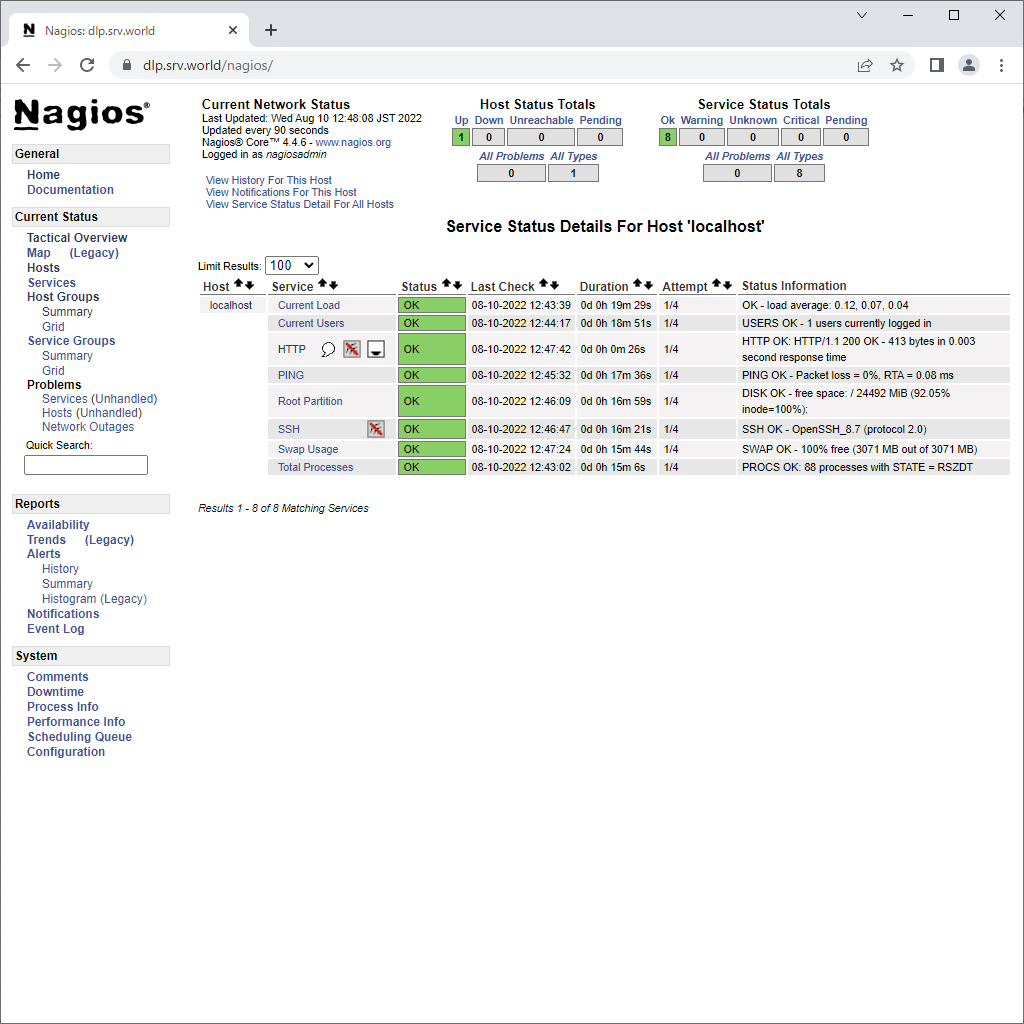
| [3] | It's possible to change notification setting on Nagios admin site. Login to it and click [Services] link, then services list is displayed. The icons which are displayed near a service name are just the one which notification is disabled. (HTTP and SSH corresponds to the example below) To enable notification on a service, click service name first. |
 |
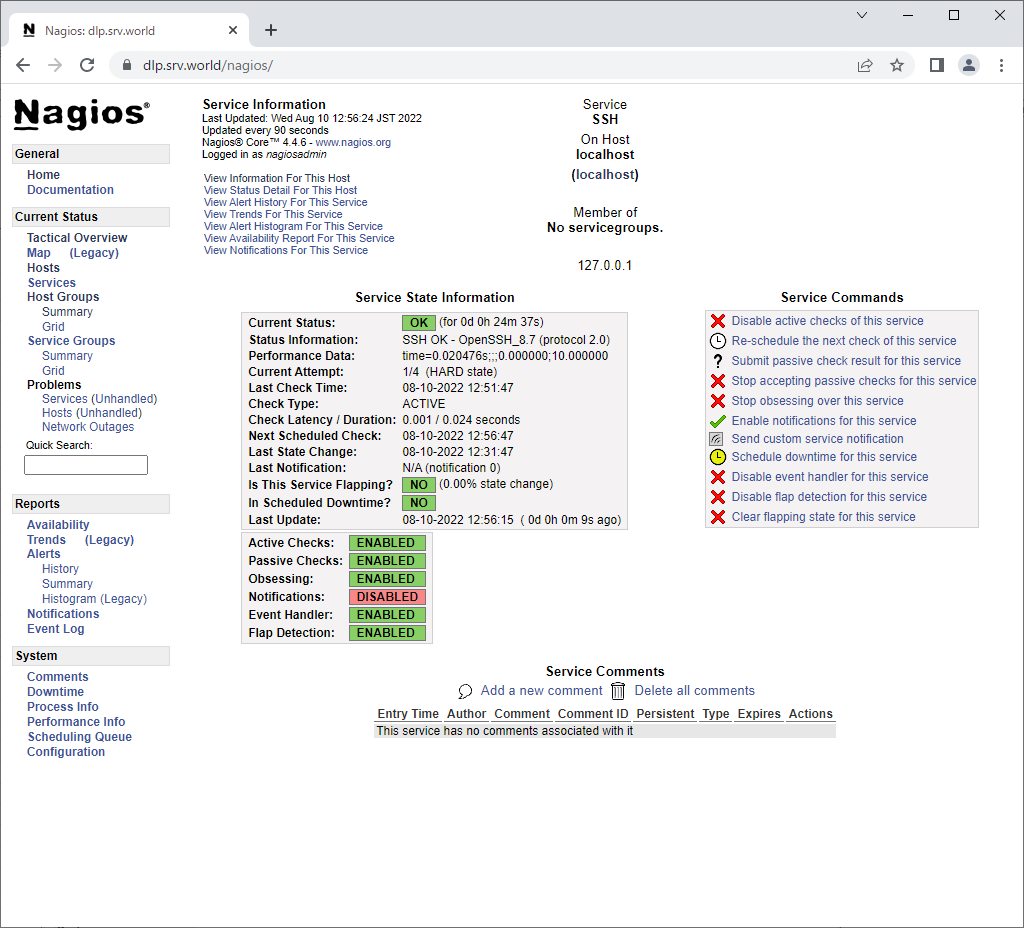
| [4] | Click [Enable notifications for this service]. |
 |
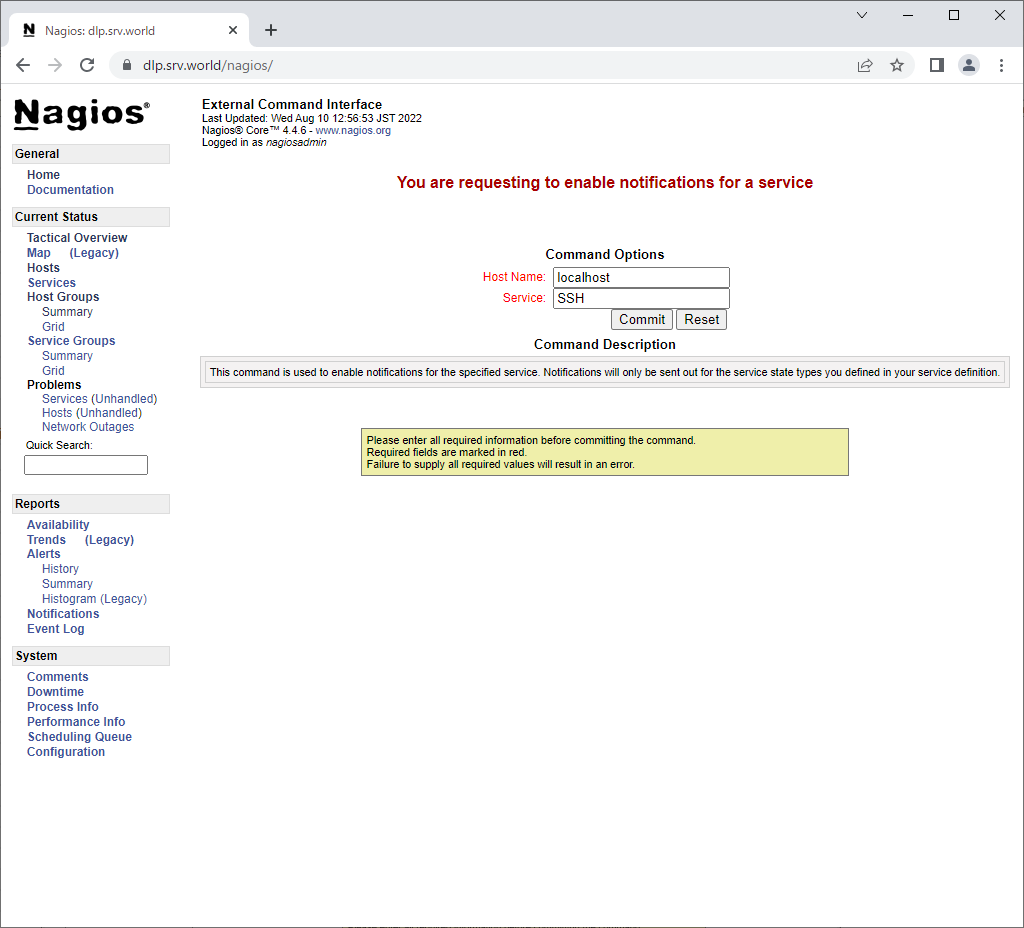
| [5] | Click [Commit] button. |
 |
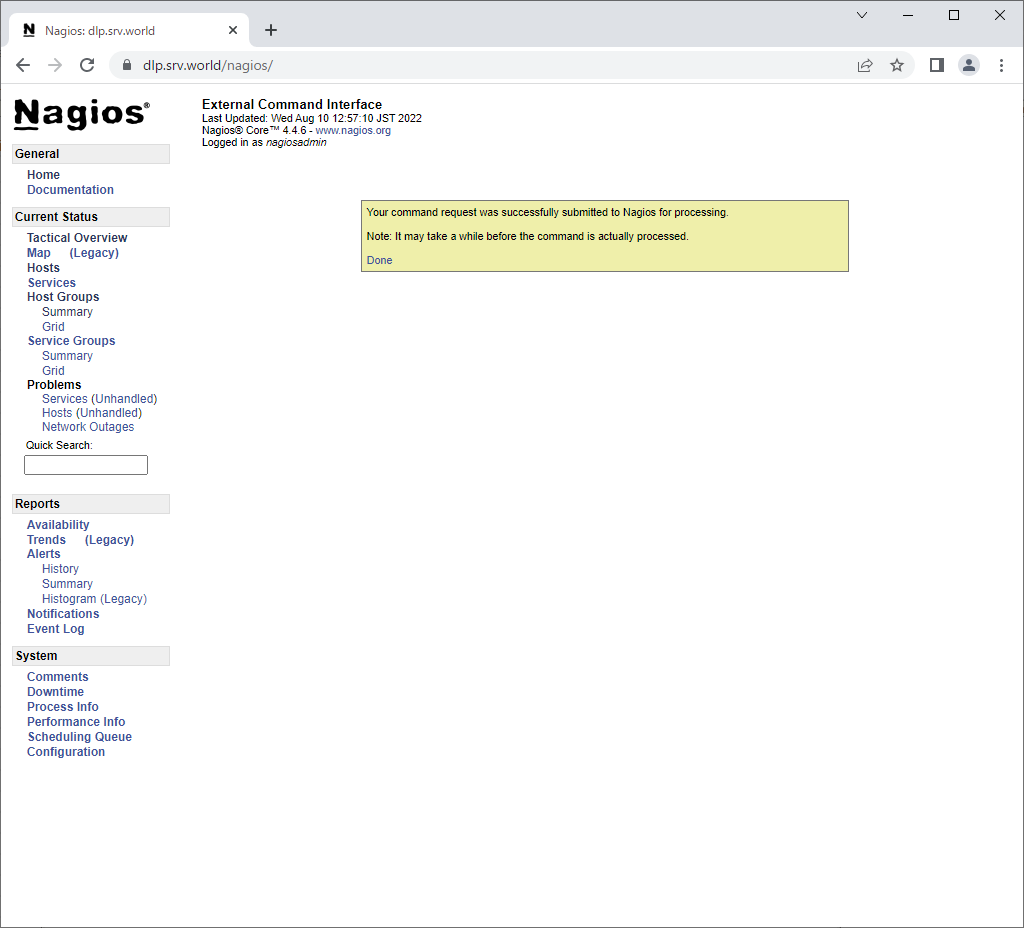
| [6] | That's OK all. |
 |
| [7] | If notification is enabled and a service has some troubles, the notification like follows are sent to the recipients you set. |
Date: Wed, 10 Aug 2022 13:04:47 +0900 To: root@localhost Subject: ** PROBLEM Service Alert: localhost/SSH is CRITICAL ** Message-Id: <20220810040447.82C44207CDC4@dlp.srv.world< From: nagios@dlp.srv.world ***** Nagios ***** Notification Type: PROBLEM Service: SSH Host: localhost Address: 127.0.0.1 State: CRITICAL Date/Time: Wed Aug 10 13:04:47 JST 2022 Additional Info: connect to address 127.0.0.1 and port 22: Connection refused |

No comments:
Post a Comment