Ansible : AWX : Add Inventories |
This is the basic configuration for Ansible AWX to run Ansible Playbooks. To run Playbooks on target Hosts on AWX, it needs to configure the following settings. * Add inventories * Add credentials * Add projects * Add job templates To add inventories, configure like follows. In addition to add inventories, add Groups and Hosts, too. | |
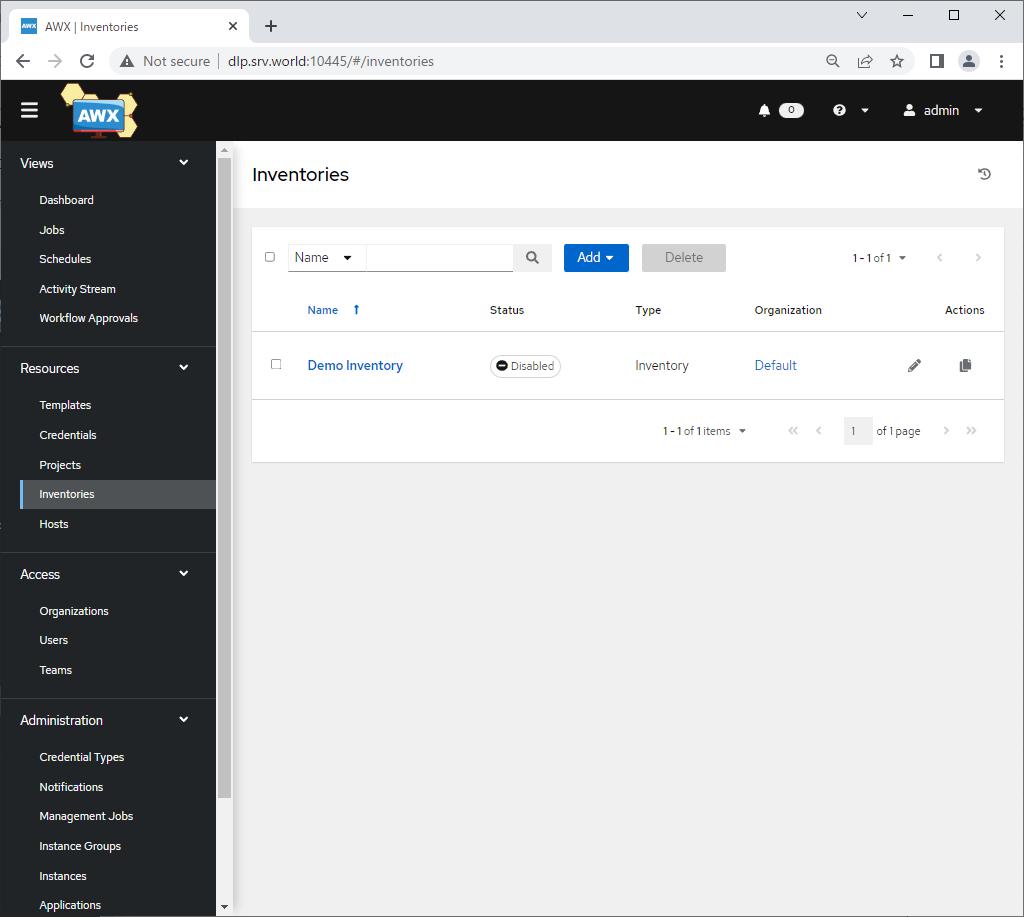
| [1] | Login to Ansible AWX Web and click [Inventories] on the left pane. |
 |
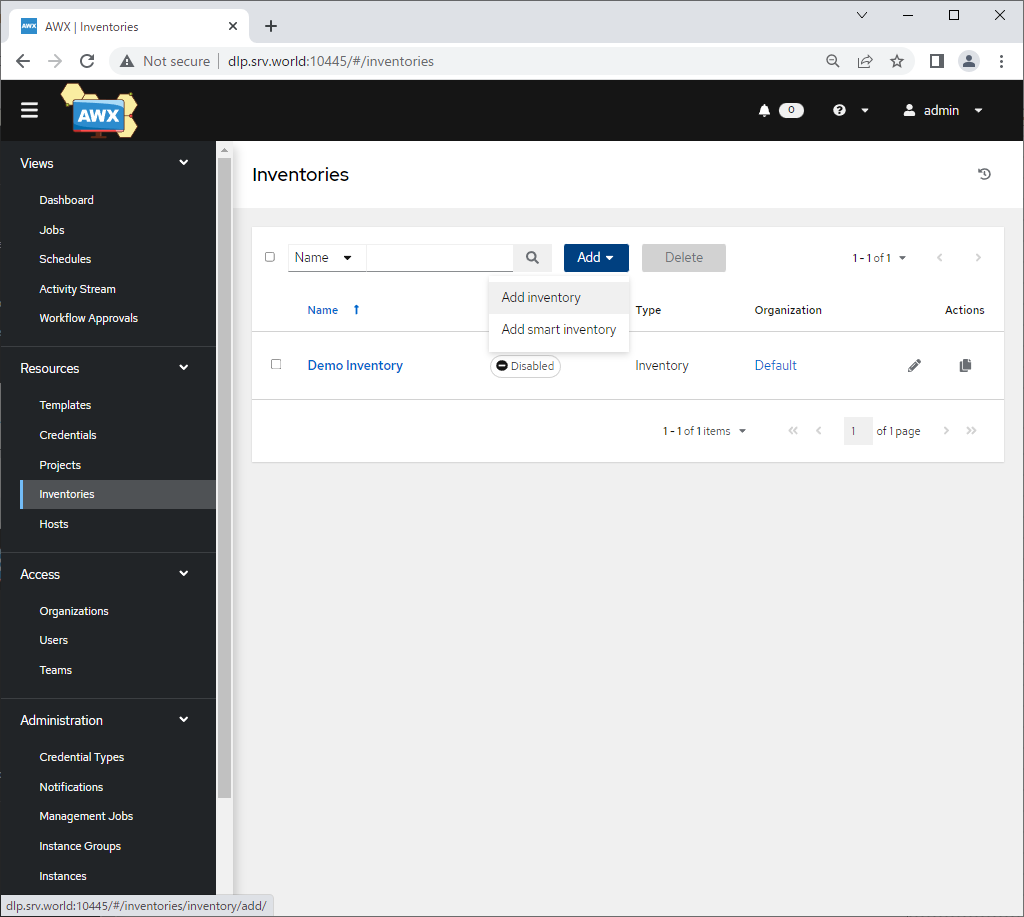
| [2] | Click [Add] - [Add inventory] on the right pane. |
 |
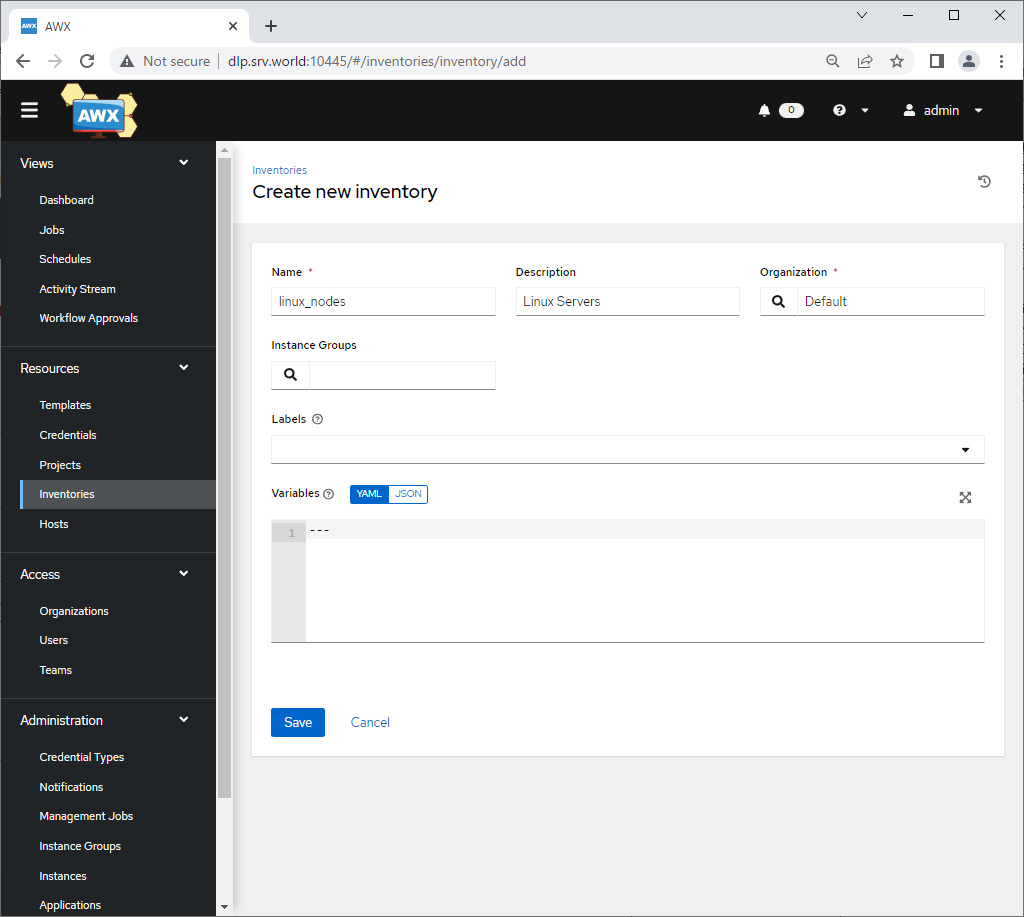
| [3] | Input basic information for inventory and click [Save] button to save. Required items are [Name] and [Organization]. For [Name], set any name you like, For [Organization], set it for your needs. (if you don't have specific requirements, it's OK with Default) |
 |
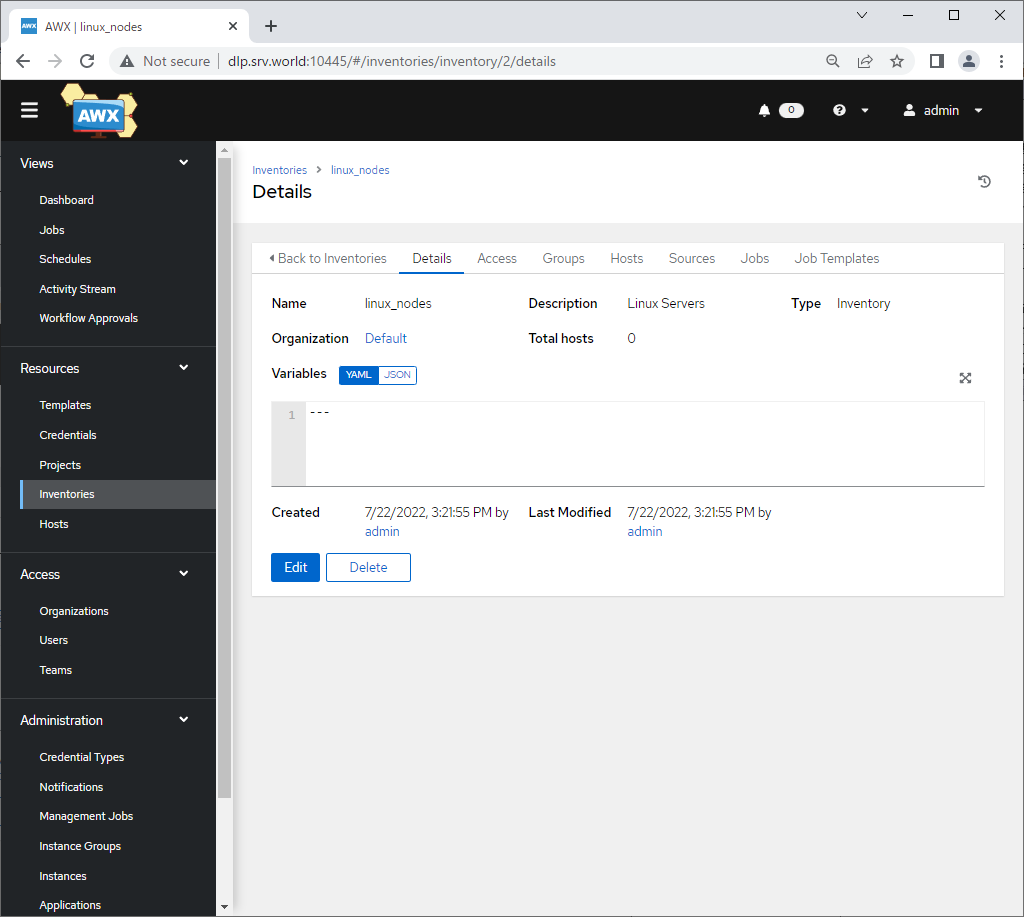
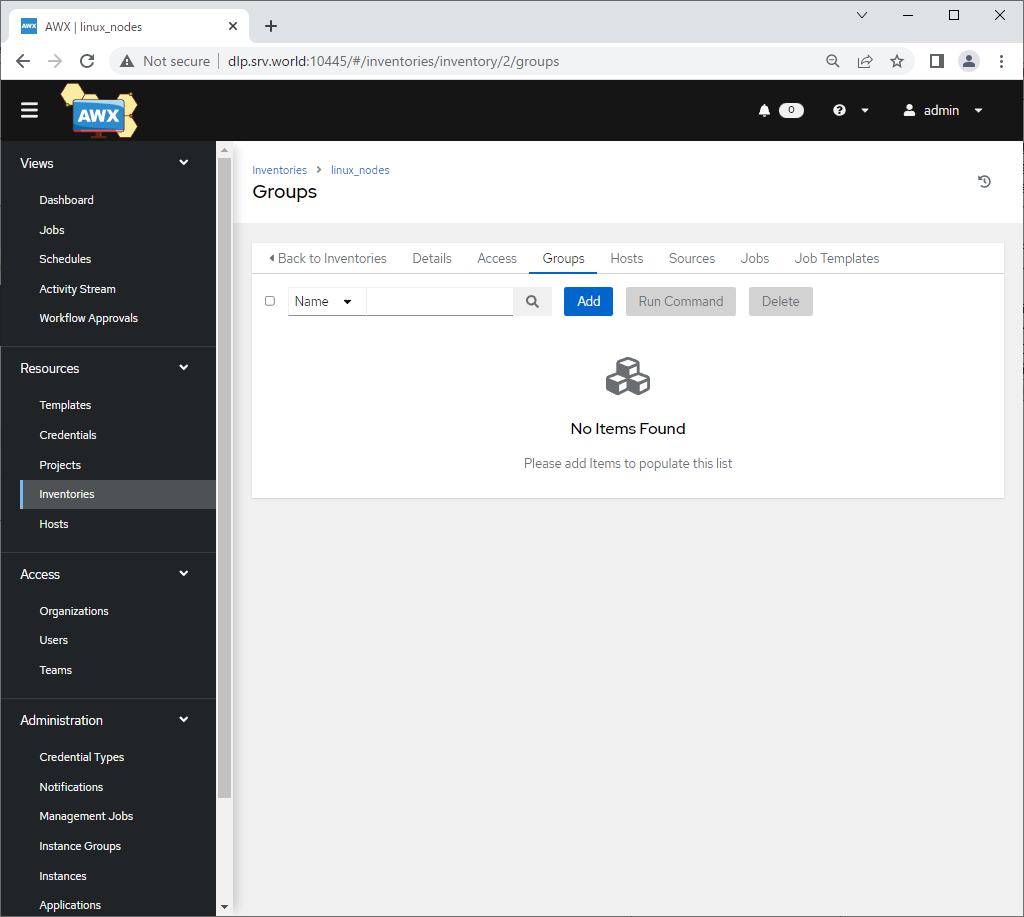
| [4] | After Saving inventory, next, add related Group, Click [Groups] tab. |
 |
| [5] | Click [Add] button. |
 |
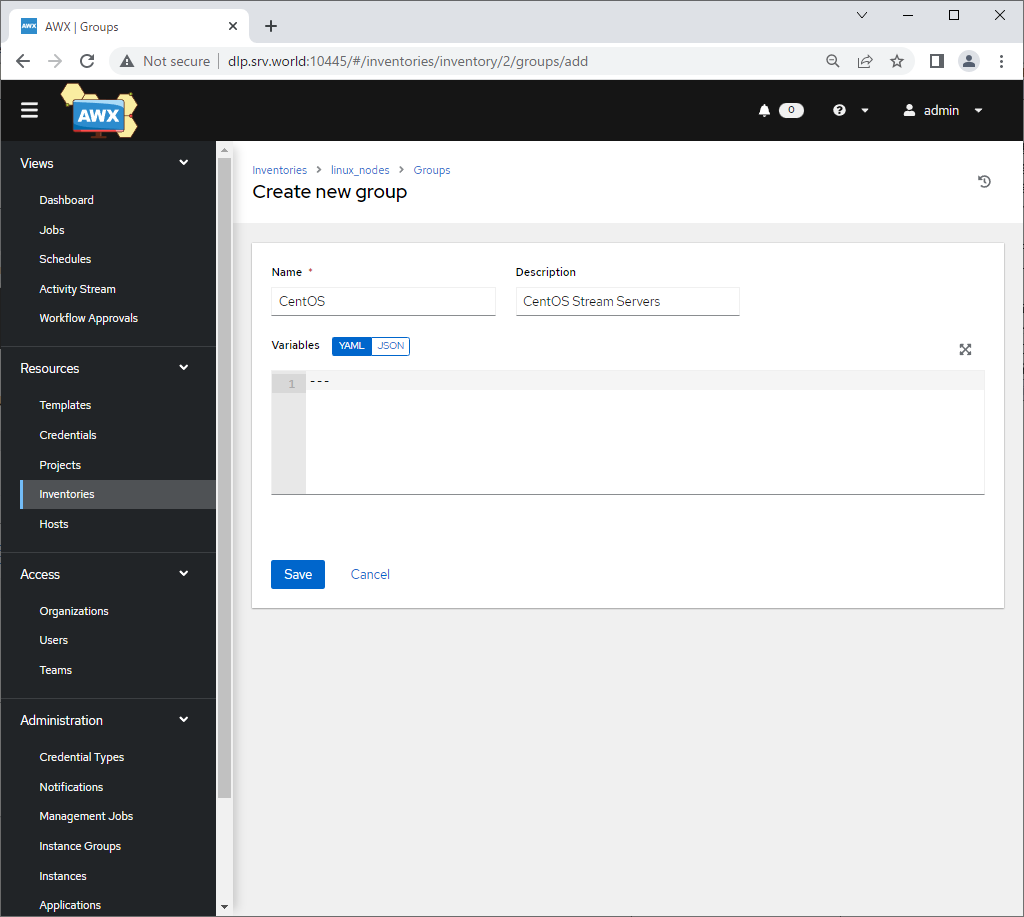
| [6] | Input basic information for group and click [Save] button to save. Required item is [Name] only. Set any name you like for [Name]. |
 |
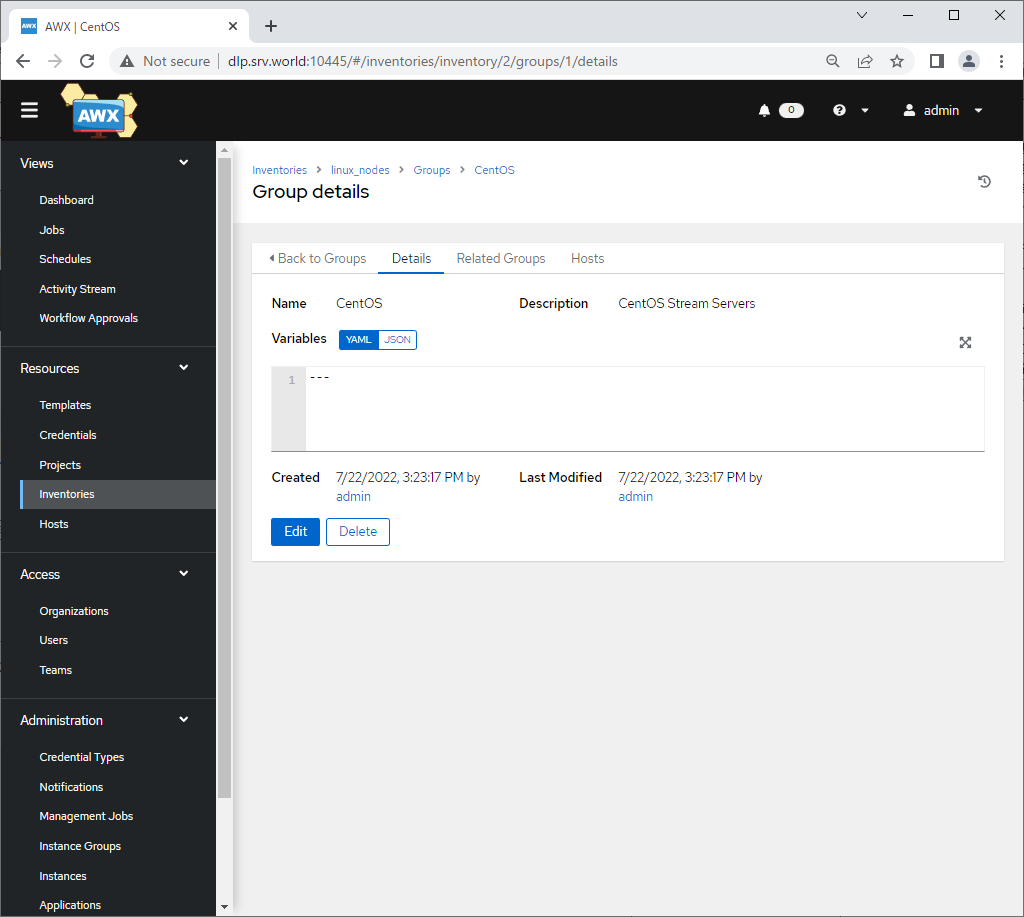
| [7] | After Saving group, next, add related Host, Click [Hosts] tab. |
 |
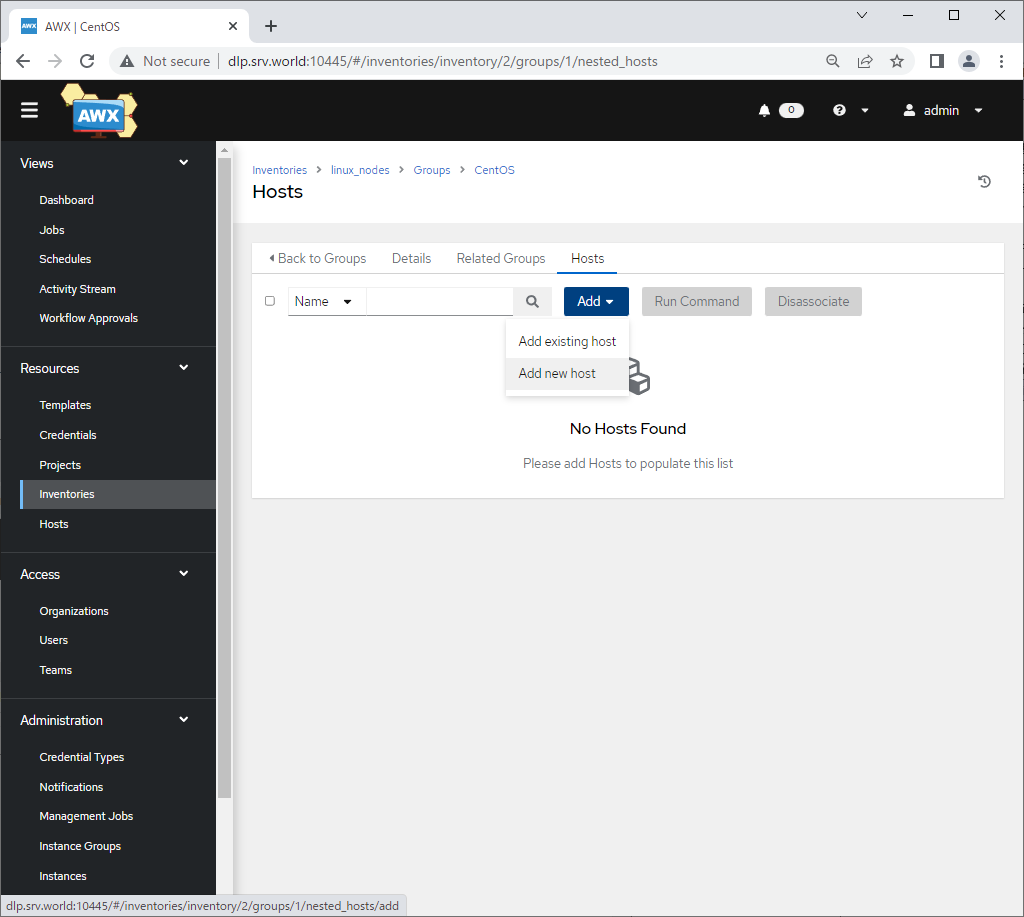
| [8] | Click [Add] - [Add new host]. |
 |
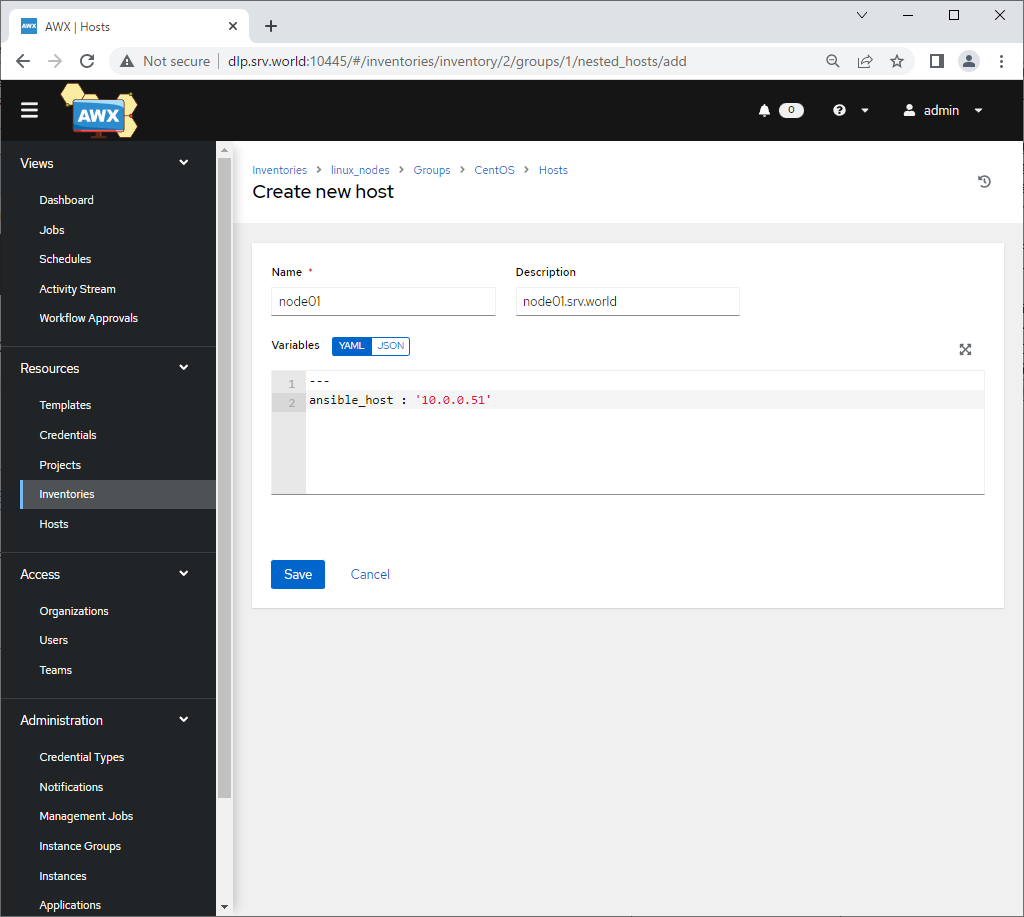
| [9] | Input basic information for host and click [Save] button to save. For [Name], set any name you like, For [Description], this is not the required item to input but if you need, set it. For [Variables], input like follows like [ansible_host : 'target server's hostname or IP address']. |
 |
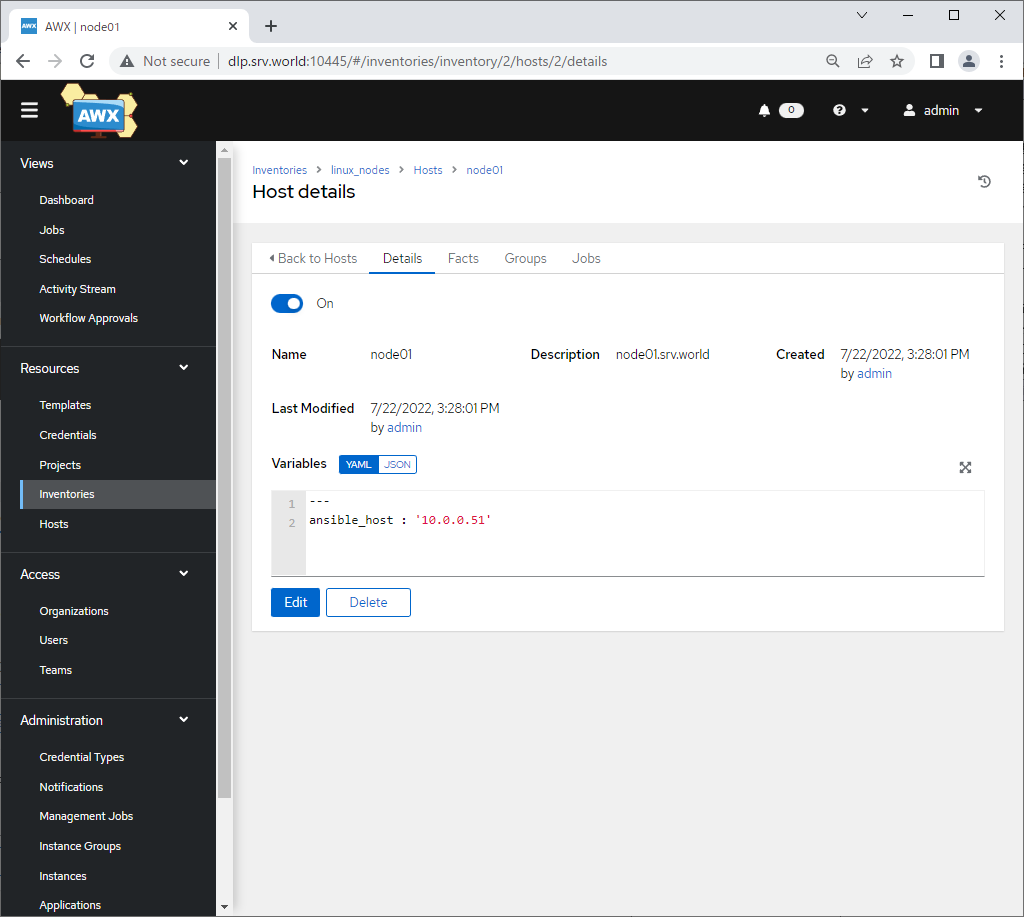
| [10] | After Saving host, that's OK to add inventory, group, host. To add more hosts, operate [8]-[9] section again and again. |
 |
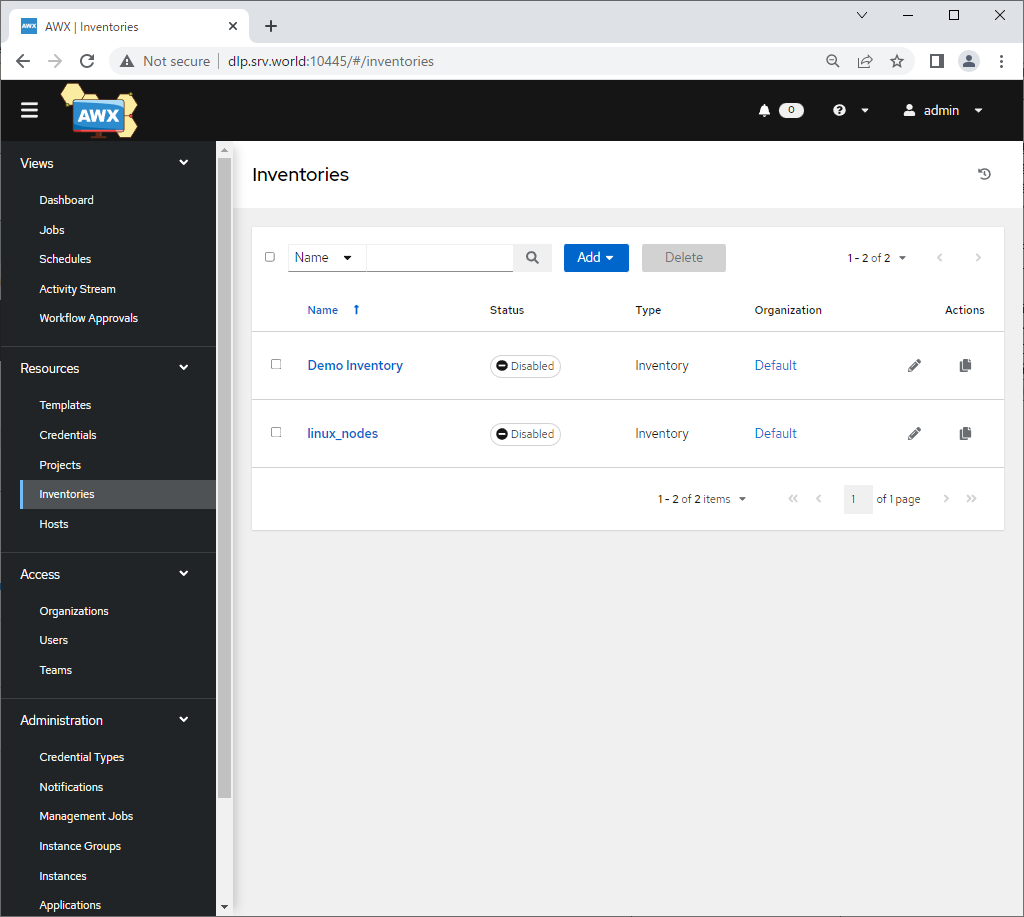
| [11] | After setting, That's OK if new inventory is displayed on [Inventories] list. |
 |

No comments:
Post a Comment