Pacemaker : Access to Web GUI |
It's possible to operate Cluster resource on Web Admin Console. | |
| [1] | On Cluster Nodes, if Firewalld is running, allow service port. |
| [root@node01 ~]# firewall-cmd --add-port=2224/tcp success [root@node01 ~]# firewall-cmd --runtime-to-permanent success |
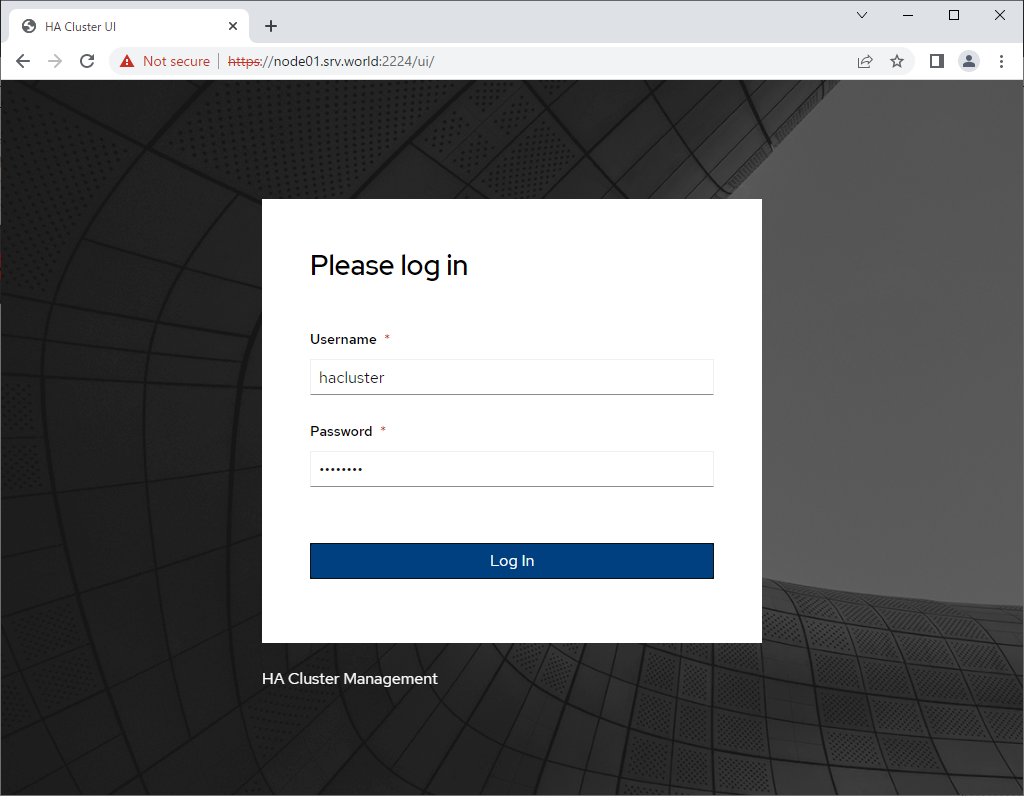
| [2] | Start Web browser on any Client Computer and Access to [https://(Cluster Node's hostname or IP address):2224/]. Then, login form of Cluster Management UI is shown like follows, Login with Cluster admin user ([hacluster] on this example). |
 |
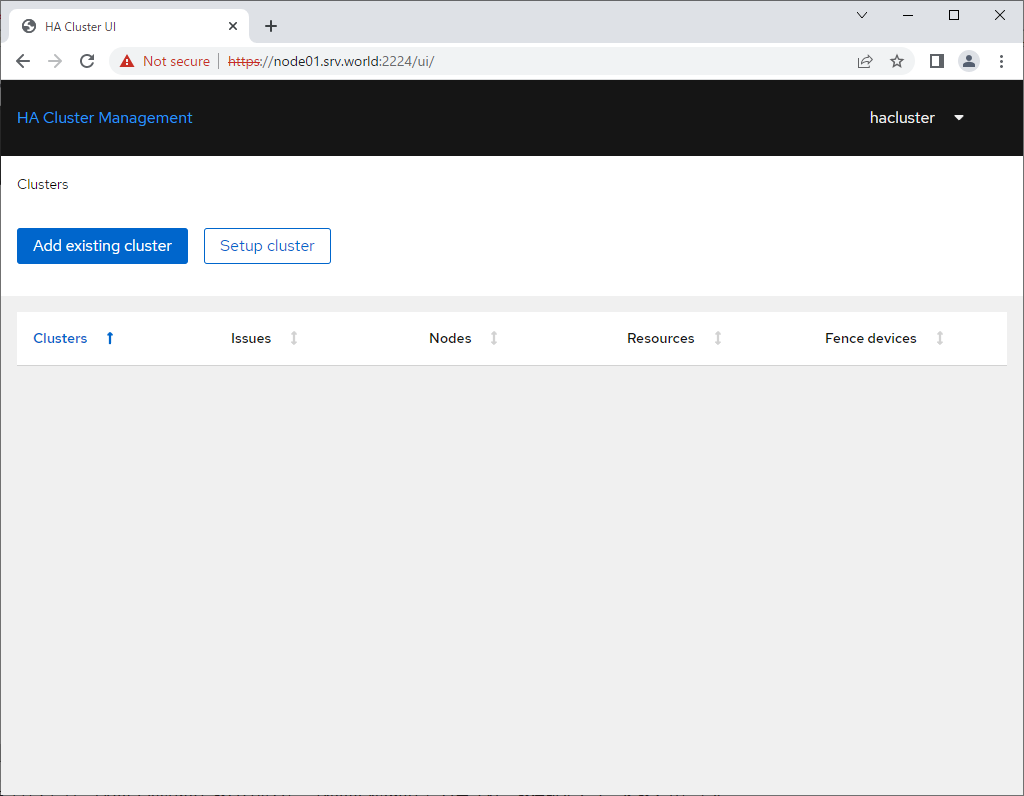
| [3] | After login successfully, Cluster Management console is shown. To add existing cluster, click [Add existing cluster] button. |
 |
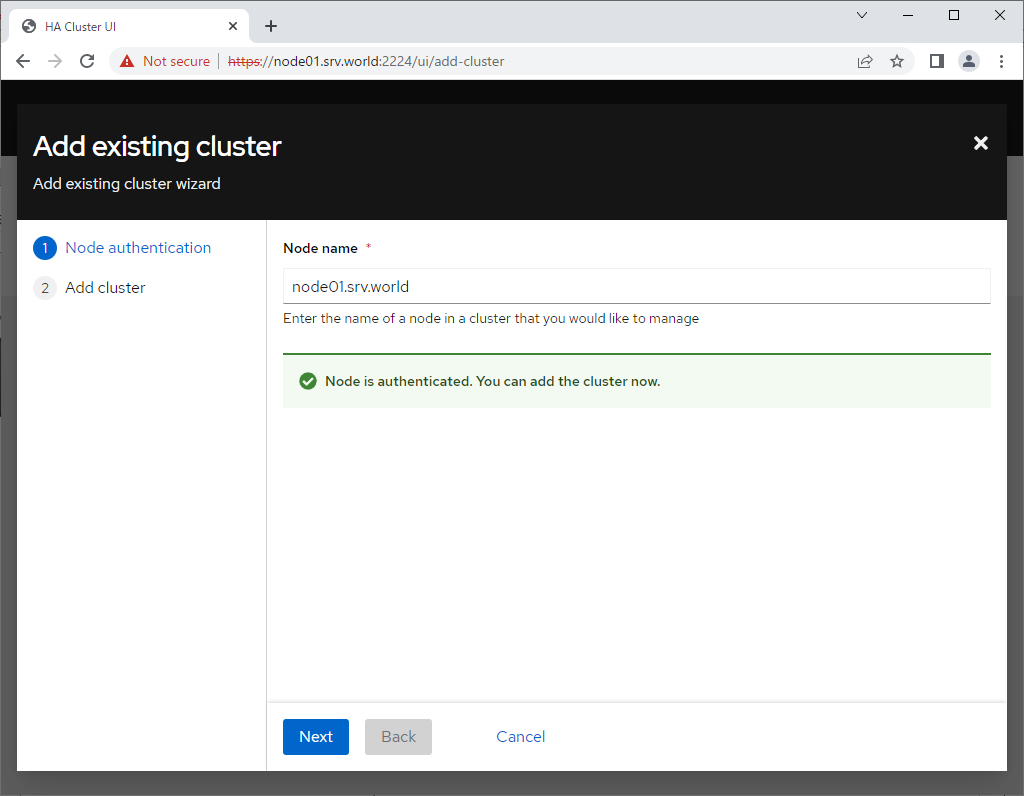
| [4] | Input a hostname of a member of cluster on [Node Name] section. |
 |
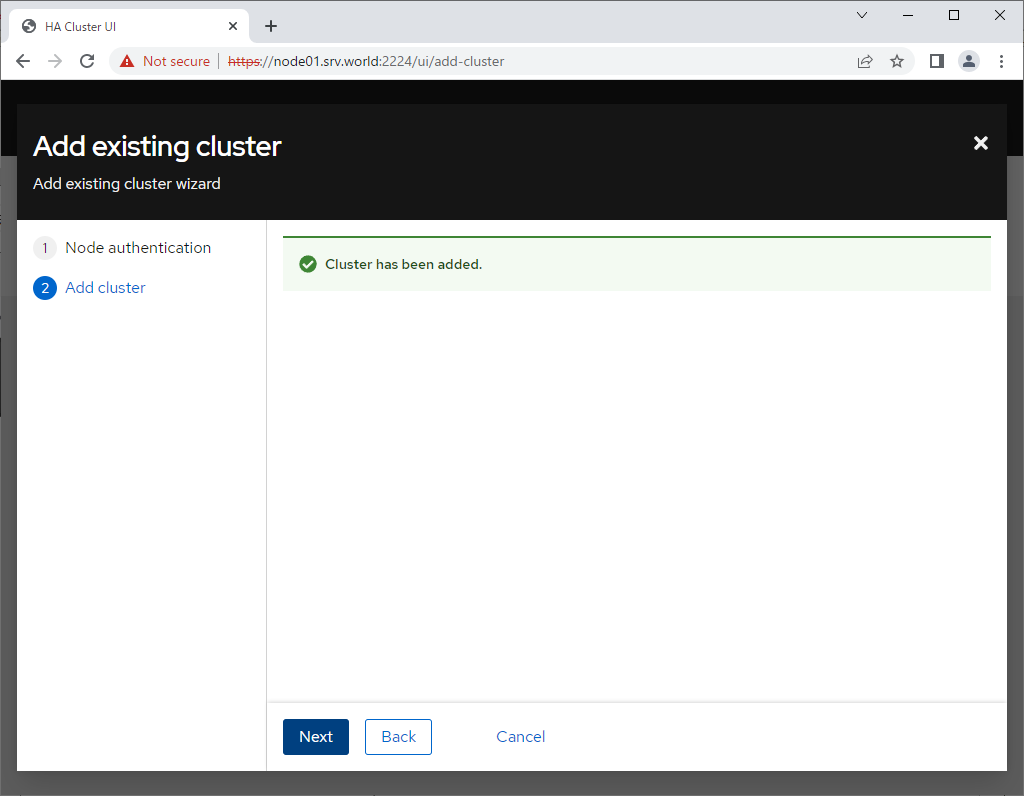
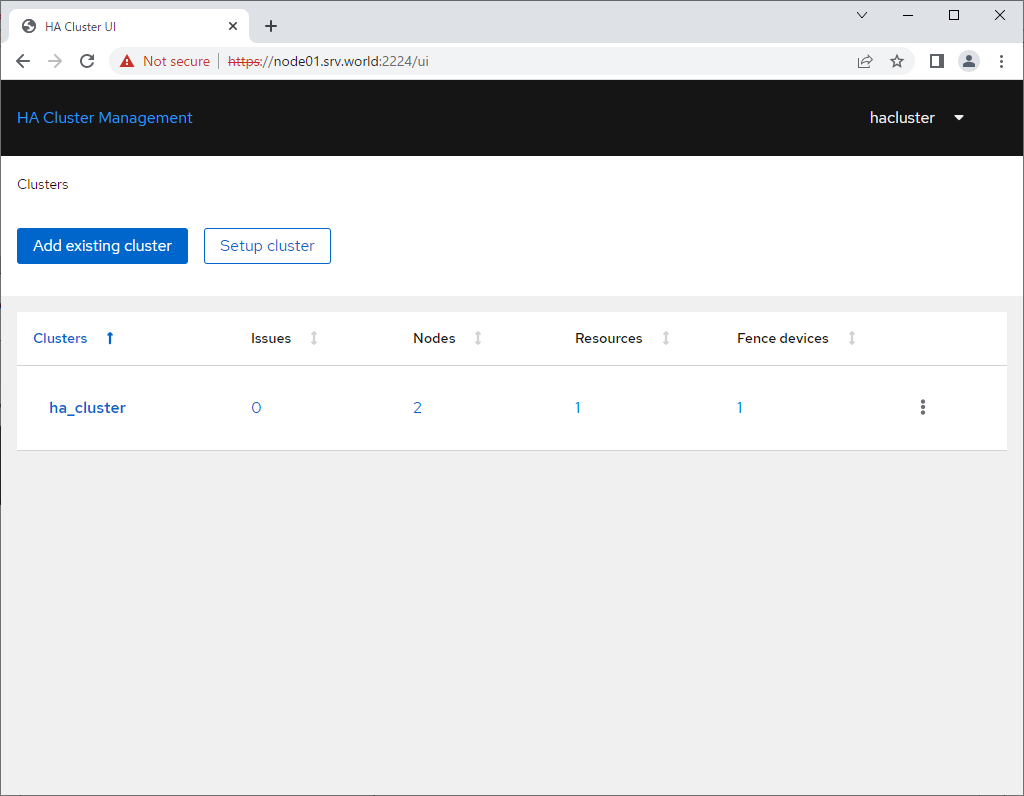
| [5] | Existing cluster added. |
 |
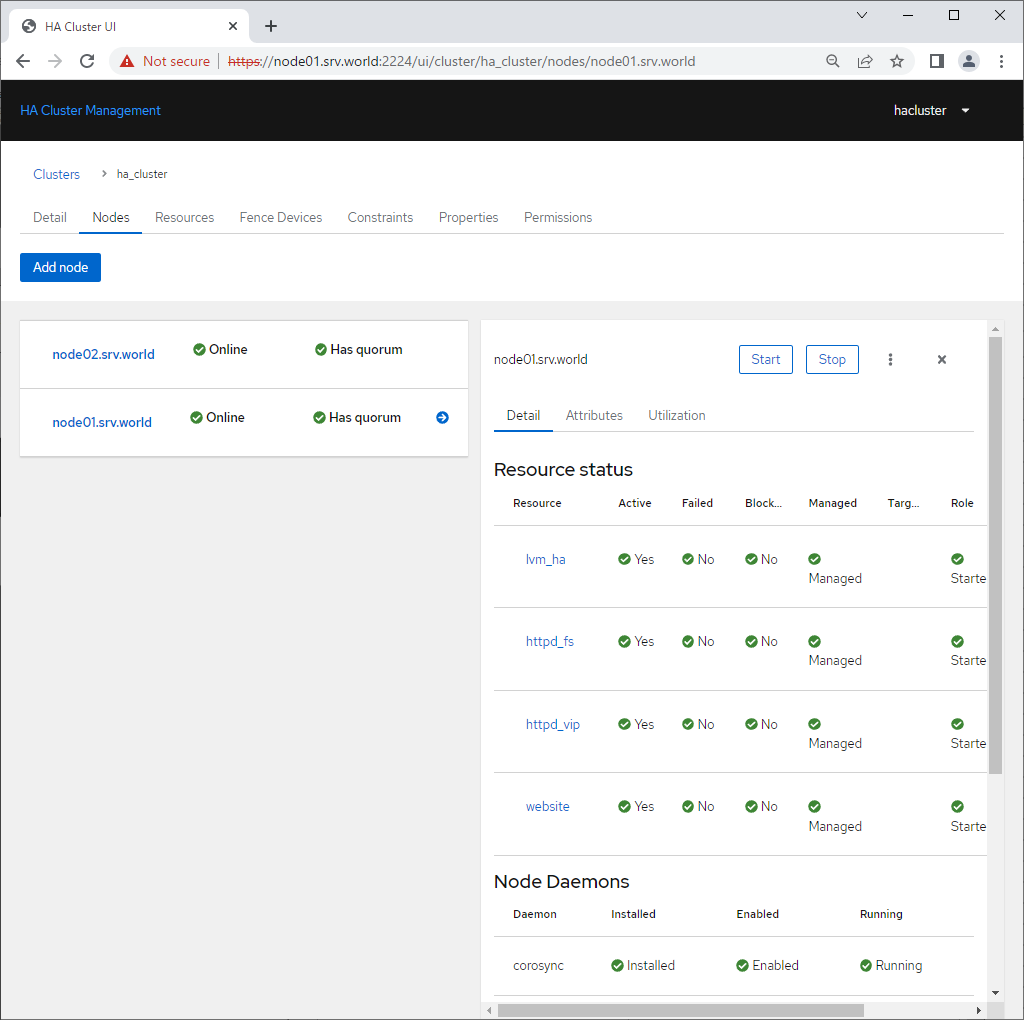
| [6] | To Click Cluster Name, details of Cluster is shown. It's possible to confirm status or manage settings. |
 |
 |

No comments:
Post a Comment