Nginx : Install2022/03/17 |
Install fast HTTP Server [Nginx] and configure HTTP/Proxy Server with it. | |
| [1] | Install Nginx. |
| [root@www ~]# dnf -y install nginx |
| [2] | Configure Nginx. |
[root@www ~]# vi /etc/nginx/nginx.conf # line 41 : change to your hostname server_name www.srv.world ;systemctl enable --now nginx |
| [3] | If Firewalld is running, allow HTTP service. HTTP uses [80/TCP]. |
| [root@www ~]# firewall-cmd --add-service=http success [root@www ~]# firewall-cmd --runtime-to-permanent success |
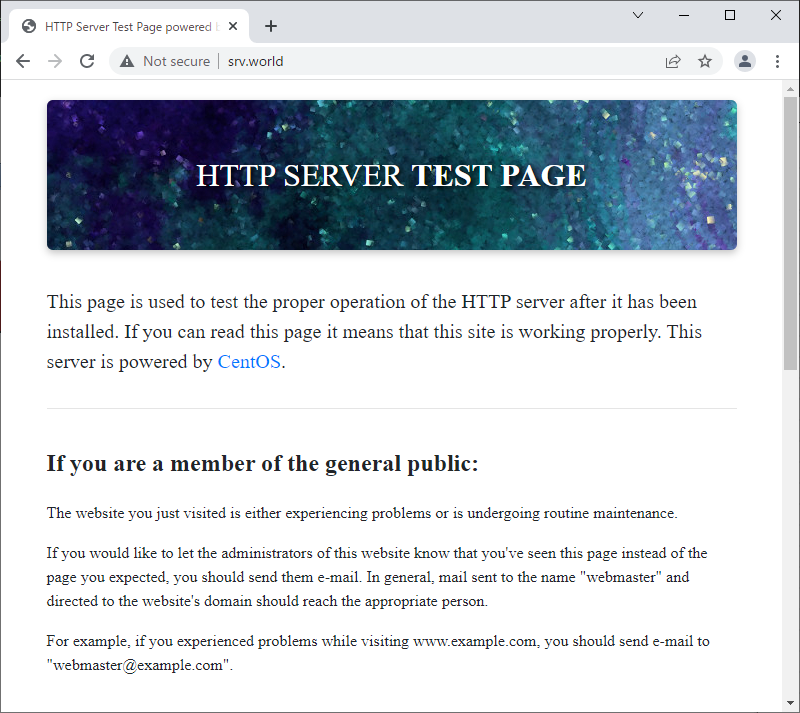
| [4] | Access to the default page of Nginx from a Client with Web browser and it's OK if the following page are shown. |
 |

No comments:
Post a Comment