Nginx : Basic Authentication2022/03/17 |
Set Basic Authentication to limit access on specific web pages. | |
| [1] | Username and password are sent with plain text on Basic Authentication, so Use secure connection with SSL/TLS setting, refer to here. |
| [2] | Add setting on a site config you'd like to set. For example, set Basic Auth under the [/auth-basic] directory. |
[root@www ~]# dnf -y install httpd-tools [root@www ~]# vi /etc/nginx/conf.d/ssl.conf # add into the [server] section server {
.....
.....
location /auth-basic/ {
auth_basic "Basic Auth";
auth_basic_user_file "/etc/nginx/.htpasswd";
}
# add user for Basic authentication [root@www ~]# htpasswd -c /etc/nginx/.htpasswd cent New password: # set any password
Re-type new password:
Adding password for user cent
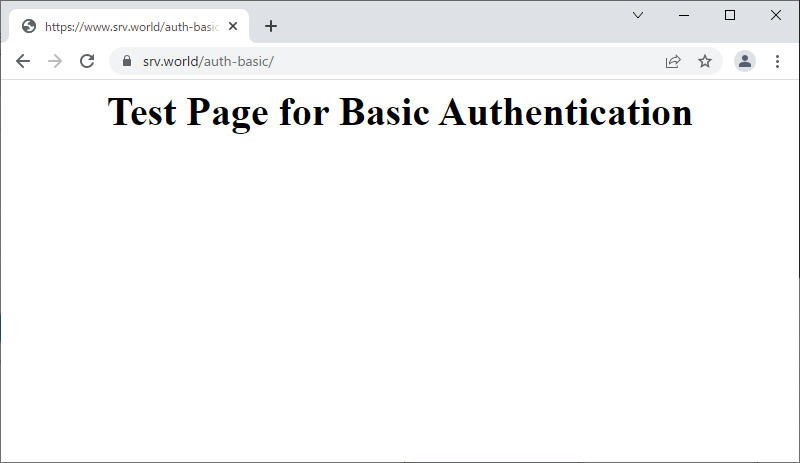
<html> <body> <div style="width: 100%; font-size: 40px; font-weight: bold; text-align: center;"> Test Page for Basic Authentication </div> </body> </html> |
|
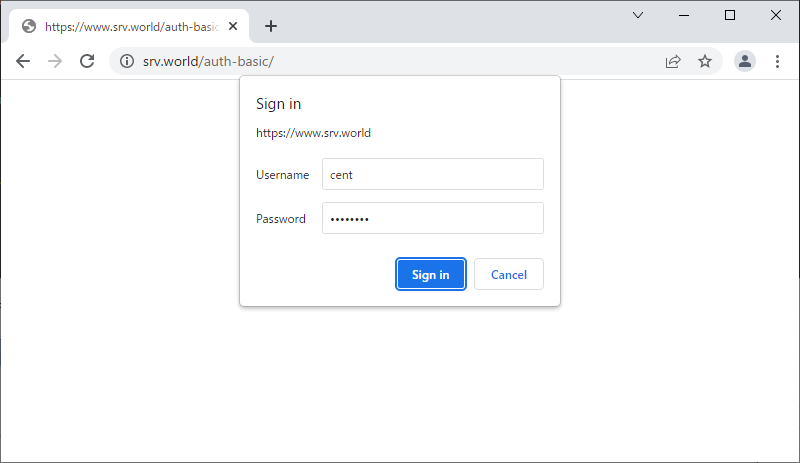 |
| [4] | That's OK if authentication is successfully passed and test page is displayed normally. |
 |

No comments:
Post a Comment