RabbitMQ : Enable Web UI |
Enable Management Plugin to use Web based administration tool. | |
| [1] | Enable Management Plugin. |
| [root@dlp ~]# rabbitmq-plugins enable rabbitmq_management Enabling plugins on node rabbit@dlp: rabbitmq_management The following plugins have been configured: rabbitmq_management rabbitmq_management_agent rabbitmq_web_dispatch Applying plugin configuration to rabbit@dlp... The following plugins have been enabled: rabbitmq_management rabbitmq_management_agent rabbitmq_web_dispatch started 3 plugins. |
| [2] | If Firewalld is running, allow Web UI port. |
| [root@dlp ~]# firewall-cmd --add-port=15672/tcp success [root@dlp ~]# firewall-cmd --runtime-to-permanent success |
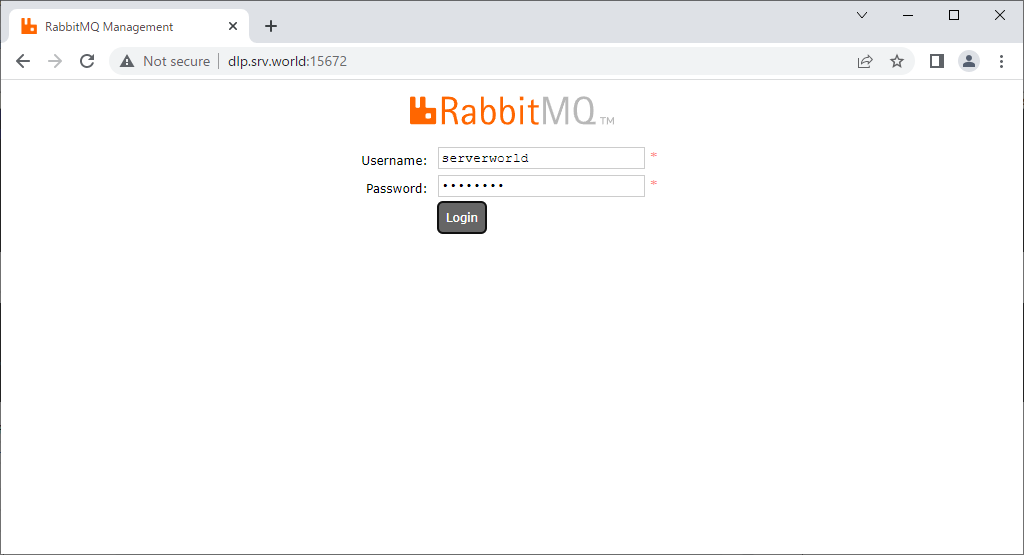
| [3] | Access to [(RabbitMQ server's hostname or IP address):15672/] from any client, then, RabbitMQ login form is displayed, login with an admin user you added. |
 |
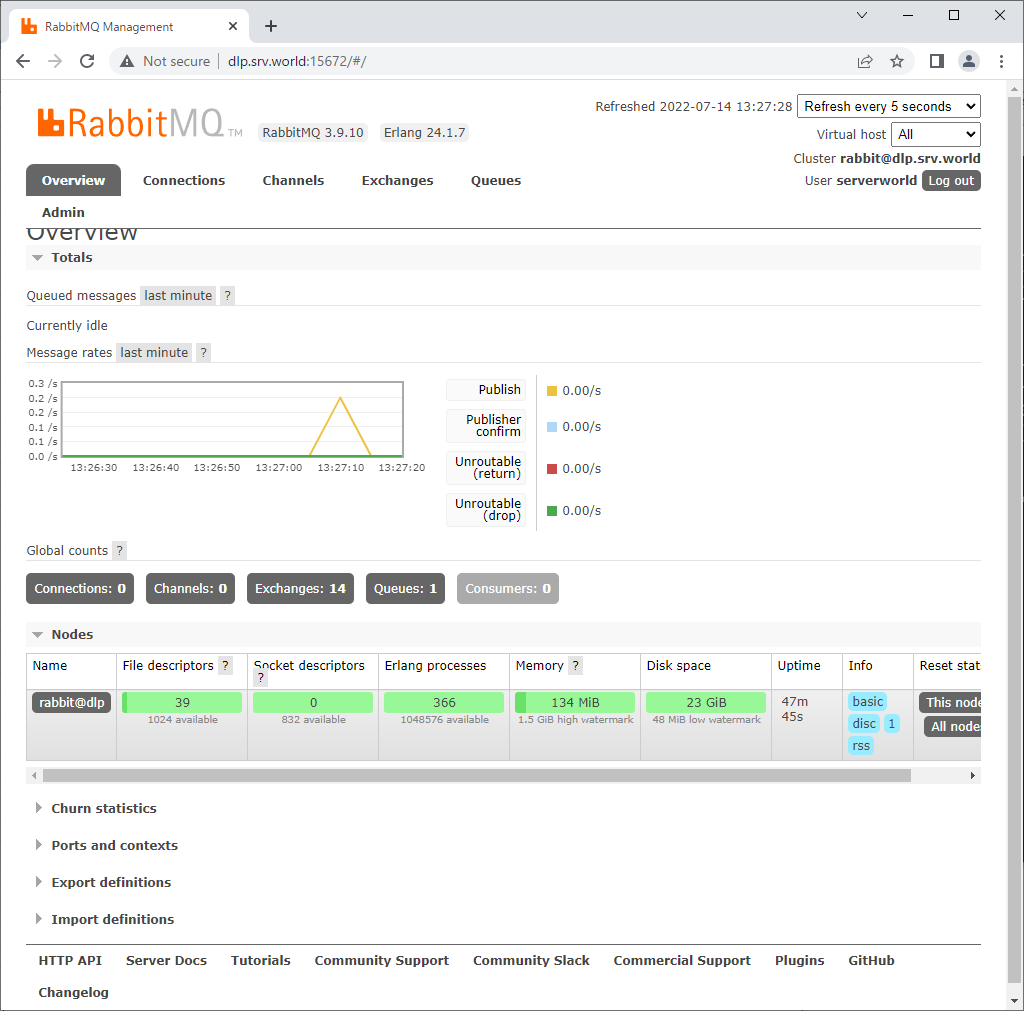
| [4] | Just logined. It's possible to do administrative operations on here. |
 |
 |

No comments:
Post a Comment