Usermin : Install |
Install Usermin that is web based configuration tool for common users. | |
| [1] | Install required packages first. |
# install from EPEL [root@dlp ~]# dnf --enablerepo=epel -y install perl perl-Net-SSLeay perl-Authen-PAM |
| [2] | Install Usermin. Make sure the latest version and install it. ⇒ http://download.webmin.com/download/yum/ |
[root@dlp ~]# dnf -y install http://download.webmin.com/download/yum/usermin-1.852-1.noarch.rpm [root@dlp ~]# vi /etc/usermin/miniserv.conf # last line : add access permission allow=127.0.0.1 10.0.0.0/24 # prohibit login as root account denyusers=root systemctl restart usermin |
| [3] | If SELinux is enabled, change policy settings. |
[root@dlp ~]# vi usermin.te # create new module usermin 1.0;
require {
type init_t;
type var_t;
class file { ioctl open read unlink };
}
#============= init_t ==============
allow init_t var_t:file { ioctl open read unlink };
checkmodule -m -M -o usermin.mod usermin.te [root@dlp ~]# semodule_package --outfile usermin.pp --module usermin.mod [root@dlp ~]# semodule -i usermin.pp |
| [4] | If Firewalld running, allow service port. |
| [root@dlp ~]# firewall-cmd --add-port=20000/tcp success [root@dlp ~]# firewall-cmd --runtime-to-permanent success |
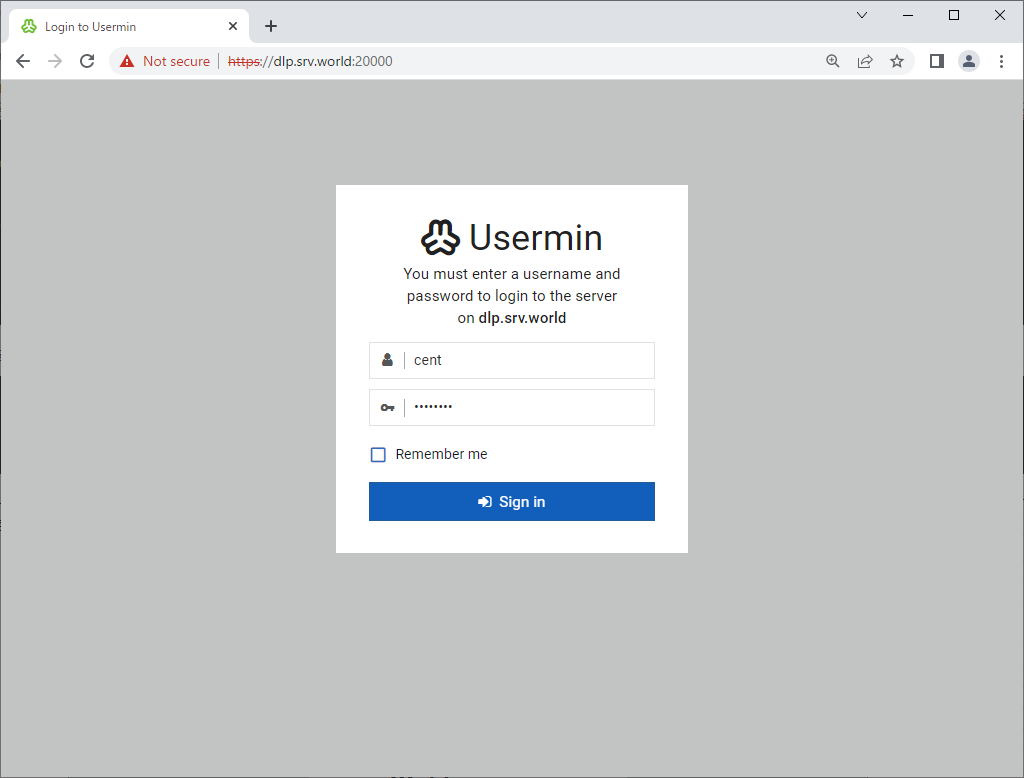
| [5] | Access to the [https://(server's hostname or IP address):20000/] from a client computer which is in the network you allowed. Then, Usermin login form is displayed, it's possible to login as any OS common user account. |
 |
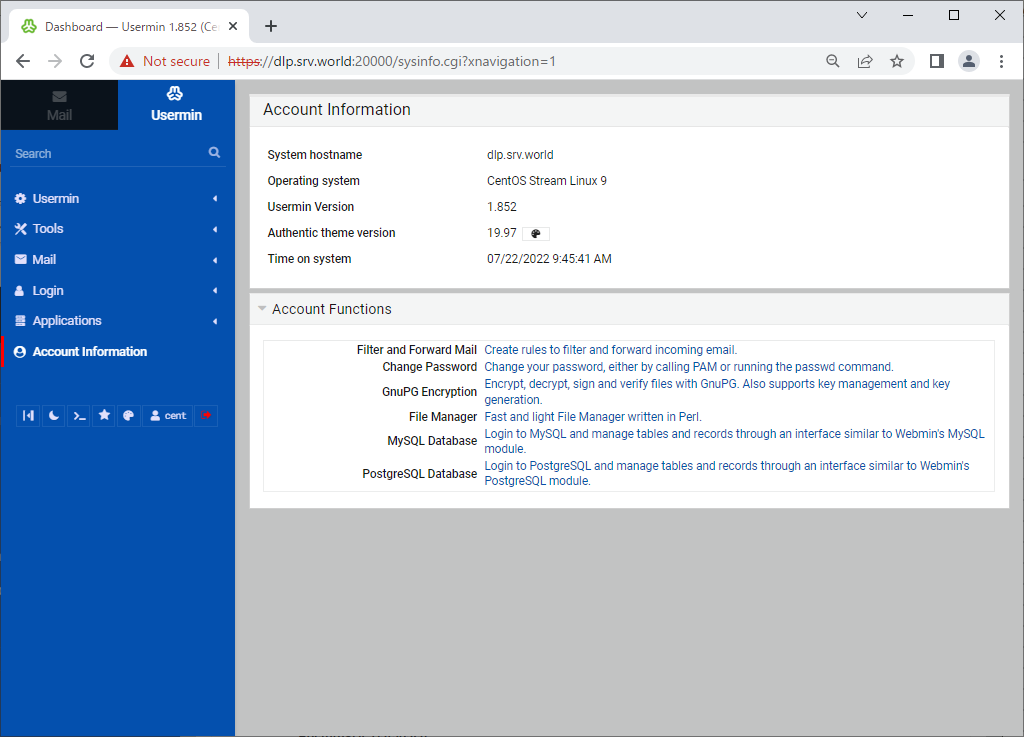
| [6] | This is the main page of Usermin. It's possible to configure various user settings. |
 |
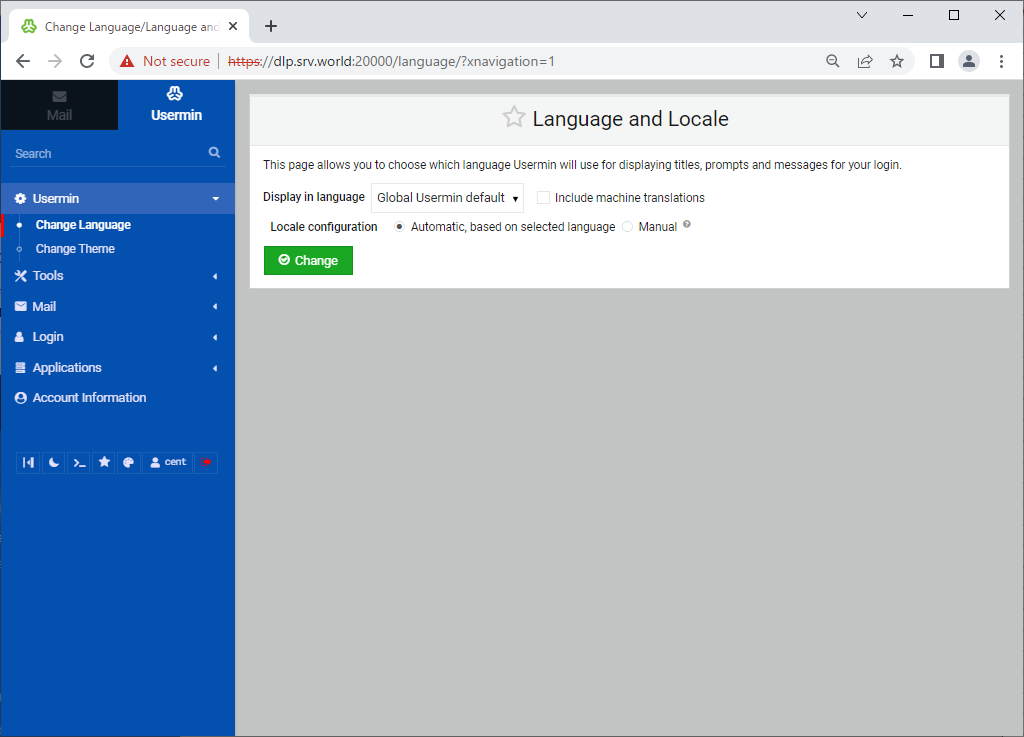
| [7] | You can change to your language to click [Usermin] - [Change Language] on the left pane and click [Display in language] on the right pane. |
 |

No comments:
Post a Comment