KVM : VNC connection (Client) : Debian |
Connect to a Virtual machine that is running with enabling VNC. | |
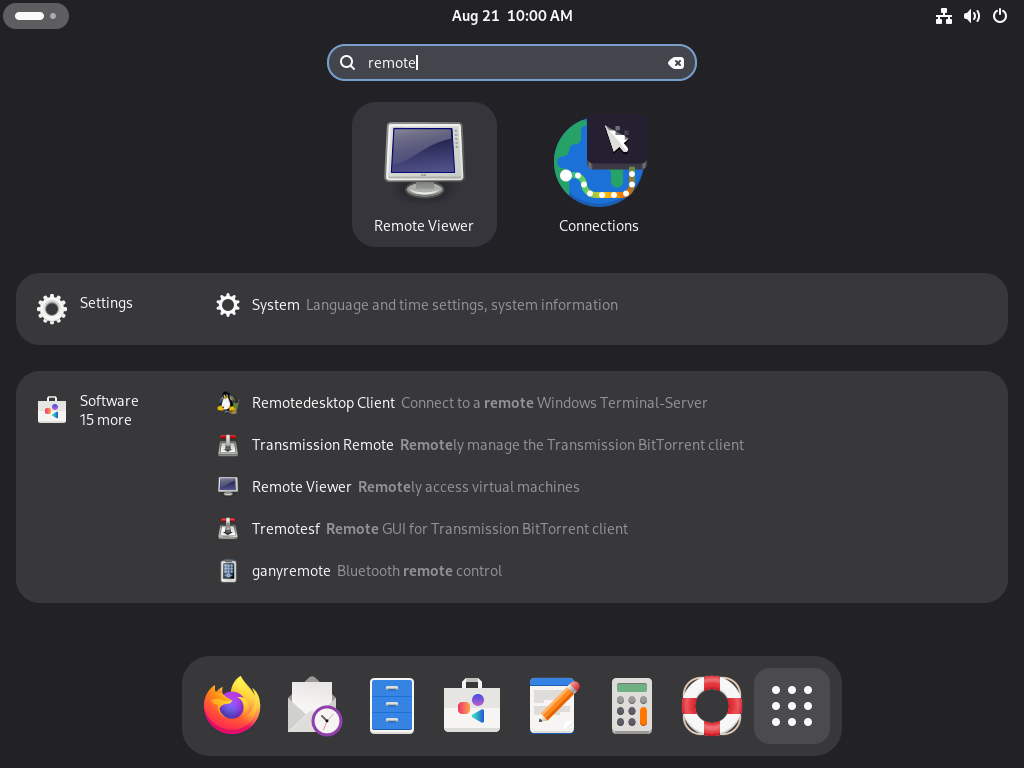
| [1] | On Debian client with Desktop Environment, Run [apt -y install virt-viewer] to install Virt Viewer and start [Remote Viewer] like follows. |
 |
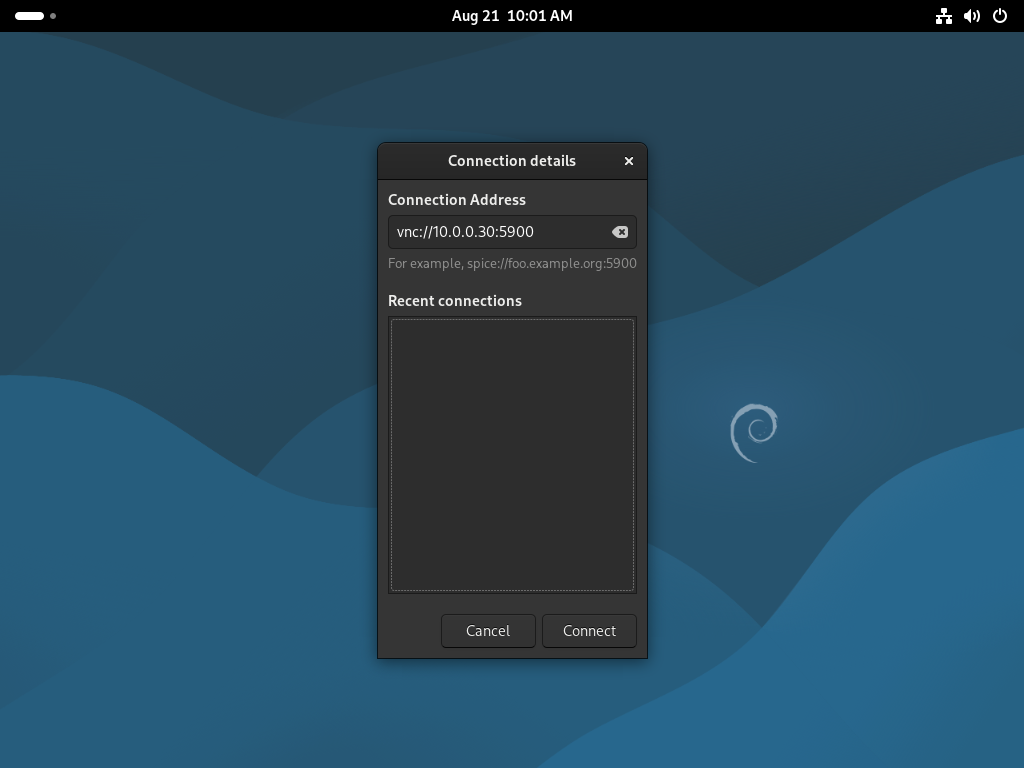
| [2] | Input [vnc://(server's hostname or IP address):(port you set)] and click the [Connect] button. |
 |
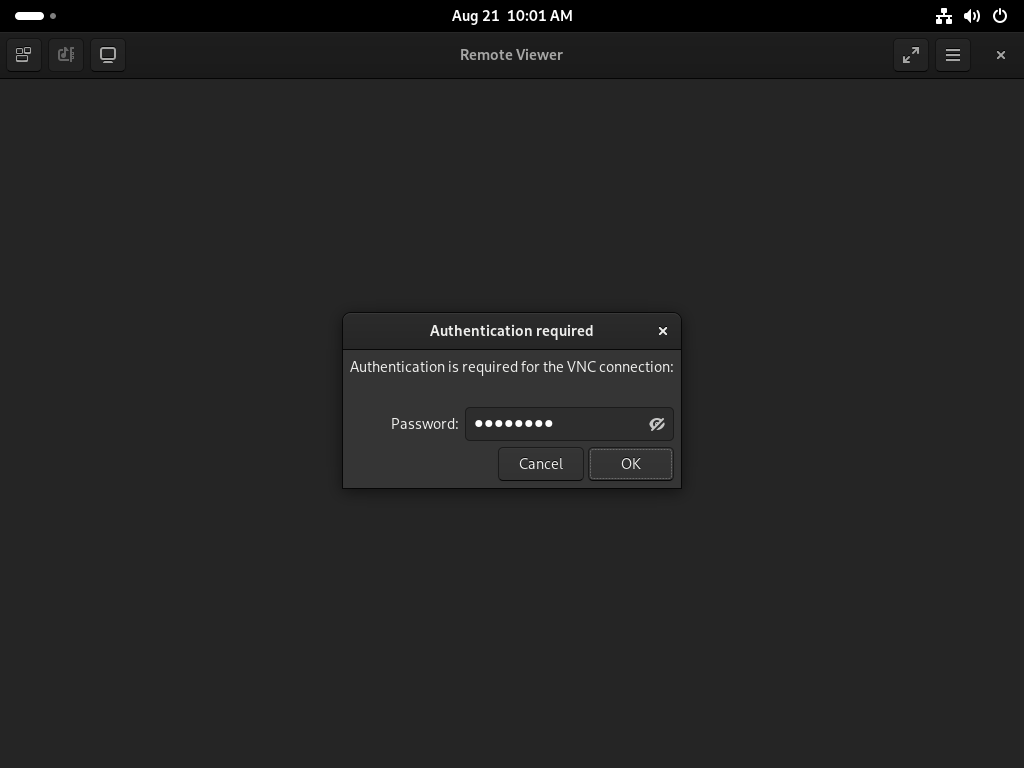
| [3] | Input password you set and Click the [OK] button. |
 |
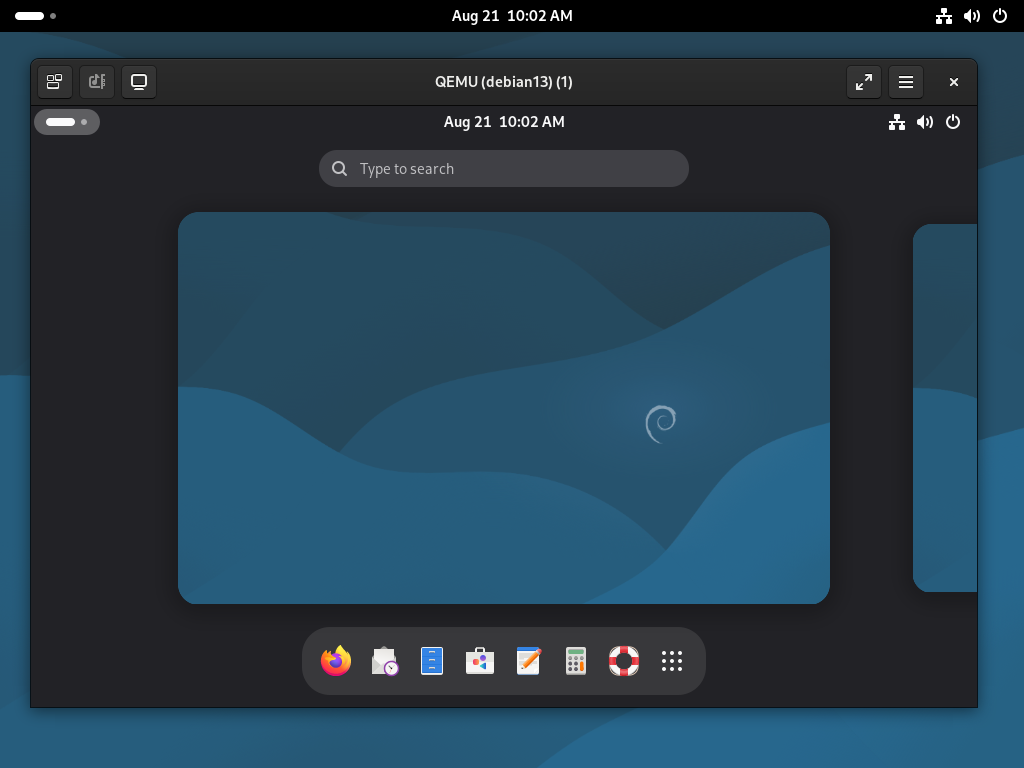
| [4] | If successfully passed authentication, it's possible to connect like follows. |
 |
VNC Client : Windows |
It's possible to connect to VMs with VNC from Windows clients. | |
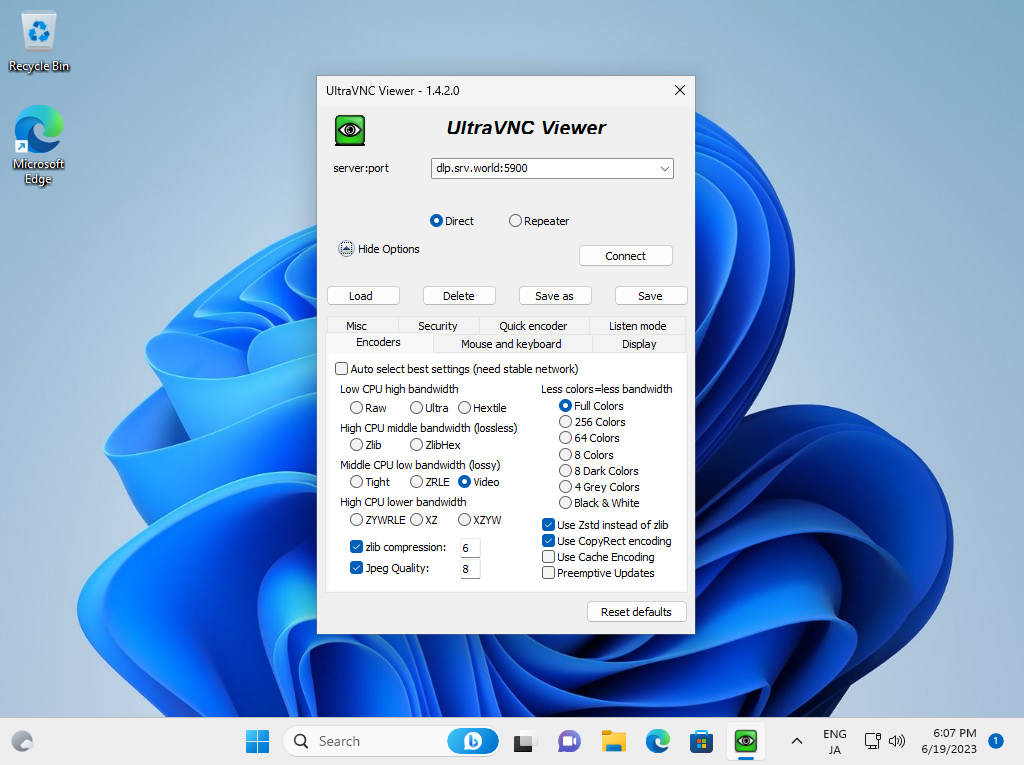
| [5] | Install any VNC Viewer on Windows client. Input [(server's hostname or IP address):(port you set)] like follows and connect. |
 |
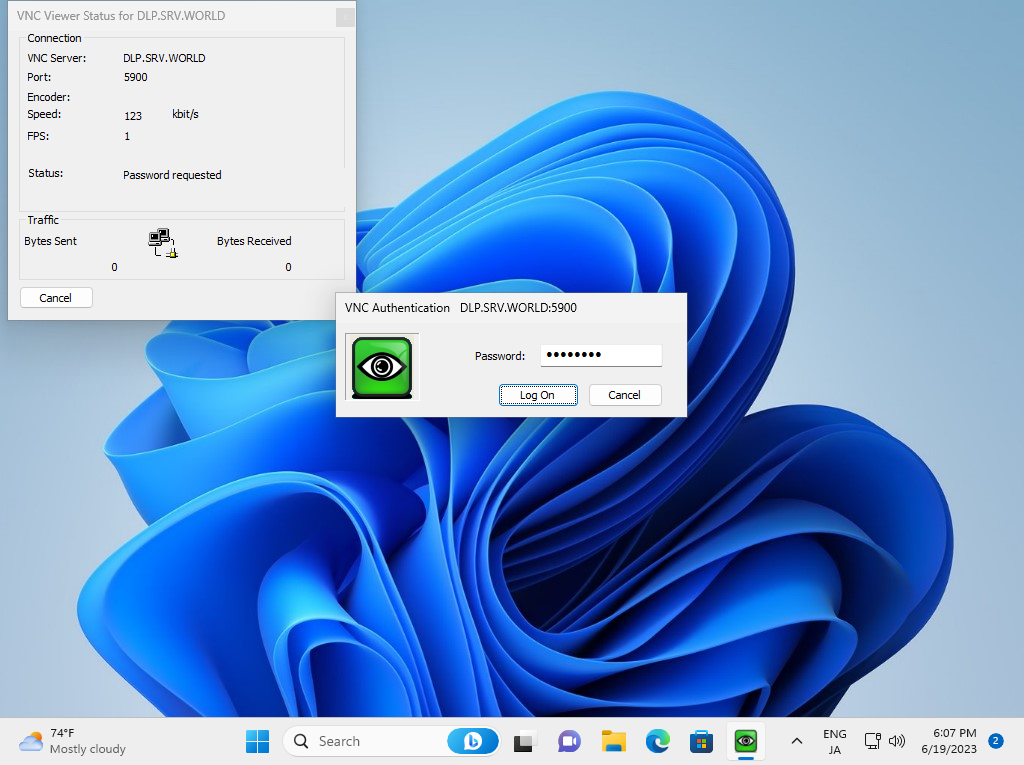
| [6] | VNC password is required to input for authentication. |
 |
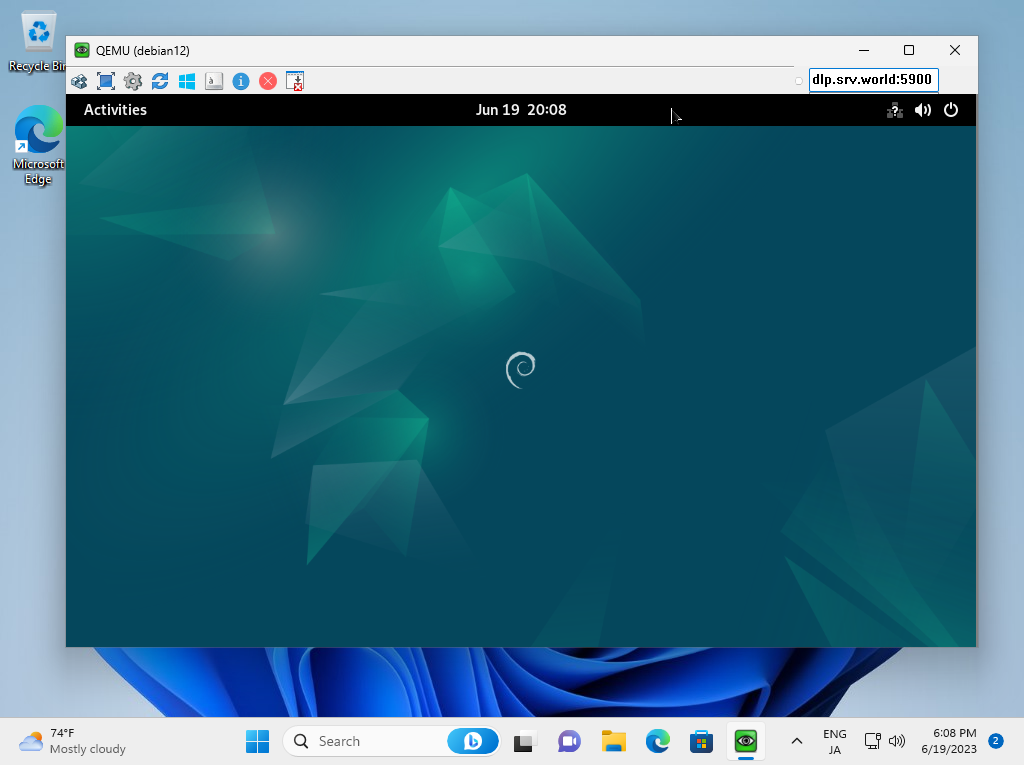
| [7] | If successfully passed authentication, it's possible to connect to VM with VNC like follows. |
 |

No comments:
Post a Comment