Apache httpd : Configure mod_perl2022/03/16 |
Install [mod_perl] to make Perl scripts be fast. | |
| [1] | Install [mod_perl]. |
# install from EPEL [root@www ~]# dnf --enablerepo=epel -y install mod_perl |
| [2] | Configure [PerlRun] mode which always put Perl interpreter on RAM. |
[root@www ~]# vi /etc/httpd/conf.d/perl.conf # line 15 : uncomment (check codes and output warnings to logs) PerlSwitches -w # line 24 : uncomment PerlSwitches -T # line 30-37 : uncomment like follows Alias /perl /var/www/perl
<Directory /var/www/perl>
# processes files as perl-scripts under the directory
SetHandler perl-script
# set specific extension if do not want to processes all files as CGI (comment out the line above, too)
AddHandler perl-script .cgi
# PerlResponseHandler ModPerl::Registry
# add the line to specify PerlRun mode
PerlResponseHandler ModPerl::PerlRun
PerlOptions +ParseHeaders
Options +ExecCGI
</Directory>
# line 44-48 : uncomment and add like follows (for status page) <Location /perl-status>
SetHandler perl-script
PerlResponseHandler Apache2::Status
# set any acccess permission you need
Require ip 127.0.0.1 10.0.0.0/24
# Require host .example.com
</Location>
[root@www ~]# systemctl restart httpd |
| [3] | Create a test script to verify settings. |
#!/usr/bin/perl

use strict;
use warnings;

print "Content-type: text/html\n\n";

my $a = 0;
&number();

sub number {
    $a++;
    print "number \$a = $a \n";
}
chmod 705 /var/www/perl/test-mod_perl.cgi [root@www ~]# curl https://www.srv.world/perl/test-mod_perl.cgi number $a = 1 |
| [4] | Configure Registry mode which has caches of executed codes on RAM. |
[root@www ~]# vi /etc/httpd/conf.d/perl.conf Alias /perl /var/www/perl
<Directory /var/www/perl>
# SetHandler perl-script
AddHandler perl-script .cgi
# enable the line for Registry mode
PerlResponseHandler ModPerl::Registry
# PerlResponseHandler ModPerl::PerlRun
PerlOptions +ParseHeaders
Options +ExecCGI
</Directory>
[root@www ~]# systemctl reload httpd |
| [5] | Access to the test script which is an example of [3] section, then variable increases by reloading because variable is cached on RAM. So it's necessarry to edit the code for Registry mode. |
| [root@www ~]# curl https://www.srv.world/perl/test-mod_perl.cgi number $a = 1 [root@www ~]# curl https://www.srv.world/perl/test-mod_perl.cgi number $a = 2 [root@www ~]# curl https://www.srv.world/perl/test-mod_perl.cgi number $a = 3 [root@www ~]# vi /var/www/perl/test-mod_perl.cgi #!/usr/bin/perl use strict; use warnings; print "Content-type: text/html\n\n"; my $a = 0; &number($a); sub number { my($a) = @_; $a++; print "number \$a = $a \n"; }[root@www ~]# curl https://www.srv.world/perl/test-mod_perl.cgi number $a = 1 [root@www ~]# curl https://www.srv.world/perl/test-mod_perl.cgi number $a = 1 [root@www ~]# curl https://www.srv.world/perl/test-mod_perl.cgi number $a = 1 |
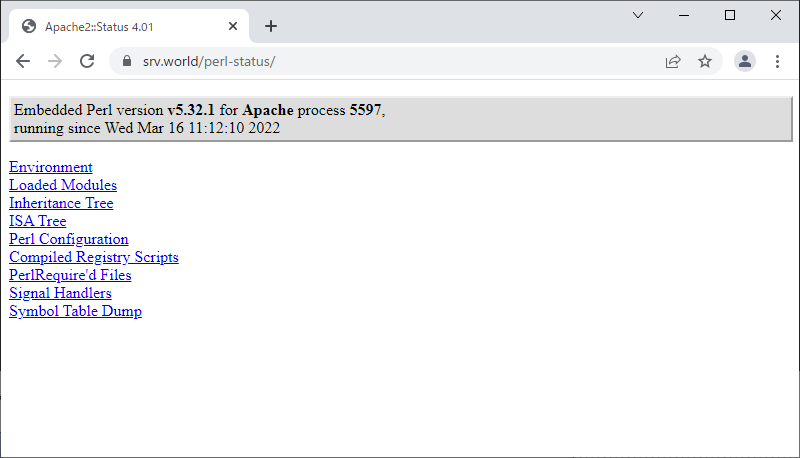
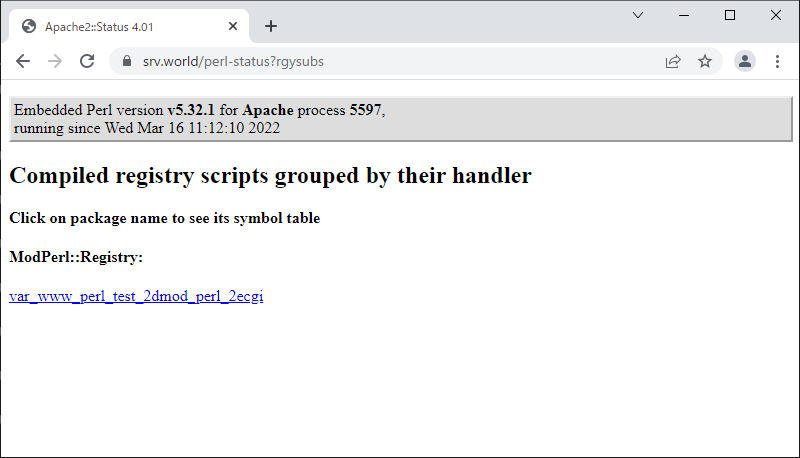
| [6] | By the way, it's possible to see the status of [mod_perl] to access to [(your hostname or IP address)/perl-status]. |
 |
 |

No comments:
Post a Comment