Desktop Environment : Configure Xrdp Server |
Install Xrdp Server to connect to CentOS Stream Server from the Windows Remote Desktop feature. | |
| [1] | Install and start Xrdp Server. |
| [root@dlp ~]# systemctl enable xrdp --now |
| [2] | If Firewalld is running, allow RDP port. |
| [root@dlp ~]# firewall-cmd --add-port=3389/tcp success [root@dlp ~]# firewall-cmd --runtime-to-permanent success |
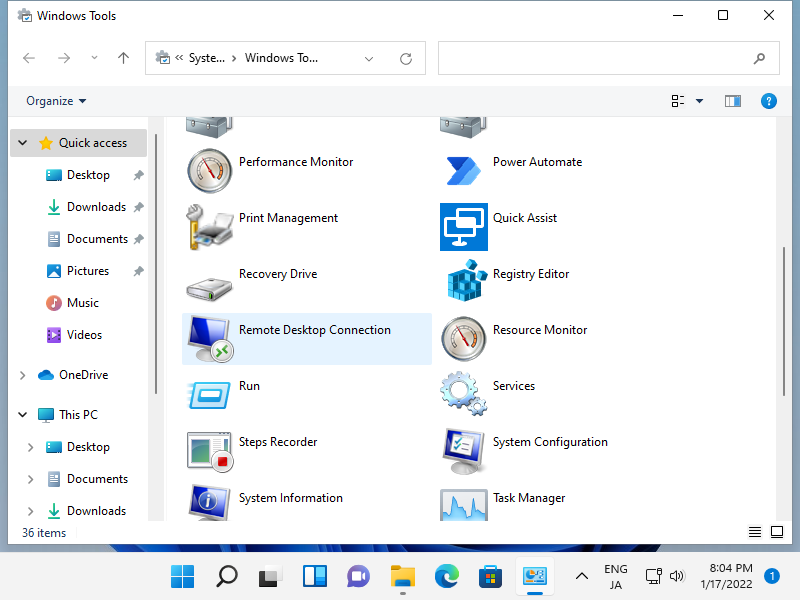
| [3] | Connect to CentOS Stream Server with RDP from Windows clients. This example is based on Windows 11. Start [Remote Desktop connection] on the Start-Menu - [Windows tools]. |
 |
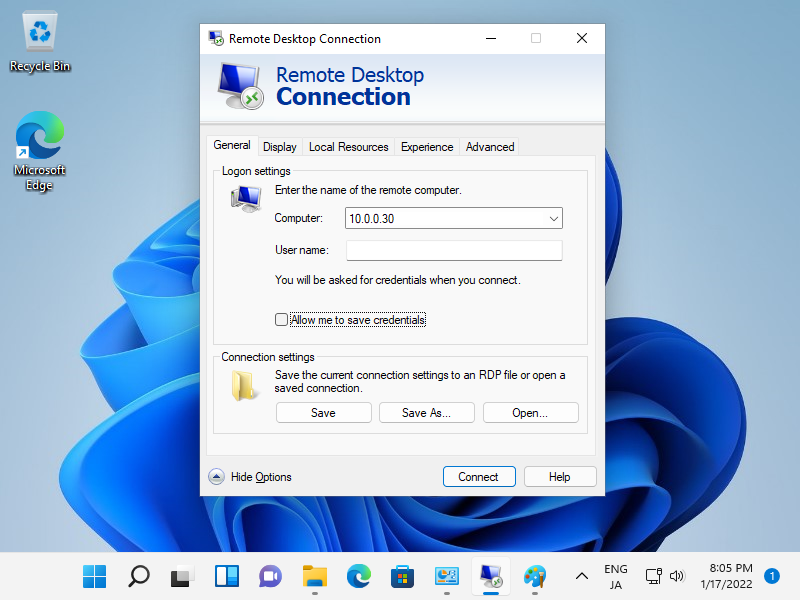
| [4] | Input hostname or IP address of CentOS Stream Host and push the [Connect] button. |
 |
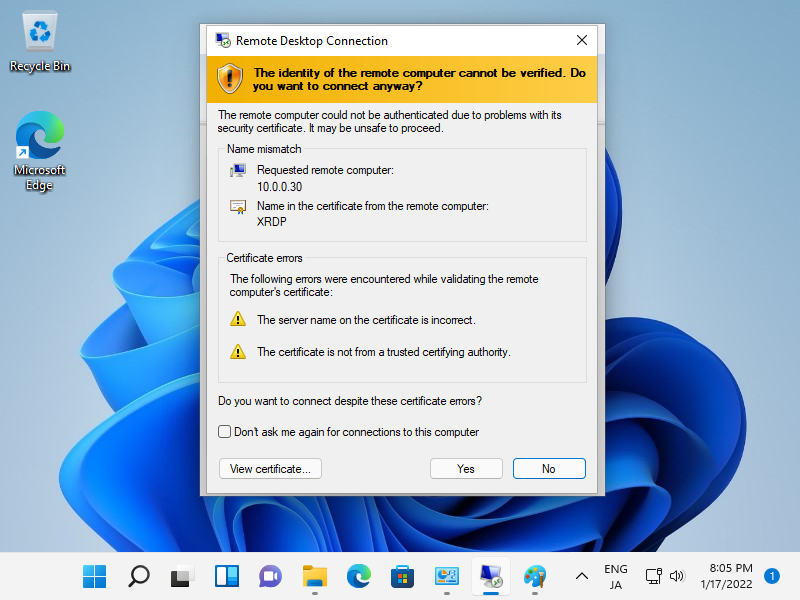
| [5] | Click [Yes] to proceed. |
 |
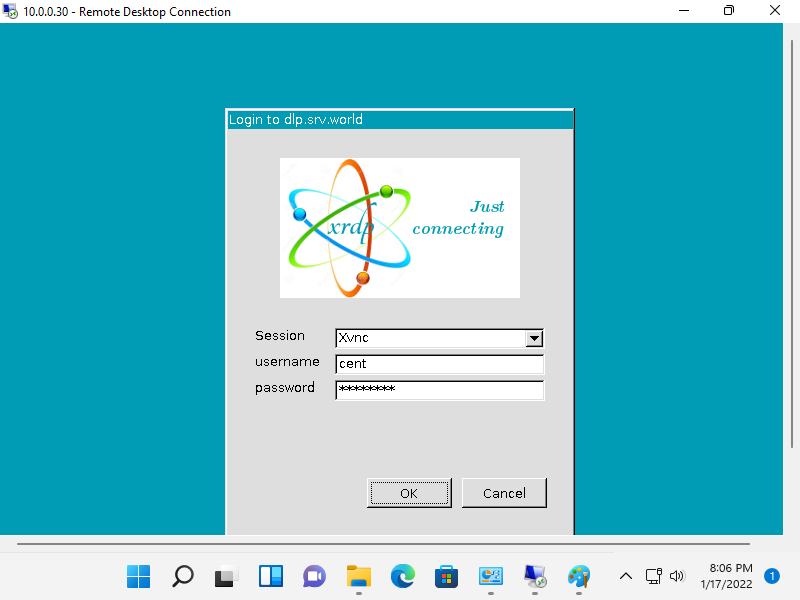
| [6] | Input a user that exists On CentOS Stream Host to authenticate. |
 |
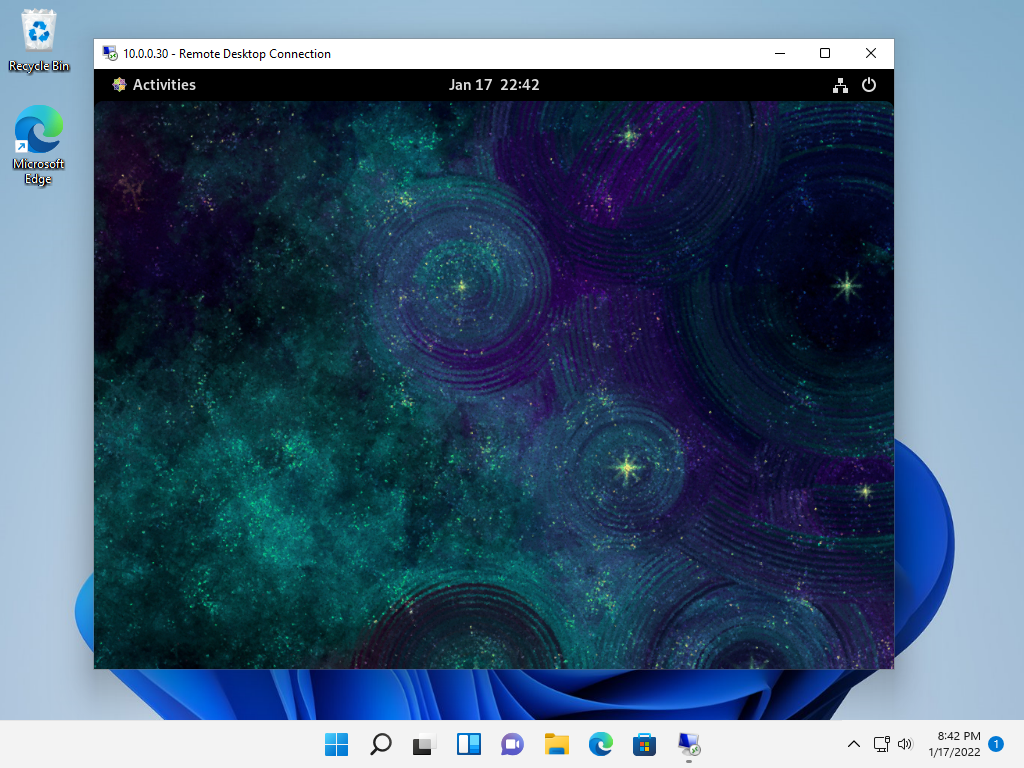
| [7] | If successfully passed authentication, RDP session starts like follows. |
 |

No comments:
Post a Comment