Elastic Stack 8 : Install Kibana |
Install Kibana which is the Data Visualization tool for Elasticsearch. | |
| [1] | Get SSL Certificate, or Create self-signed Certificate. It uses self signed Certificate on this example. |
| [2] | Install Kibana. Configure Repository for Elasticsearch before it like here. |
[root@dlp ~]# dnf -y install kibana [root@dlp ~]# cp /etc/pki/tls/certs/{server.crt,server.key} /etc/kibana/ [root@dlp ~]# chown kibana /etc/kibana/{server.crt,server.key} # generate an enrollment token for Kibana [root@dlp ~]# /usr/share/elasticsearch/bin/elasticsearch-create-enrollment-token -s kibana eyJ2ZXIiOiI4LjUuMyIsImFkciI6WyIxMC4wLjAuMzA6OTIwMCJdLCJmZ3IiOiJlYzMxMWEwNjU5MmJjZWVlNzM5MzdiMzUzZTk1MGVhZDk2MTZmOGM3OGJjMDkxYzNkYjIzZDc5ZmIwZDlmMzI5Iiwia2V5IjoiSGlIYTlZUUJTYjVmUlNQbTJpZm06aENRcFNsWWtSTzItZkwtdkw3SkxCdyJ9 # setup Kibana [root@dlp ~]# /usr/share/kibana/bin/kibana-setup --enrollment-token \ eyJ2ZXIiOiI4LjUuMyIsImFkciI6WyIxMC4wLjAuMzA6OTIwMCJdLCJmZ3IiOiJlYzMxMWEwNjU5MmJjZWVlNzM5MzdiMzUzZTk1MGVhZDk2MTZmOGM3OGJjMDkxYzNkYjIzZDc5ZmIwZDlmMzI5Iiwia2V5IjoiSGlIYTlZUUJTYjVmUlNQbTJpZm06aENRcFNsWWtSTzItZkwtdkw3SkxCdyJ9 Kibana configured successfully. To start Kibana run: bin/kibana [root@dlp ~]# vi /etc/kibana/kibana.yml # line 11 : if access to Kibana from other hosts, uncomment and change (listen all) server.host: " 0.0.0.0 "# line 26 : uncomment and specify the public URL of Kibana server server.publicBaseUrl: " https://dlp.srv.world:5601/ "# line 32 : uncomment and change to your hostname server.name: " dlp.srv.world "# line 37-39 : uncomment and change to your certificate server.ssl.enabled: true server.ssl.certificate: /etc/kibana/server.crt server.ssl.key: /etc/kibana/server.key systemctl enable --now kibana |
| [3] | If Firewalld is running, allow service port. |
| [root@dlp ~]# firewall-cmd --add-port=5601/tcp success [root@dlp ~]# firewall-cmd --runtime-to-permanent success |
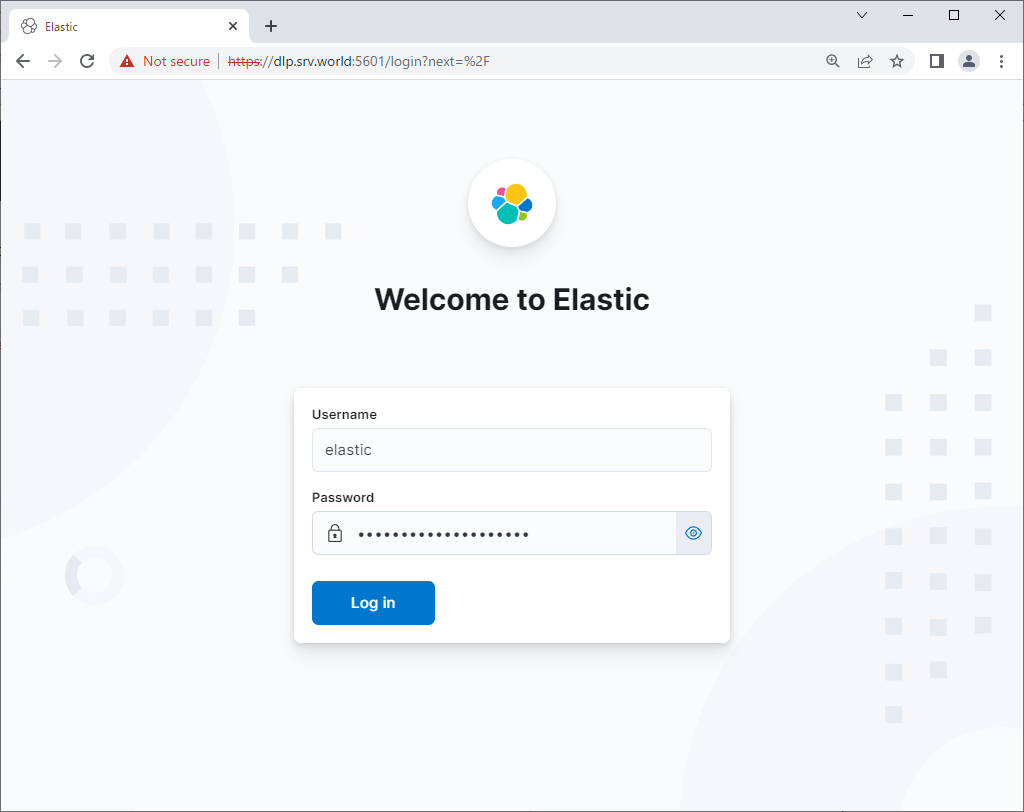
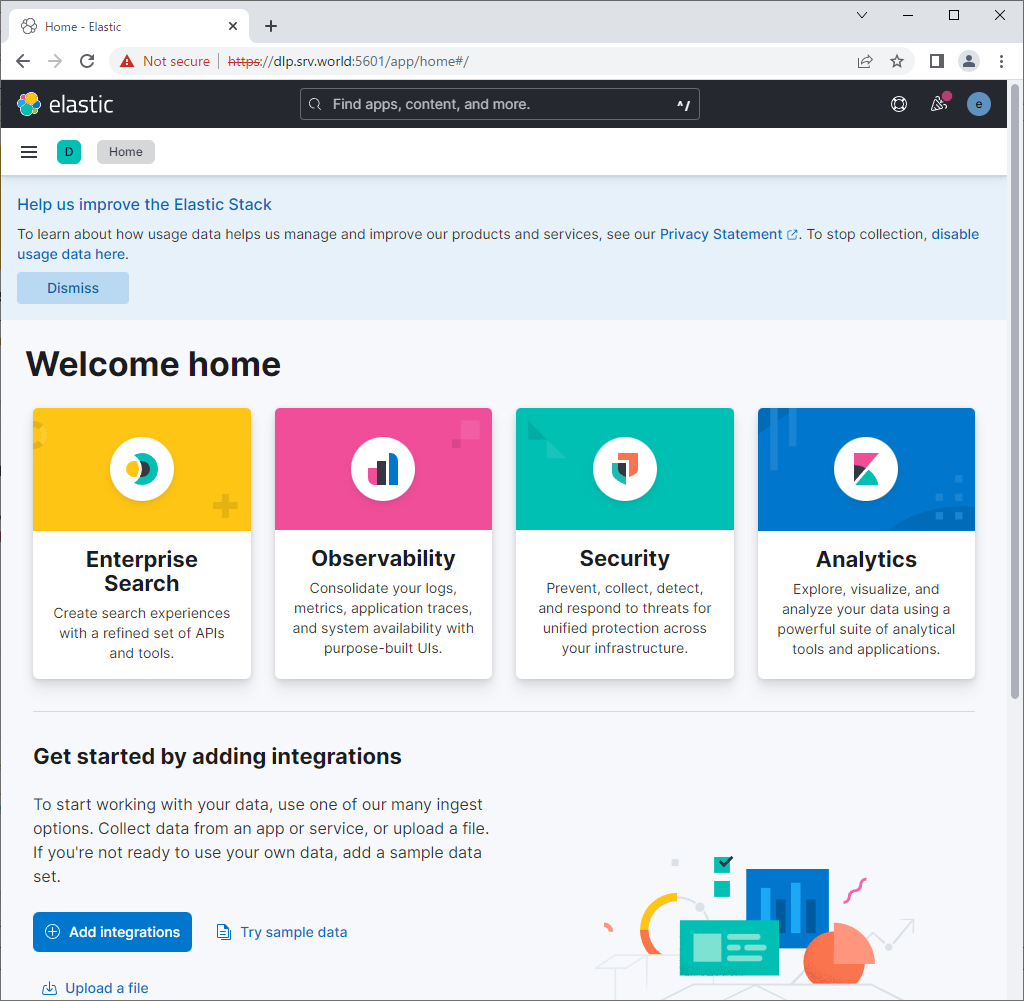
| [4] | Access to [https://(server's Hostname or IP address):5601/] from any client computer, then Kibana login form is shown. It's possible to login with [elastic] user and password. That's OK if successfully login and Dashboard is shown like follows. |
 |
 |

No comments:
Post a Comment