VirtualBox : Create Virtual Machines (GUI) |
If you installed Desktop Environment, it's possible to create Virtual Machines on GUI. | |
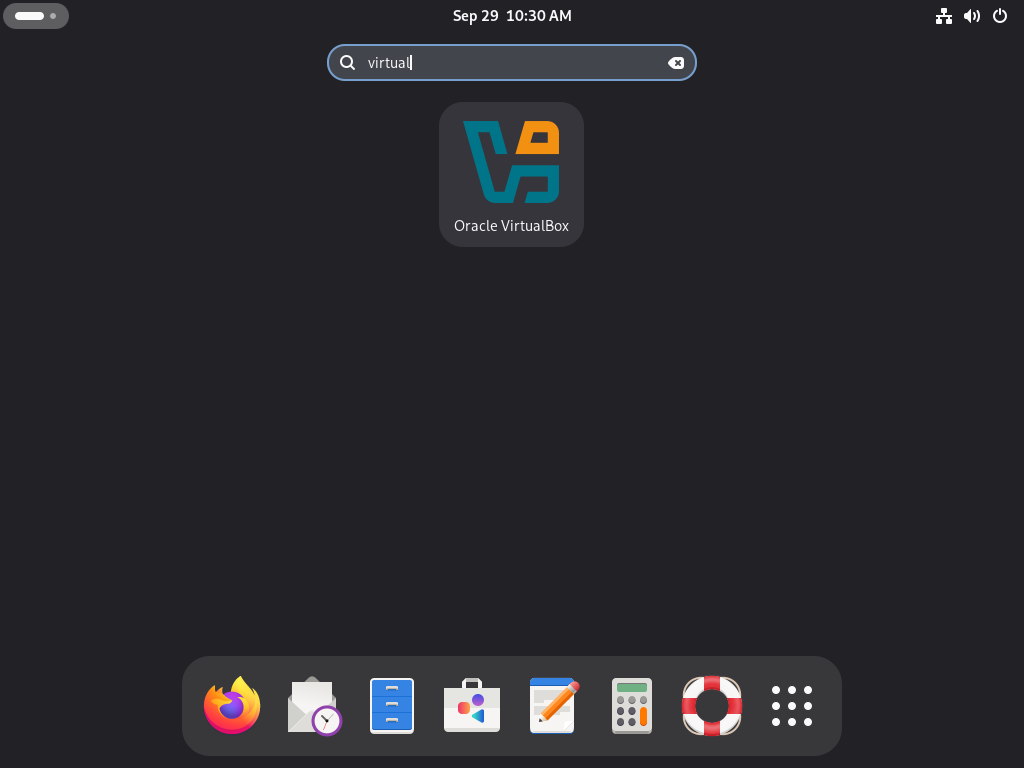
| [1] | Run [Applications] - [Oracle VirtualBox]. |
 |
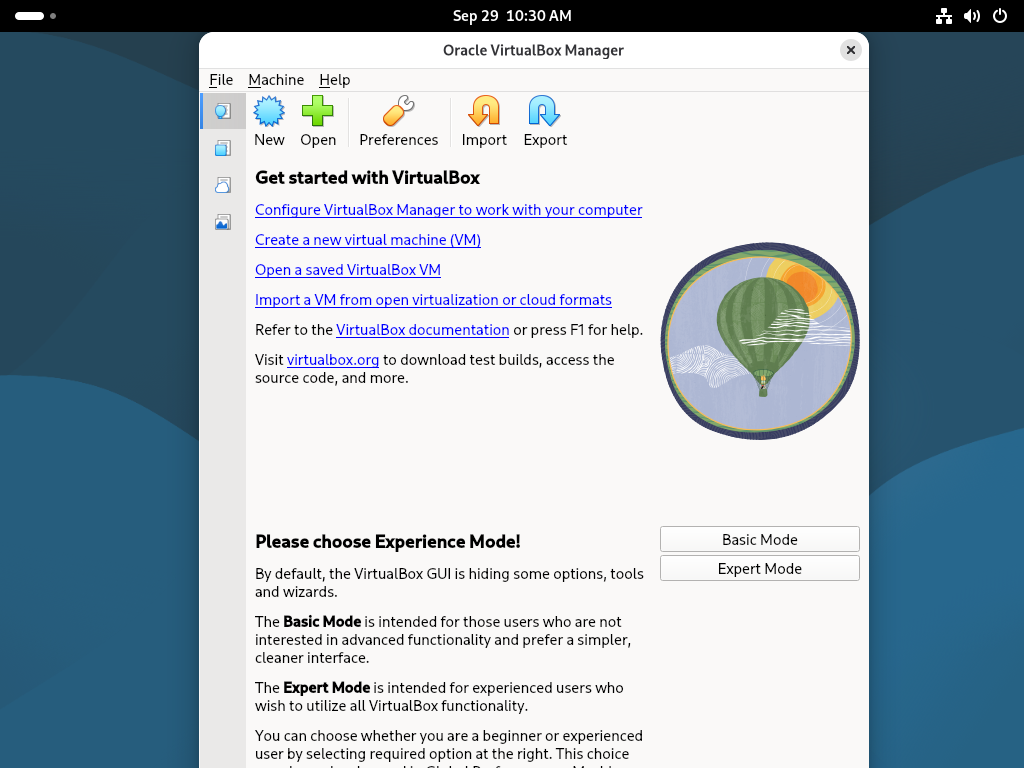
| [2] | Click the [New] button on upper menu. |
 |
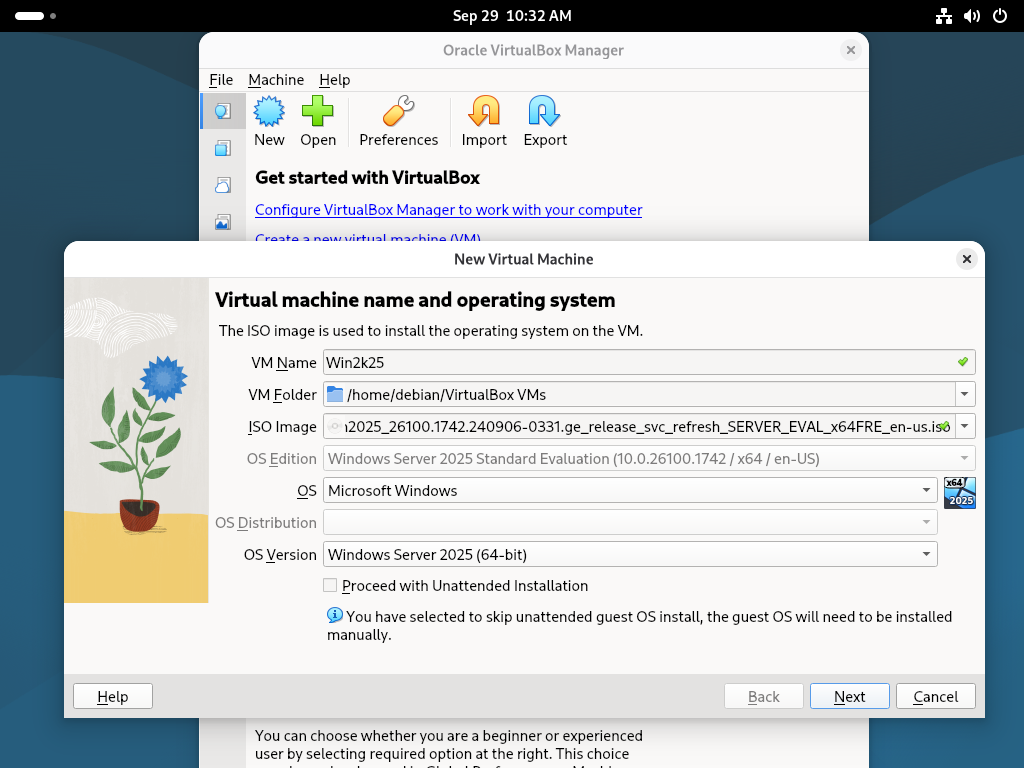
| [3] | Configure the name of VM and the type of OS and so on. |
 |
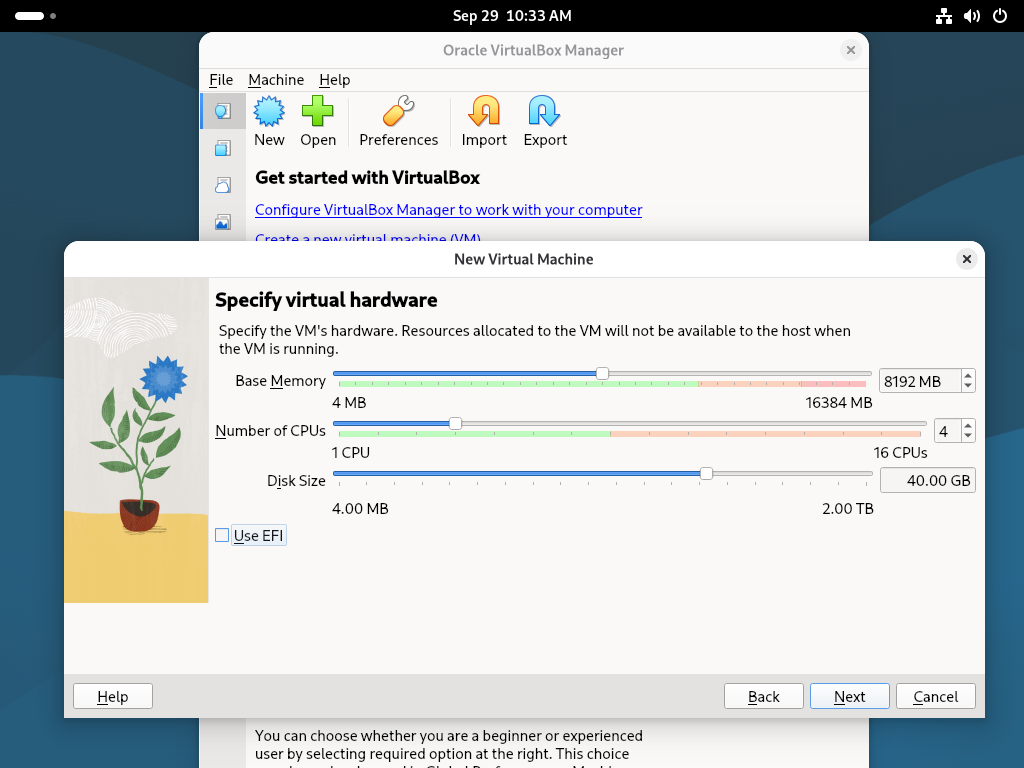
| [4] | Specify the amount of memory and CPU count, disk size for Virtual Machine. |
 |
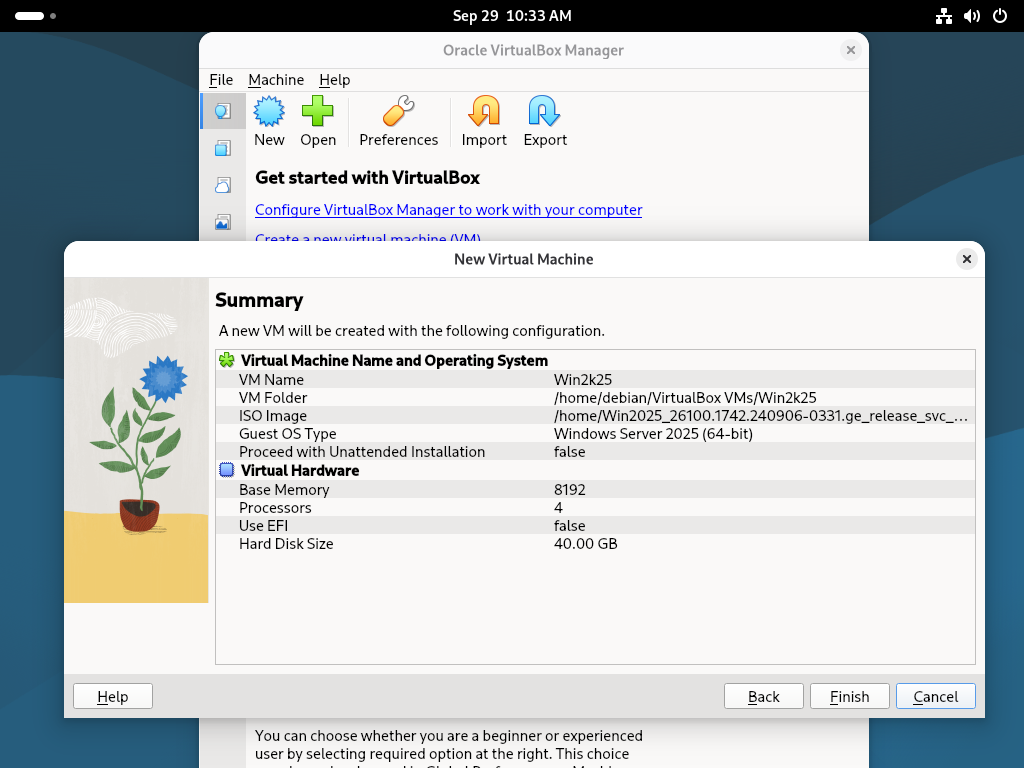
| [5] | Confirm settings you selected and click the [Finish] button if that's OK. |
 |
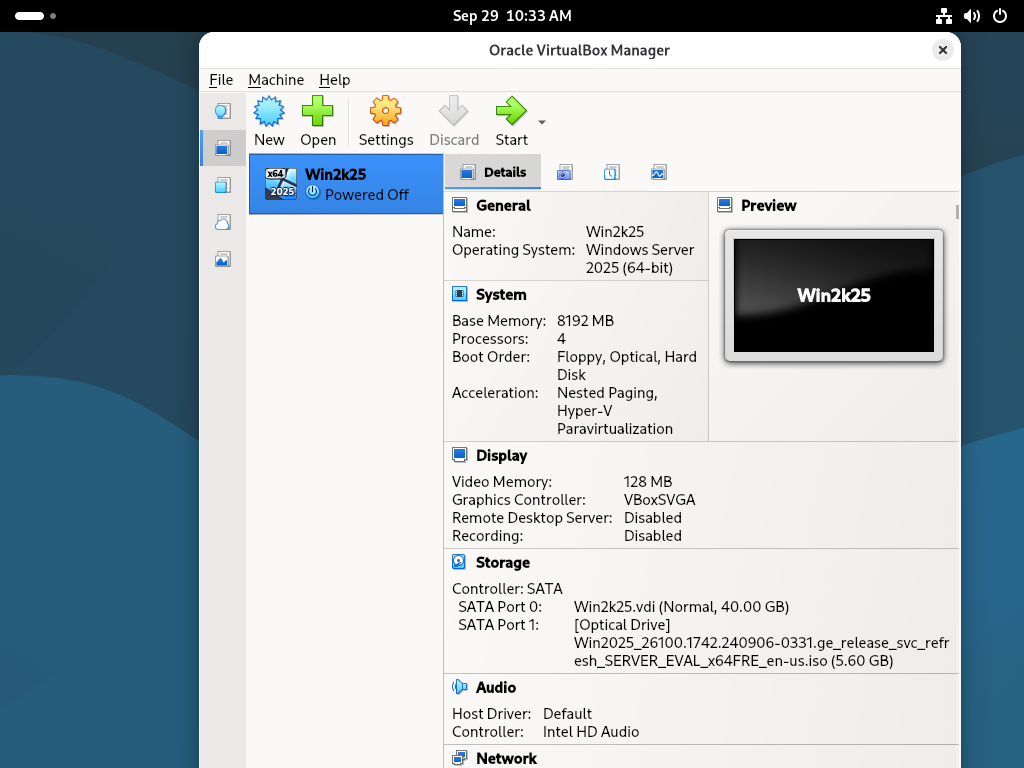
| [6] | Click the [Start] icon on upper menu to start Virtual Machine. |
 |
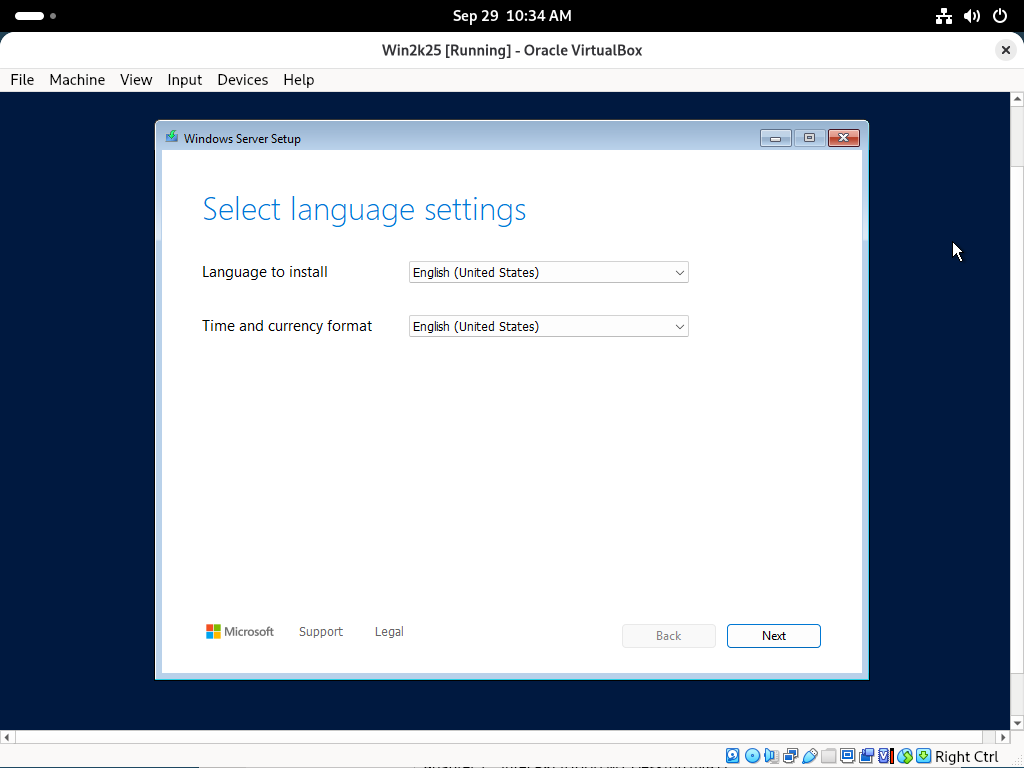
| [7] | Virtual Machine started. |
 |
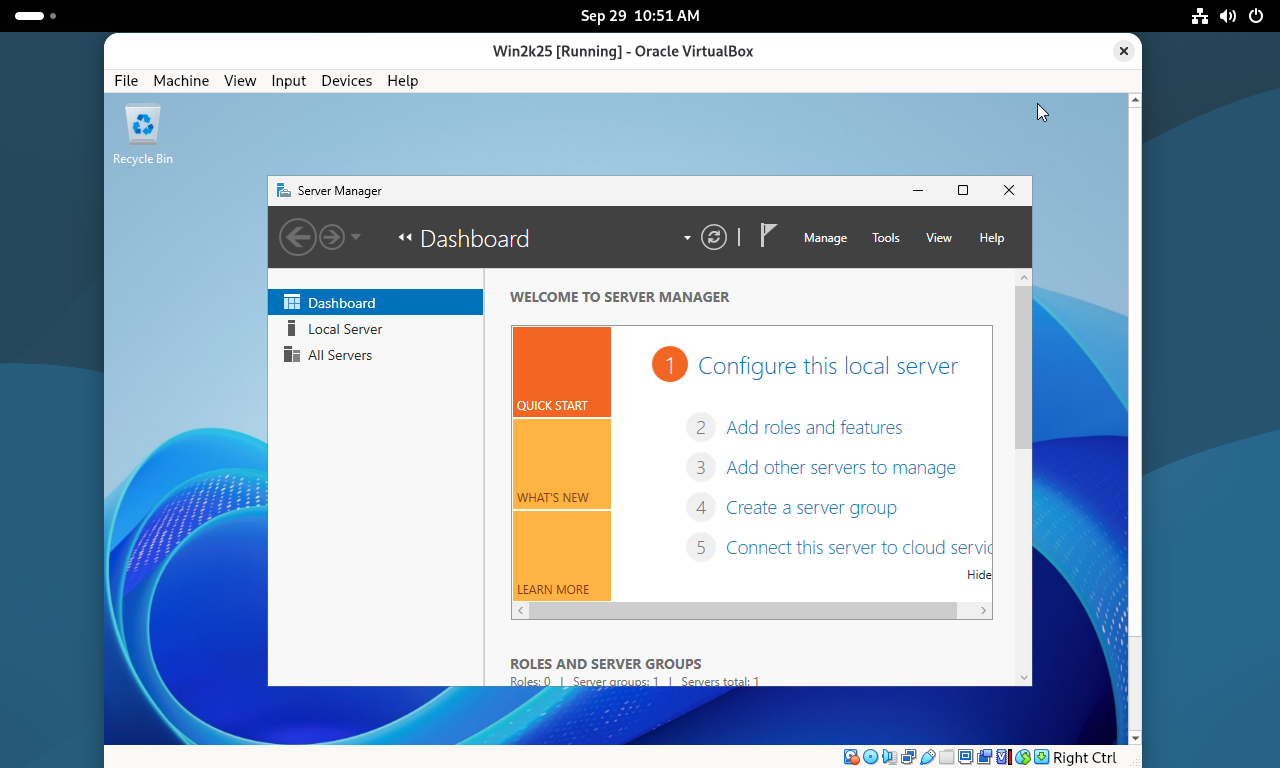
| [8] | Installation has finished and Virtual Machine is running. |
 |

No comments:
Post a Comment