OpenStack Epoxy : Configure Horizon |
Configure OpenStack Dashboard Service (Horizon). | |
| [1] | Install Horizon. |
| root@dlp ~(keystone)# apt -y install openstack-dashboard |
| [2] | Configure Horizon. |
root@dlp ~(keystone)# vi /etc/openstack-dashboard/local_settings.py # line 40 : set hosts you allow to access to horizon # if set all, set [*] ALLOWED_HOSTS = [ '*', ] # line 107 : add SESSION_ENGINE = "django.contrib.sessions.backends.cache" # line 120 : set Openstack Host root@dlp ~(keystone)# vi /etc/apache2/sites-available/default-ssl.conf # line 31,32 : change to your certificate SSLCertificateFile /etc/letsencrypt/live/dlp.srv.world/cert.pem SSLCertificateKeyFile /etc/letsencrypt/live/dlp.srv.world/privkey.pem # line 41 : uncomment and specify your chain file SSLCertificateChainFile /etc/letsencrypt/live/dlp.srv.world/chain.pem root@dlp ~(keystone)# vi /etc/openstack-dashboard/local_settings.d/_0006_debian_cache.py # change to your Memcache server CACHES = {
'default' : {
#'BACKEND': 'django.core.cache.backends.locmem.LocMemCache'
'BACKEND': 'django.core.cache.backends.memcached.PyMemcacheCache',
'LOCATION': '10.0.0.30:11211',
}
}
root@dlp ~(keystone)# vi /etc/apache2/conf-available/openstack-dashboard.conf # create new WSGIScriptAlias / /usr/share/openstack-dashboard/wsgi.py process-group=horizon
WSGIDaemonProcess horizon user=horizon group=horizon processes=3 threads=10 display-name=%{GROUP}
WSGIProcessGroup horizon
WSGIApplicationGroup %{GLOBAL}
Alias /static /var/lib/openstack-dashboard/static/
Alias /horizon/static /var/lib/openstack-dashboard/static/
<Directory /usr/share/openstack-dashboard>
Require all granted
</Directory>
<Directory /var/lib/openstack-dashboard/static>
Require all granted
</Directory>
a2enconf openstack-dashboard root@dlp ~(keystone)# a2ensite default-ssl root@dlp ~(keystone)# a2enmod ssl root@dlp ~(keystone)# mv /etc/openstack-dashboard/policy /etc/openstack-dashboard/policy.org root@dlp ~(keystone)# chown -R horizon /var/lib/openstack-dashboard/secret-key root@dlp ~(keystone)# systemctl restart apache2 |
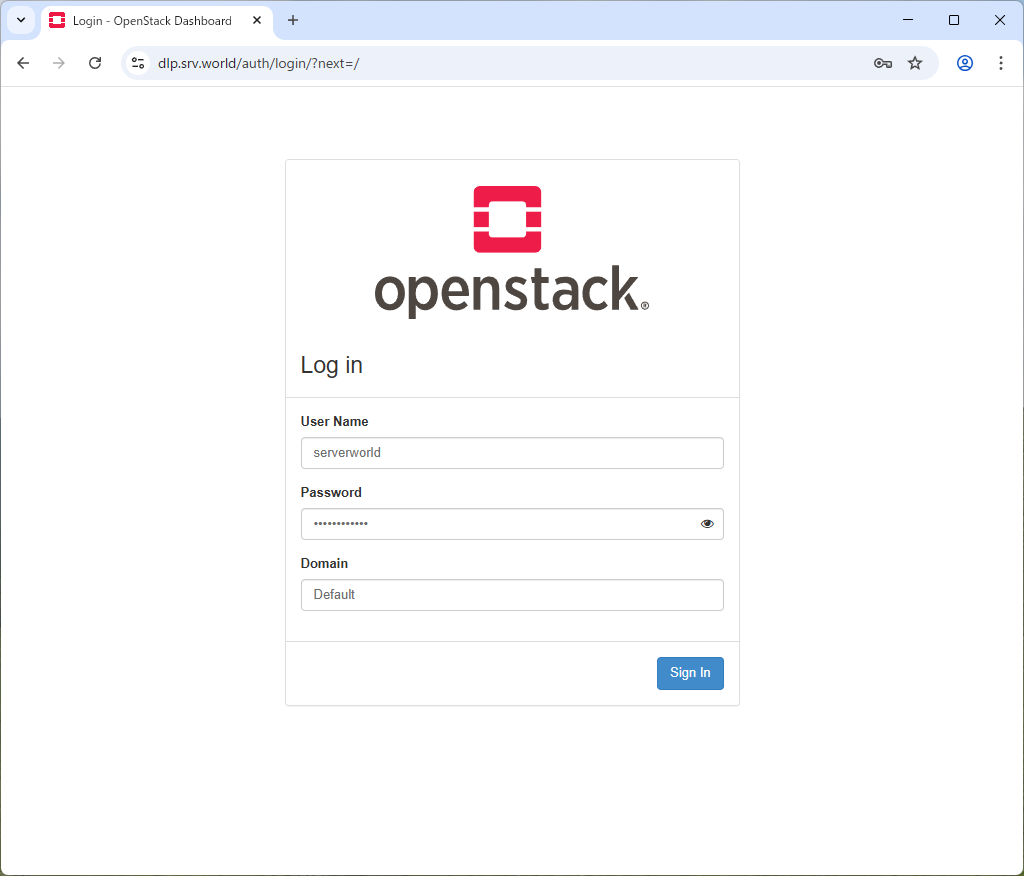
| [3] | Access to the URL below with any web browser. It's possible to use all features if you login with [admin] user when you set it on keystone bootstrap. If you login with a common user, it's possible to use or manage own instances. |
 |
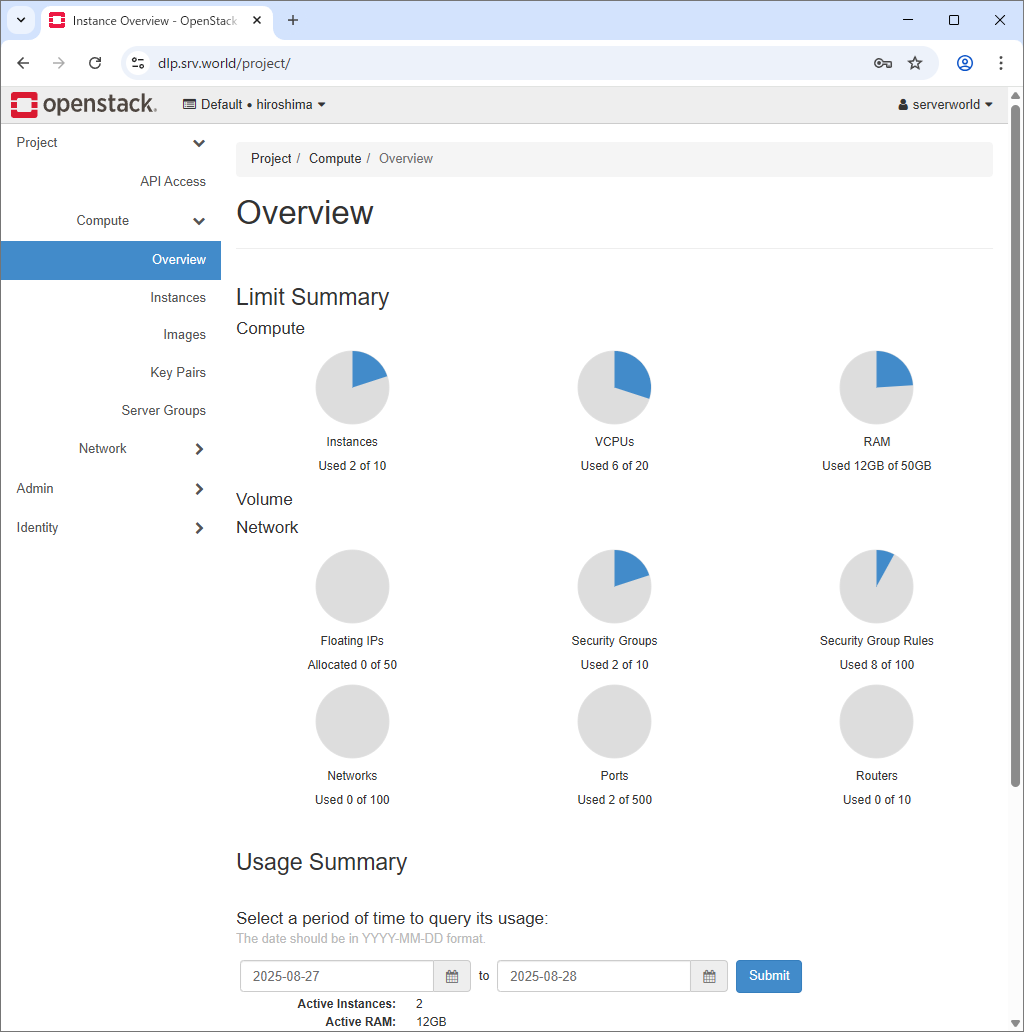
| [4] | After login successfully, following screen is displayed (with common user). You can control Openstack on this Dashboard. |
 |
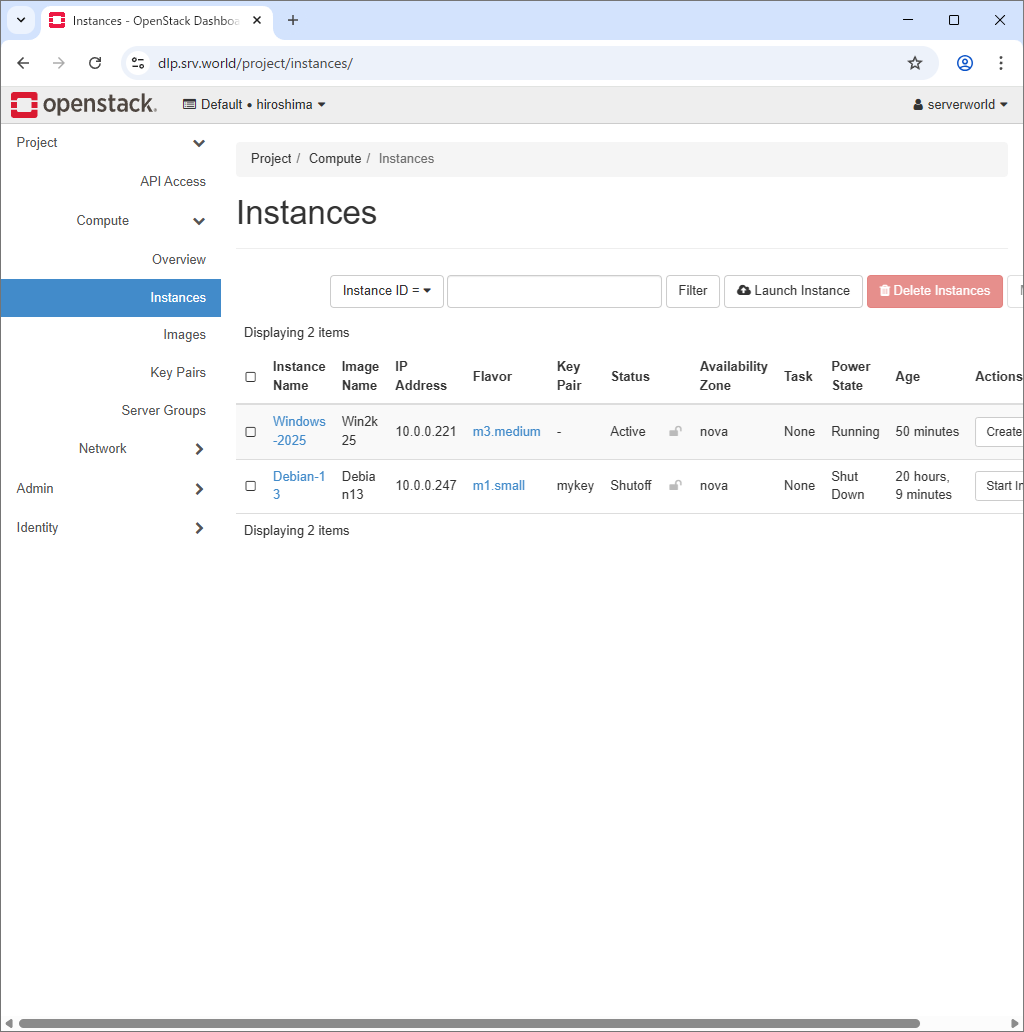
| [5] | To confirm own instances, Click [Instances] on the left pane, then they are displayed on the right. It's possible to confirm details of instance to click an instance name. |
 |
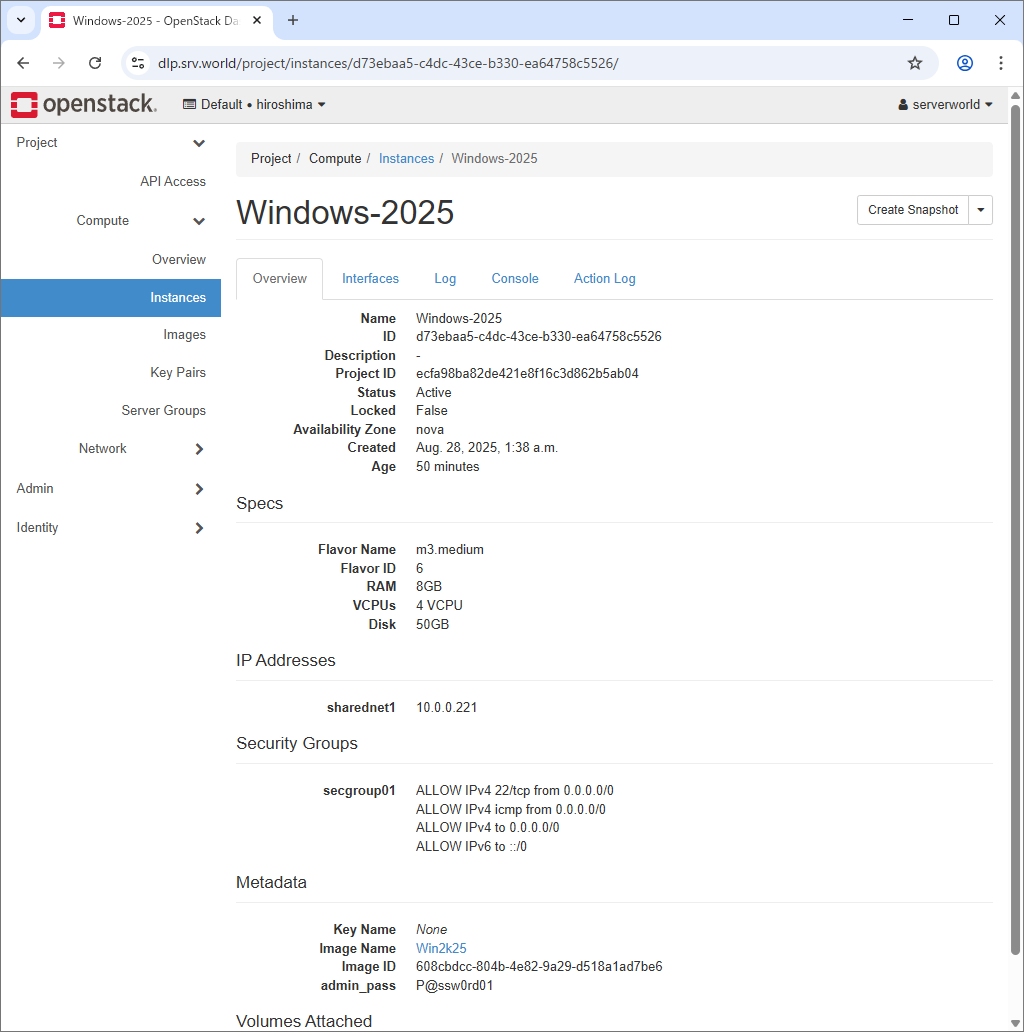
| [6] | The details of instance is displayed. To Click [Console] tab, it's possible to access to instance console. |
 |
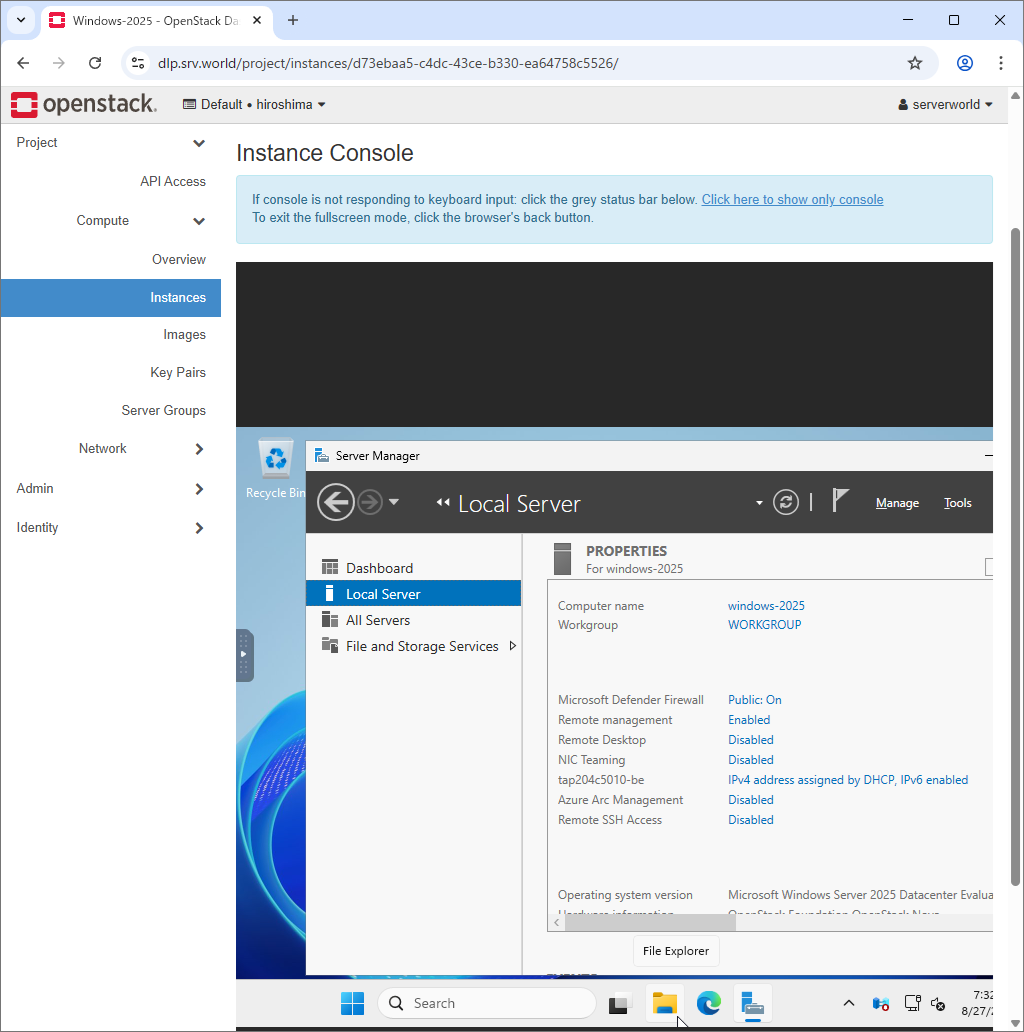
| [7] | On instance console, it's possible to operate instance on Dashboard web. |
 |
Matched Content

No comments:
Post a Comment